
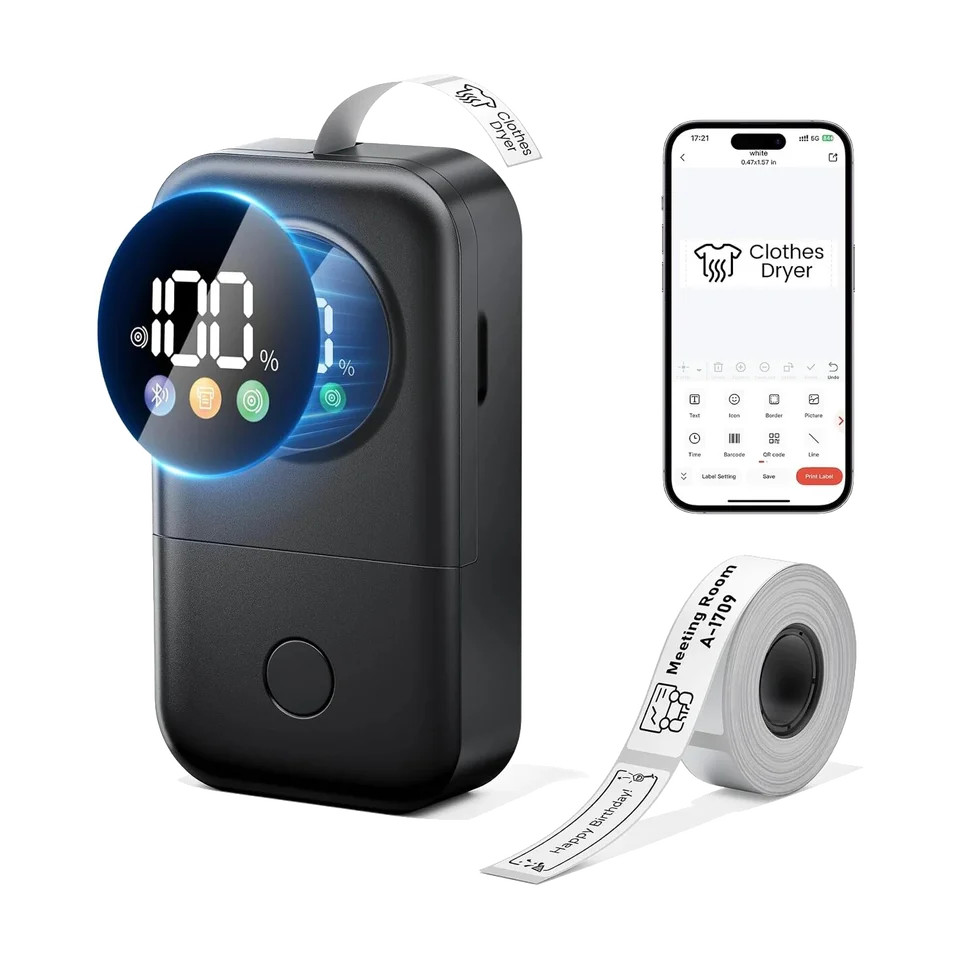
Label printer
Choose your Phomemo printer for its user guide, instruction videos, answers to common questions and the right apps and software.
8 models
Label printer
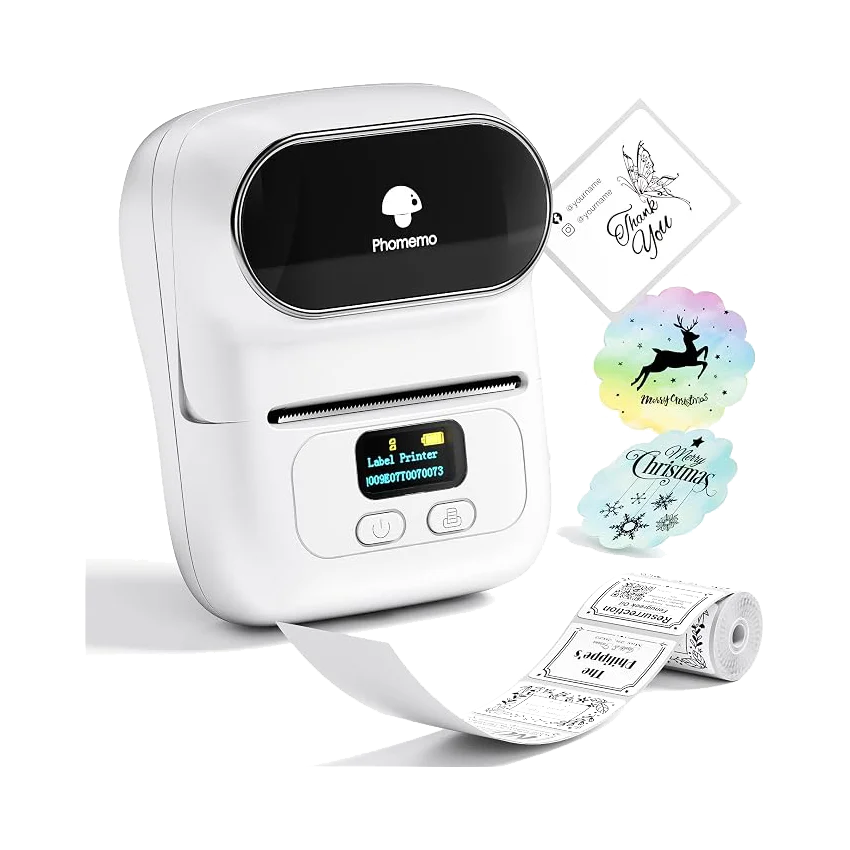
Label printer
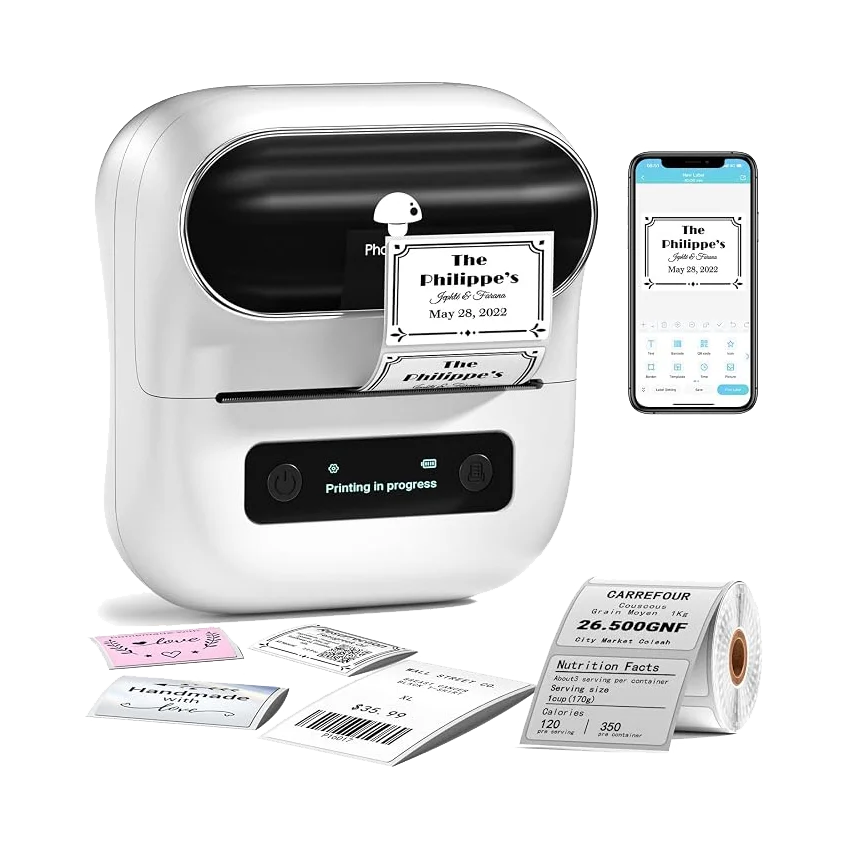
Label printer
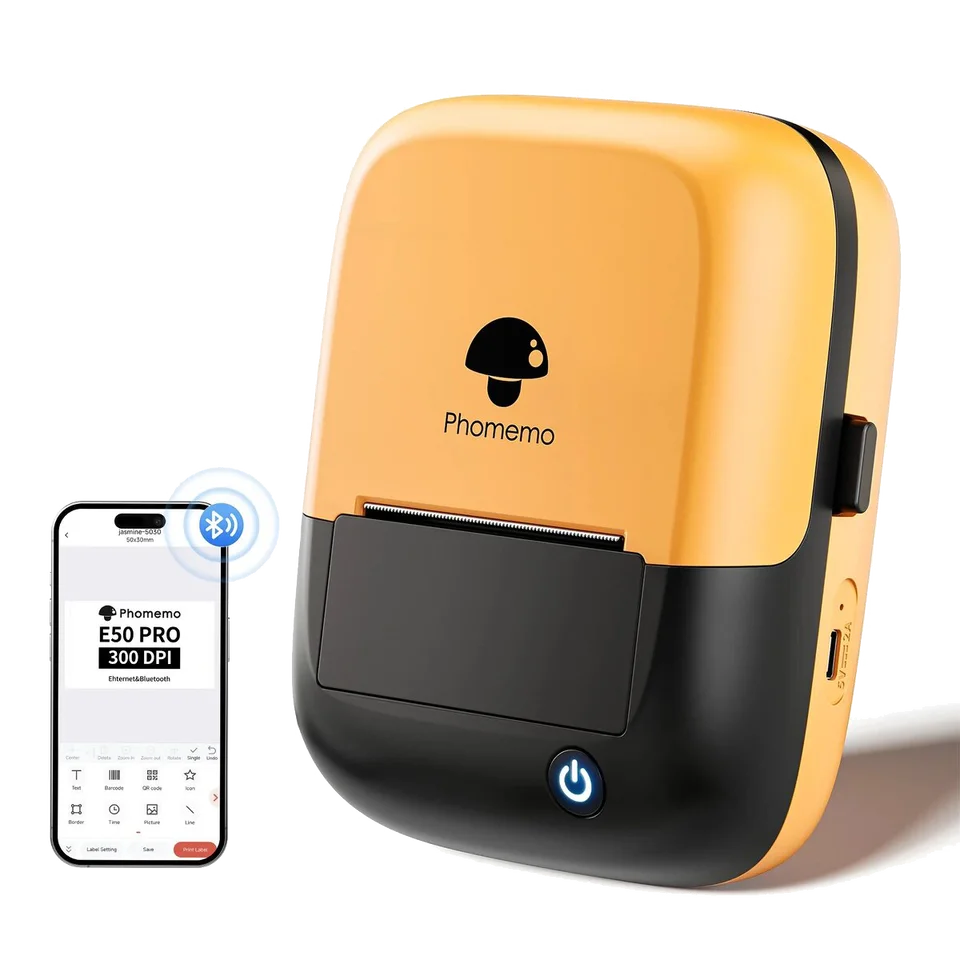
Label printer
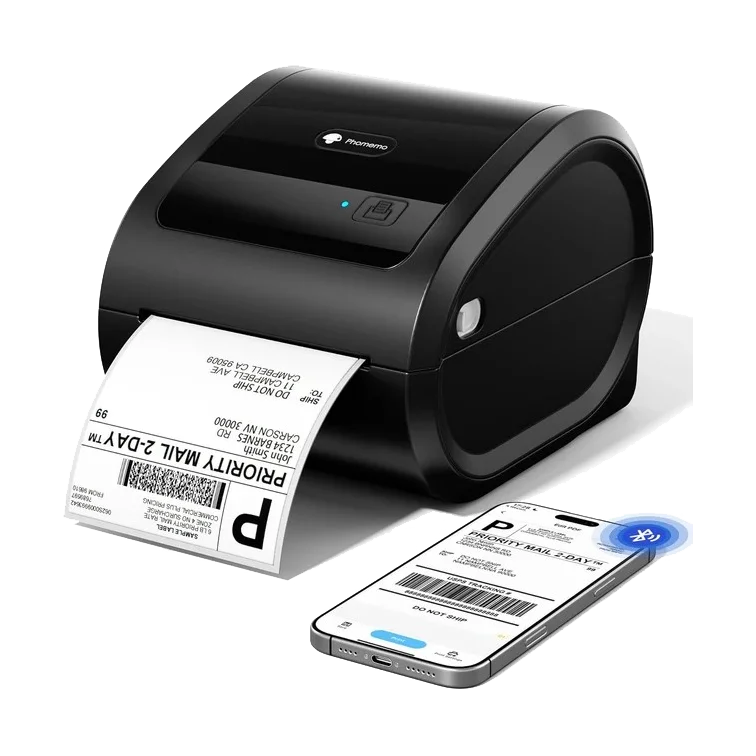
Shipping label printer
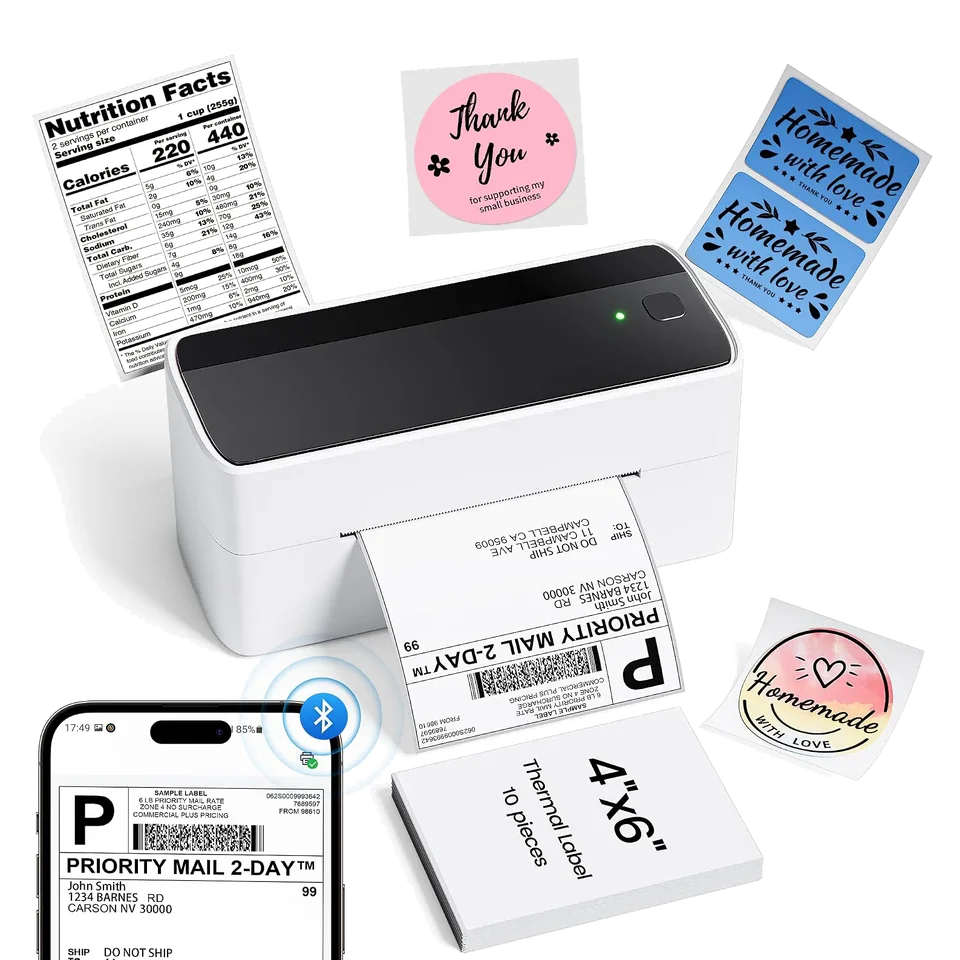
Shipping label printer
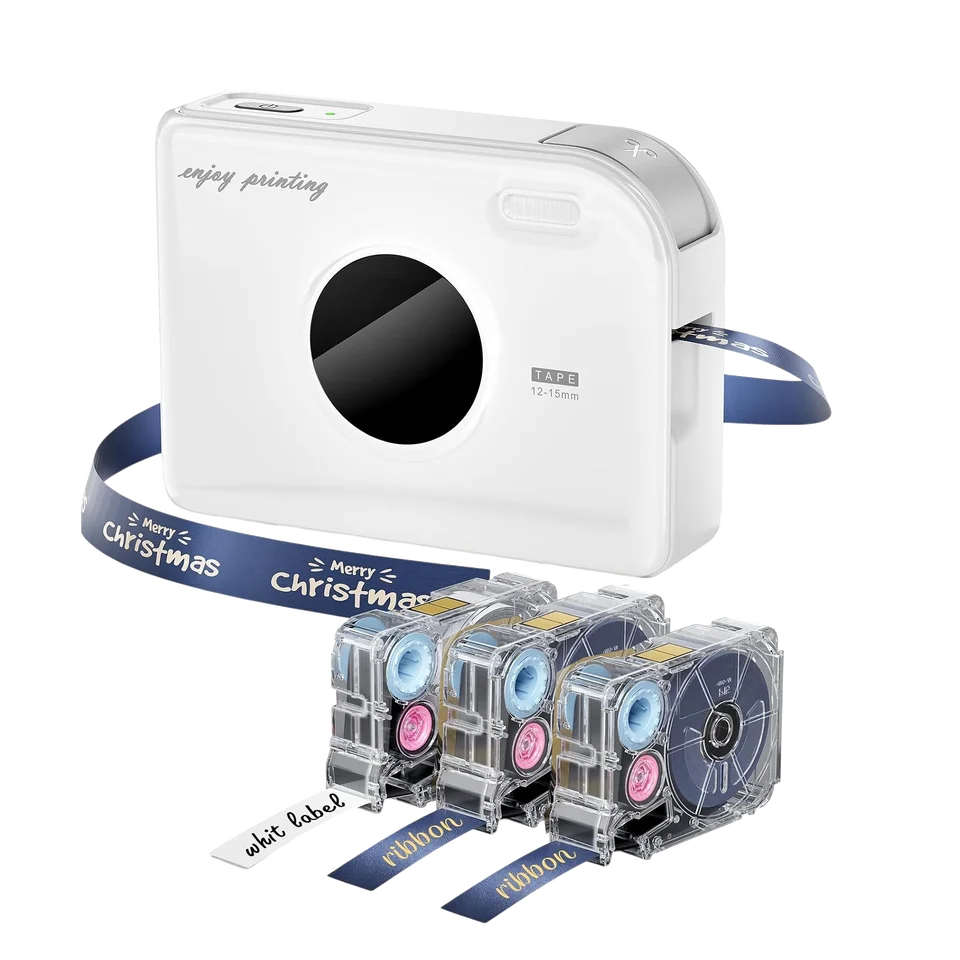
Ribbon printer
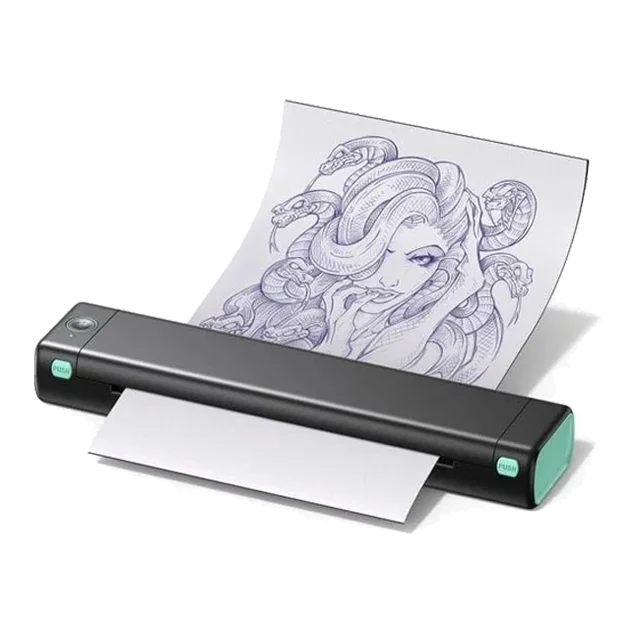
Tattoo printer
Check the model number or view all printers. If your printer is missing, send us a photo of its product label.
Check the label on or underneath your printer, or on its packaging. Look for a code such as M110, D30D or M08F. The colour or bundle name does not change the printer model.
Software & drivers
Check your model guide for the software you need. Drivers are also available from Phomemo’s official download centre.
Downloads at PhomemoSend us the model name or a photo of your printer. Tell us what you need help with and we’ll take a look.