Label printers

The label you need. A printer that fits.

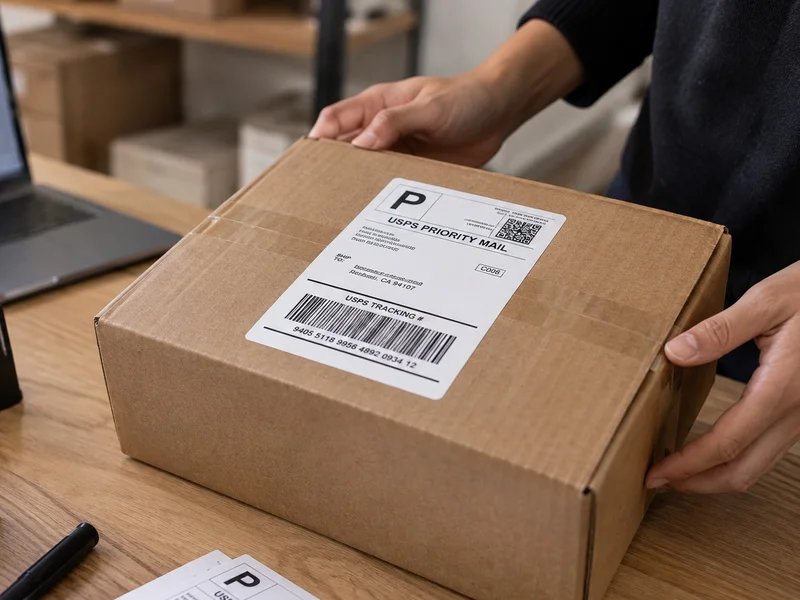
Product names, parcel addresses or a cable you need to identify. Start with the task, then compare the material and setup.

1 printer

Filter and sort

Filter label printers by task

Phomemo

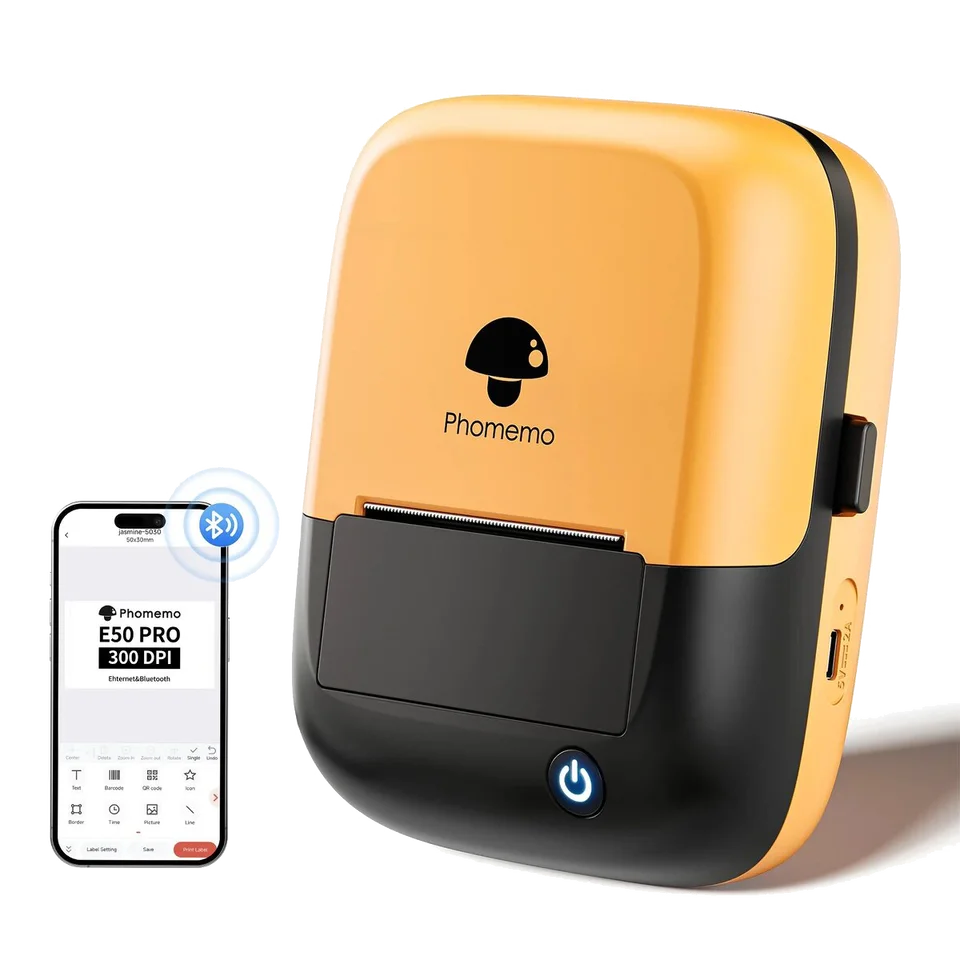
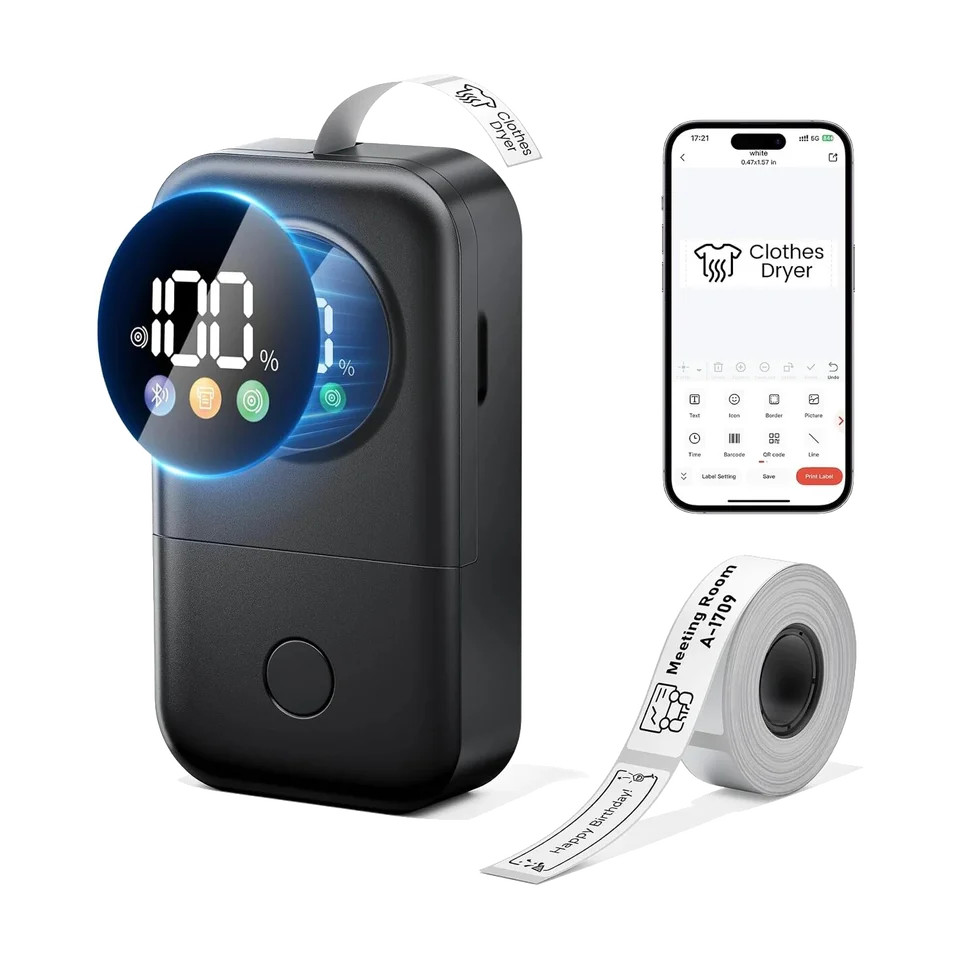
E50Pro-OB

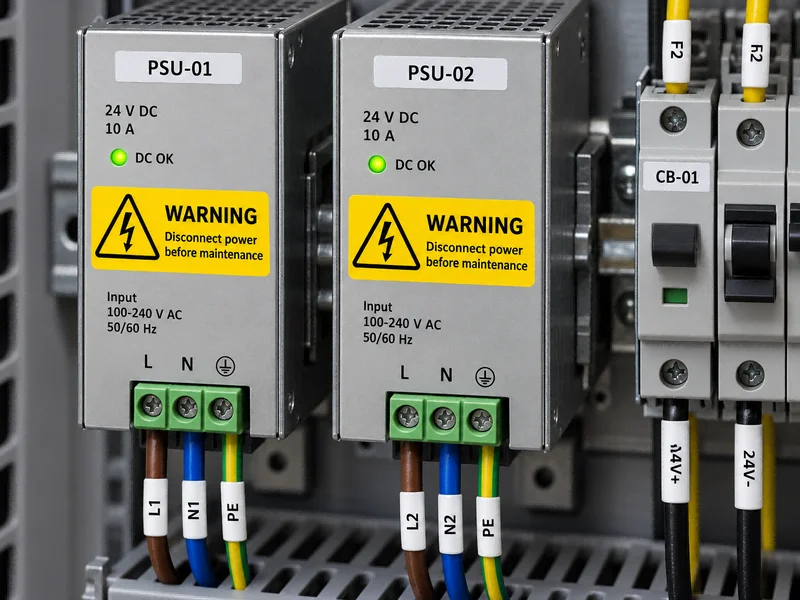
Identify cables, parts and equipment with purpose-made labels.

Setup
Portable
Material
tape
Phone
Print Master
Computer
Details on request
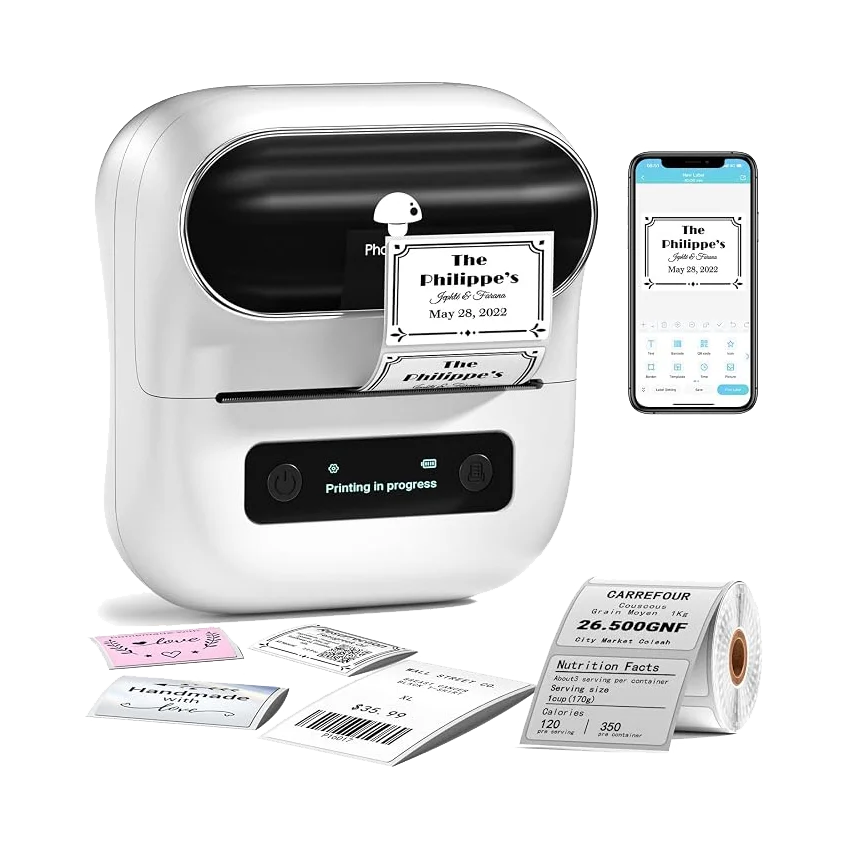
Black M110 with labels on storage boxes and gifts, shown by Phomemo
Manufacturer example: M110 in black. Pictured materials vary.

Label examples

Start with what needs to fit.

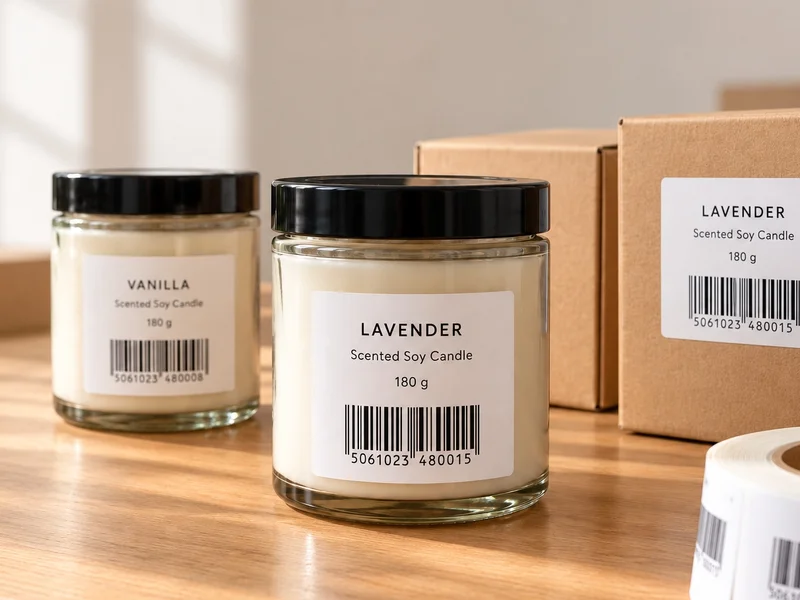
A price may need one line. A product name and barcode need more room. Measure the space on the item, then choose the label.

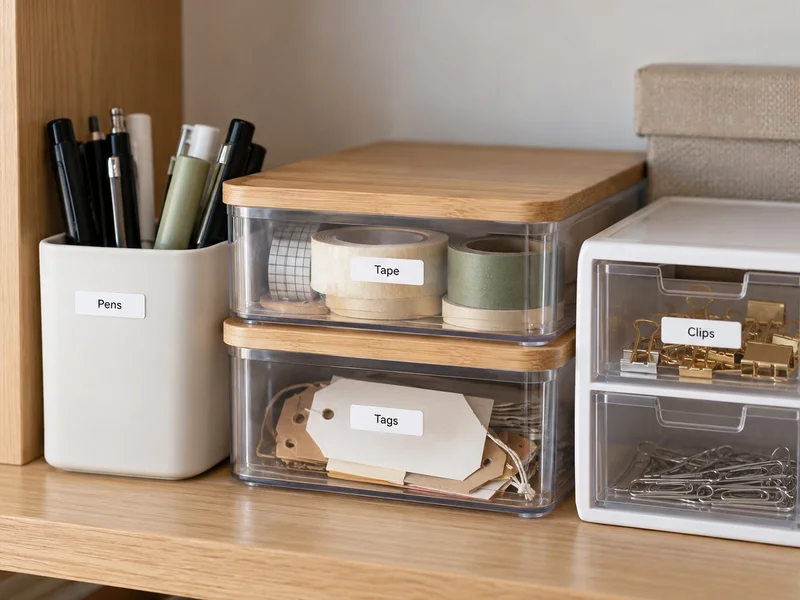
  • A short name for a shelf or box
  • A price or size for a product
  • A barcode with the details you need
Explore the M110

How labels feed

Roll or folded stack?

Two ways to feed your labels. Choose the format that fits your printer and the space on your desk.

Thermal labels wound around a cardboard roll core

Roll feed

A roll

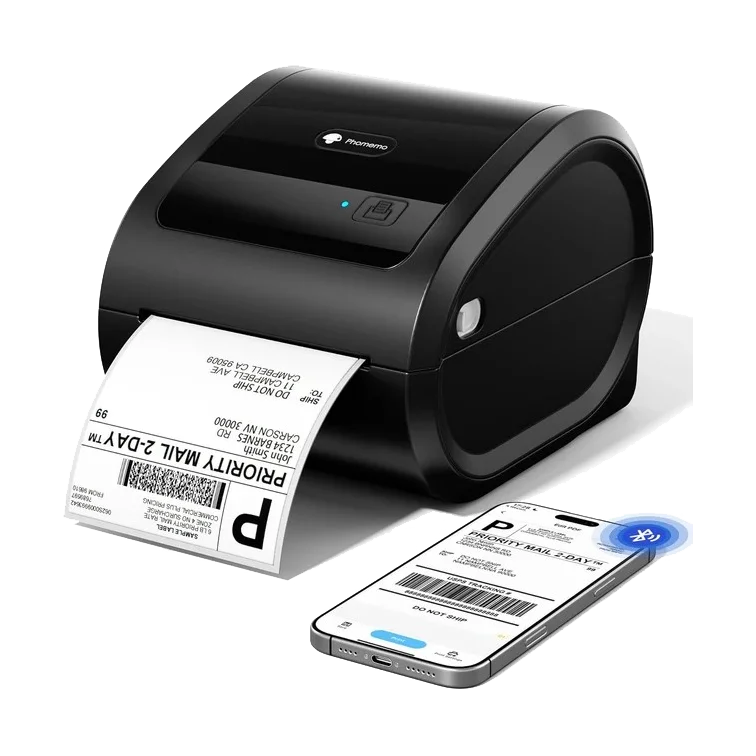
Labels unwind as you print. D520BT can hold a suitable roll inside the printer.

Check the fit
Backing width, core and outer diameter.
View the 500-label roll
A folded stack of thermal labels with its continuous backing paper

Fanfold feed

A folded stack

Labels unfold behind the printer. Leave a clear path into the feed slot.

Check the fit
Backing width, label size and feed path.
View 500 fanfold labels
Phomemo external label holder

Feeding labels from outside?

A holder can keep an external roll or stack in place. Check the setup for your printer.

View the label holder
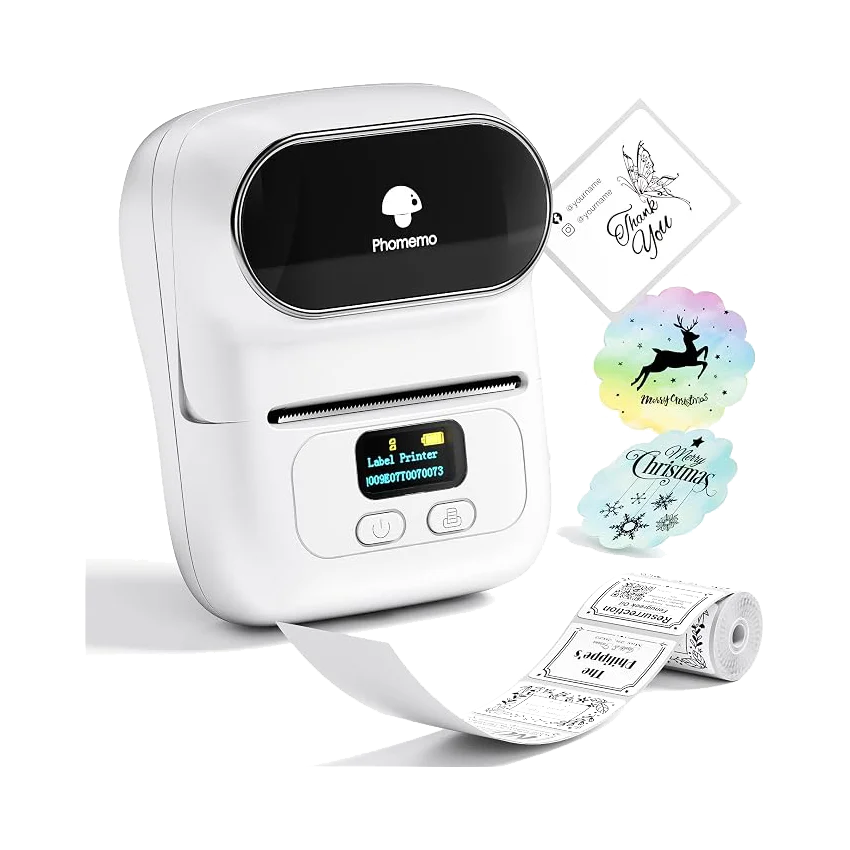
Examples of round thermal product stickers
Round labels shown with a sample design. Colour and format depend on the pack.

Beyond the parcel

Round stickers.
Square labels.
Your own design.

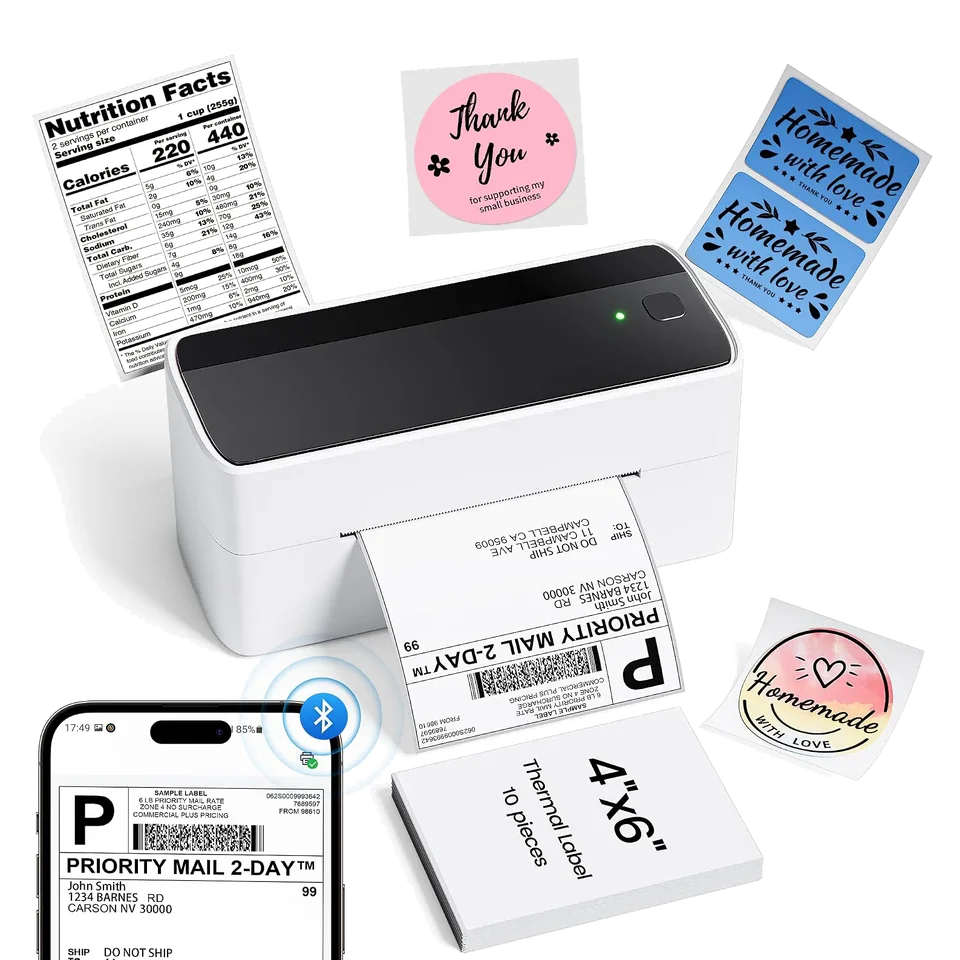
A product name, a price or a thank-you message. D520BT and PM241-BT also print on compatible shaped thermal labels.

Black print. Your choice of background.

The printer makes the black text and artwork. The label supplies the background colour.

Find labels for your printer

PM-241: confirm the full model code before choosing a pack.

What makes a label fit?

Refills

Find the refill for your printer.

Choose your full model name, then check the pack, format and surface.

Find my refills

Need a hand choosing?

Answer a few questions to find your options.
Help me choose