
300 dpi
Keep text and codes easy to read
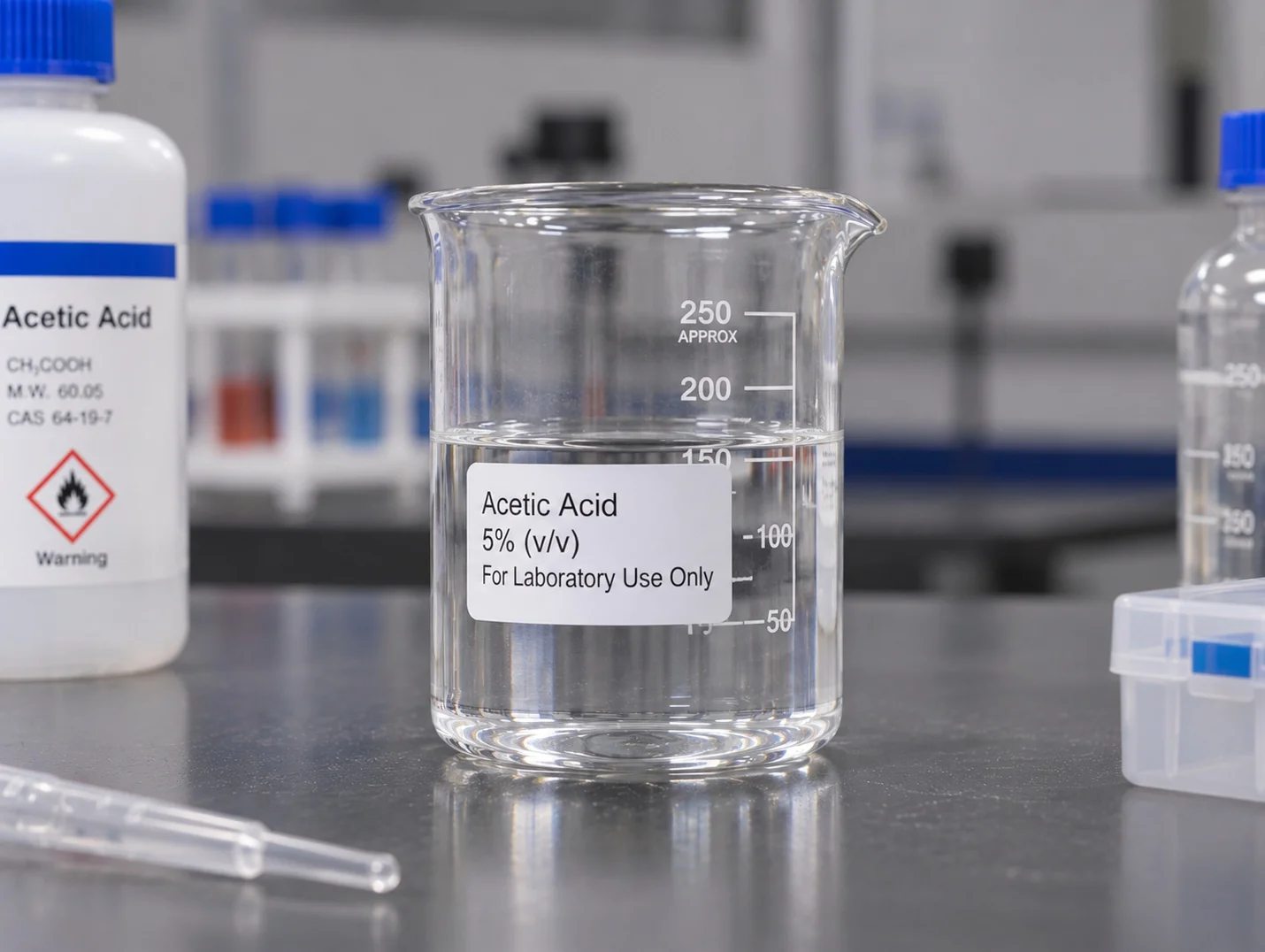
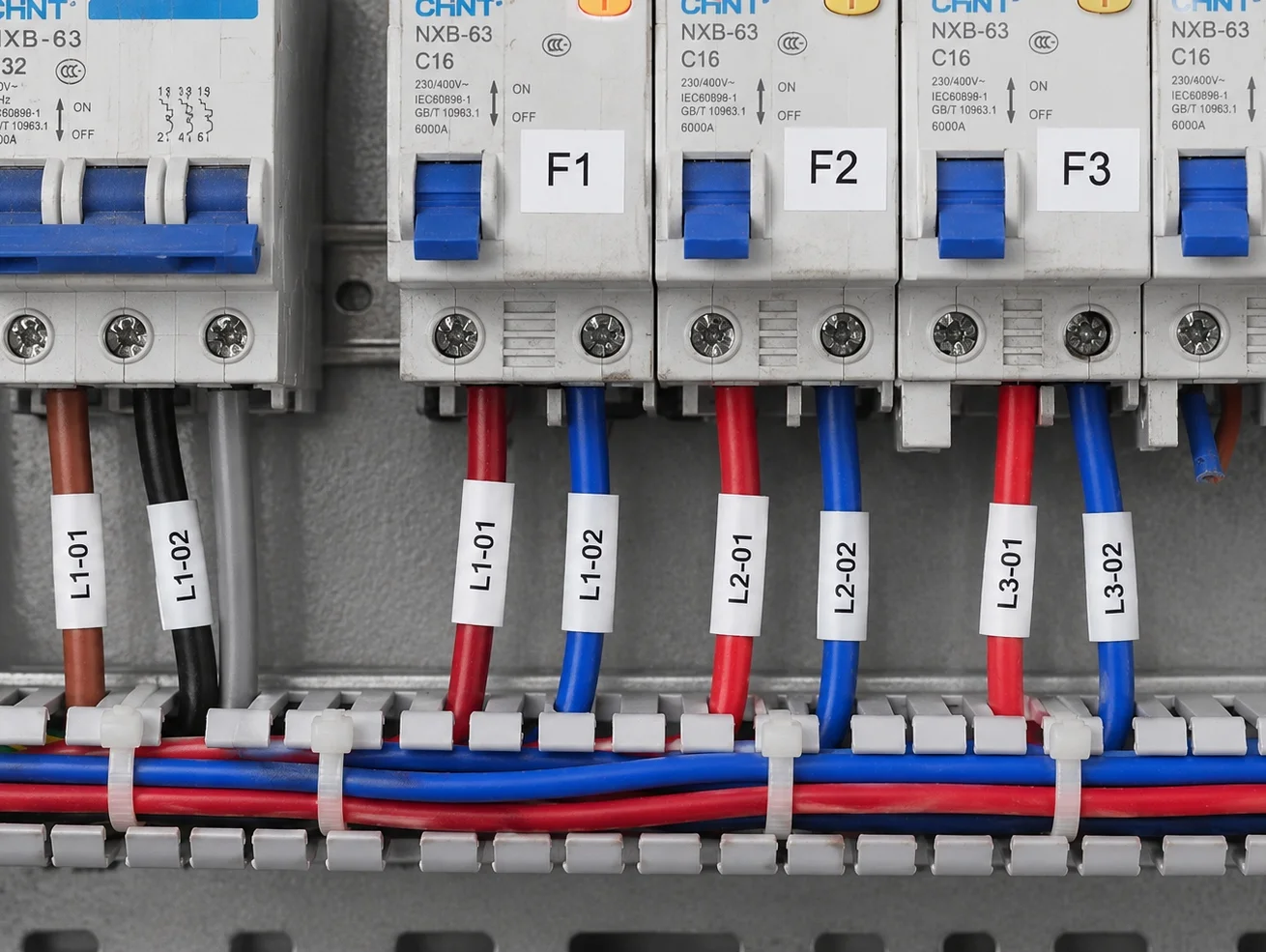
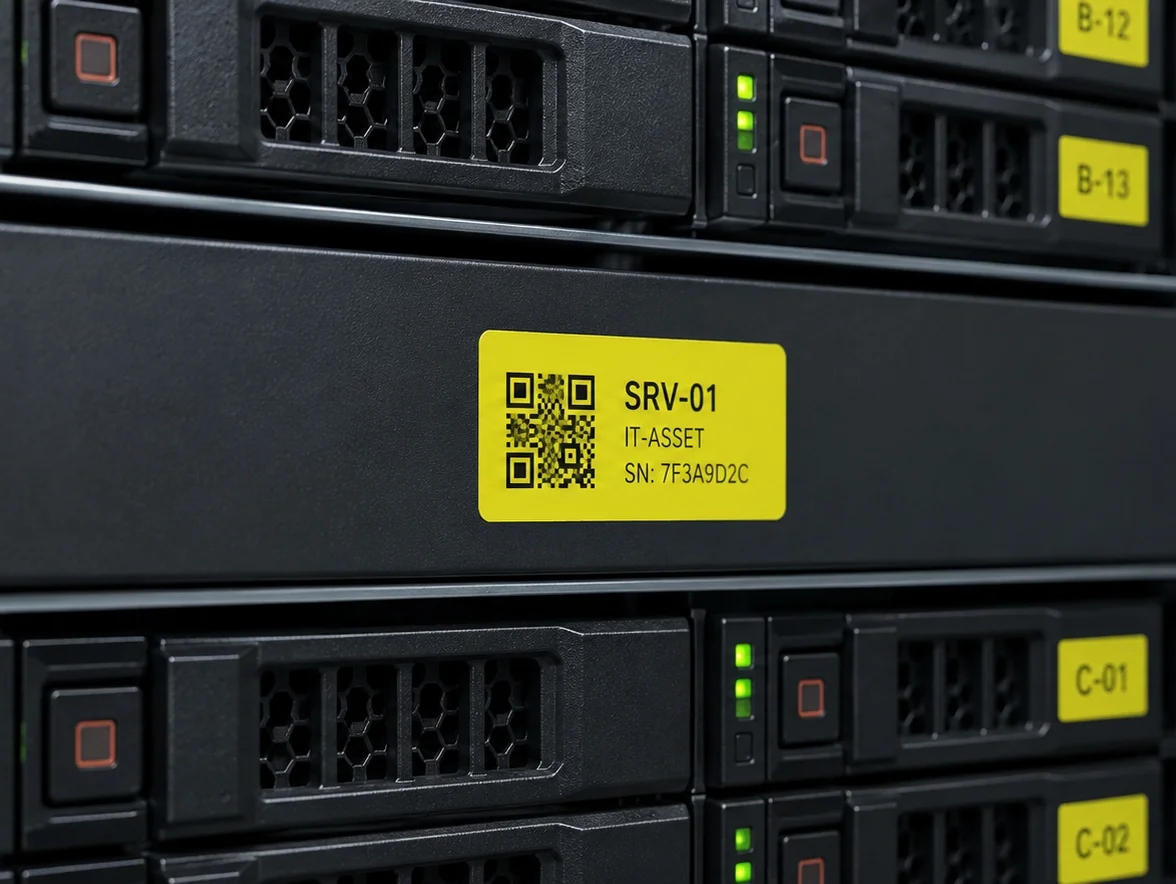
Print clear text, barcodes and QR codes for equipment, cables and other identification tasks.
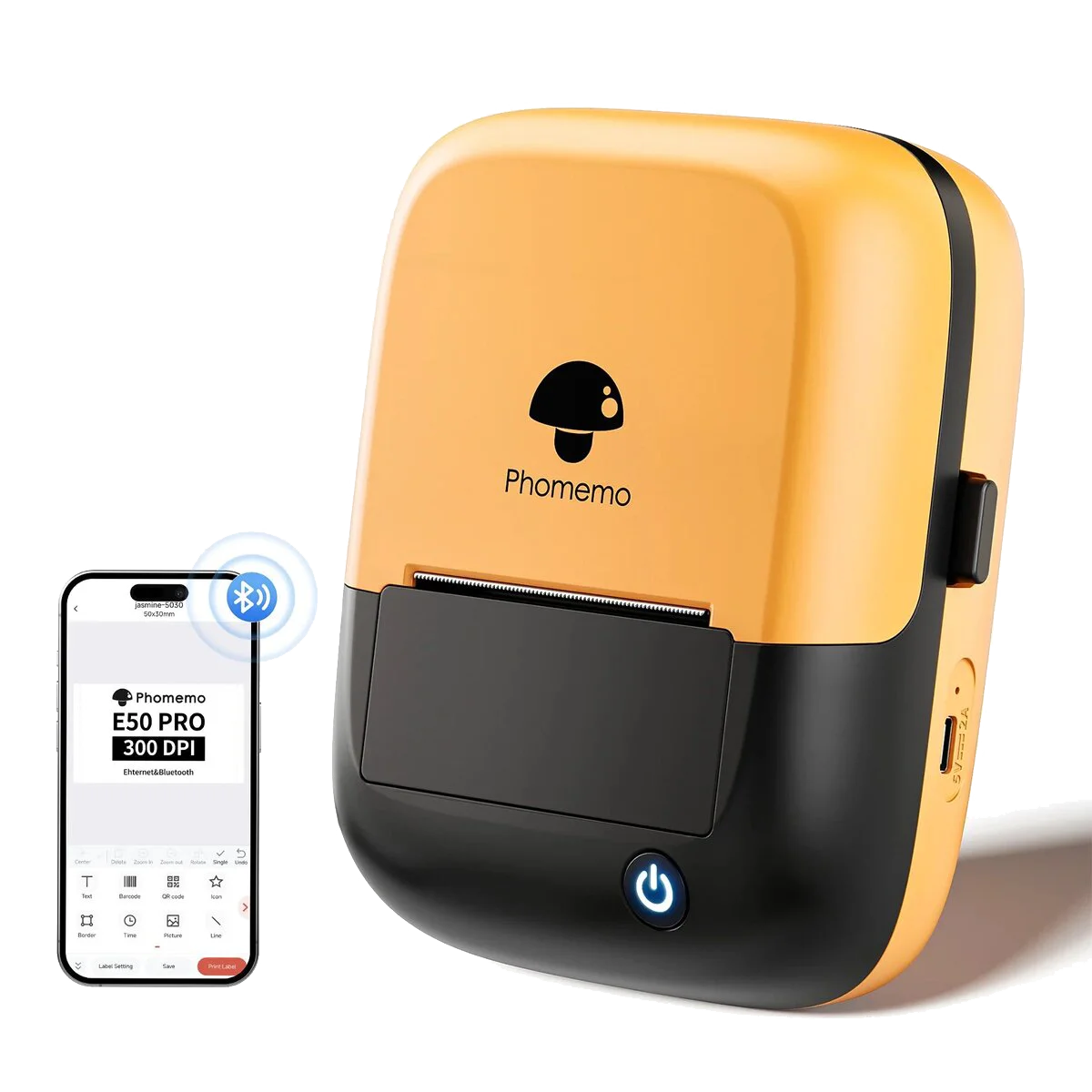
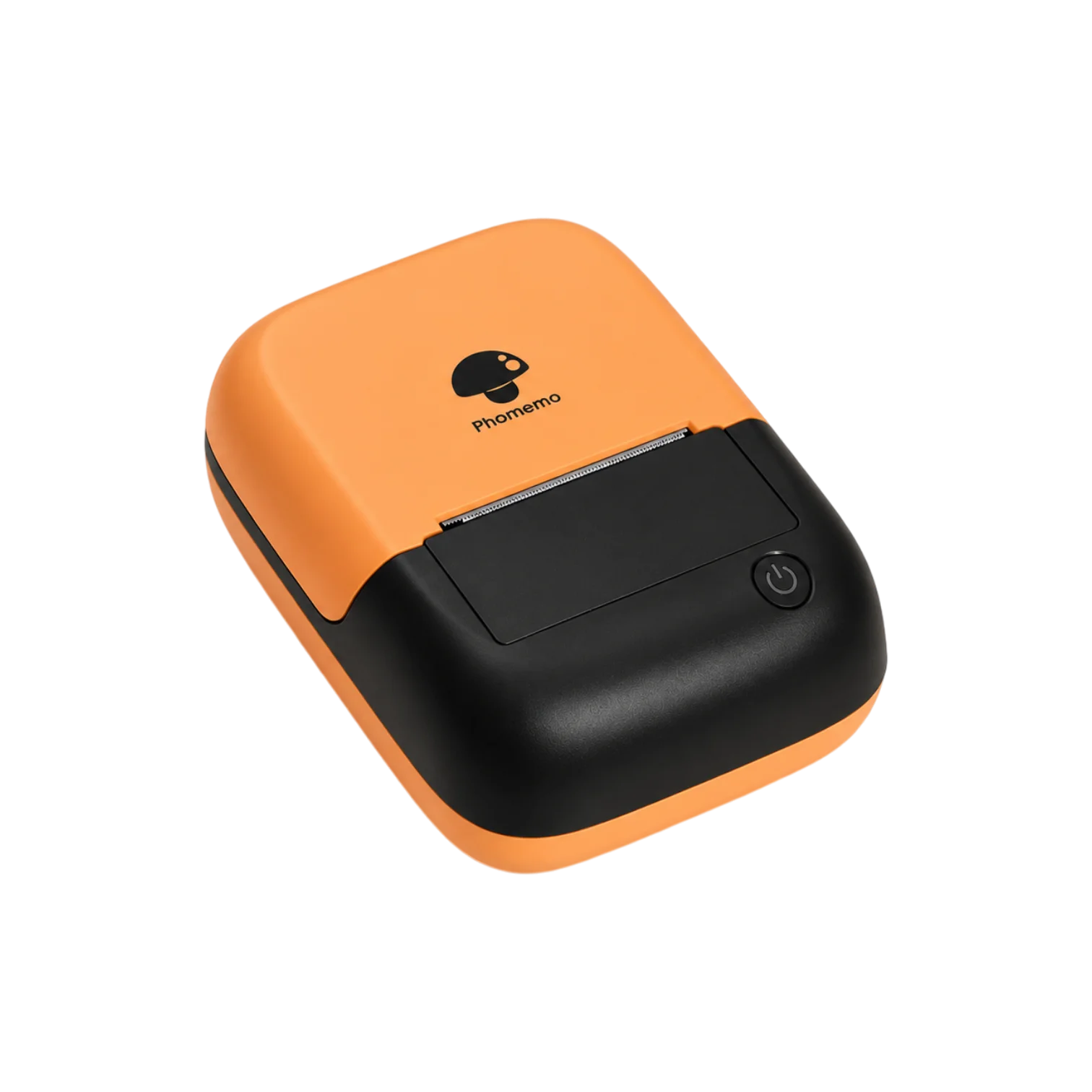
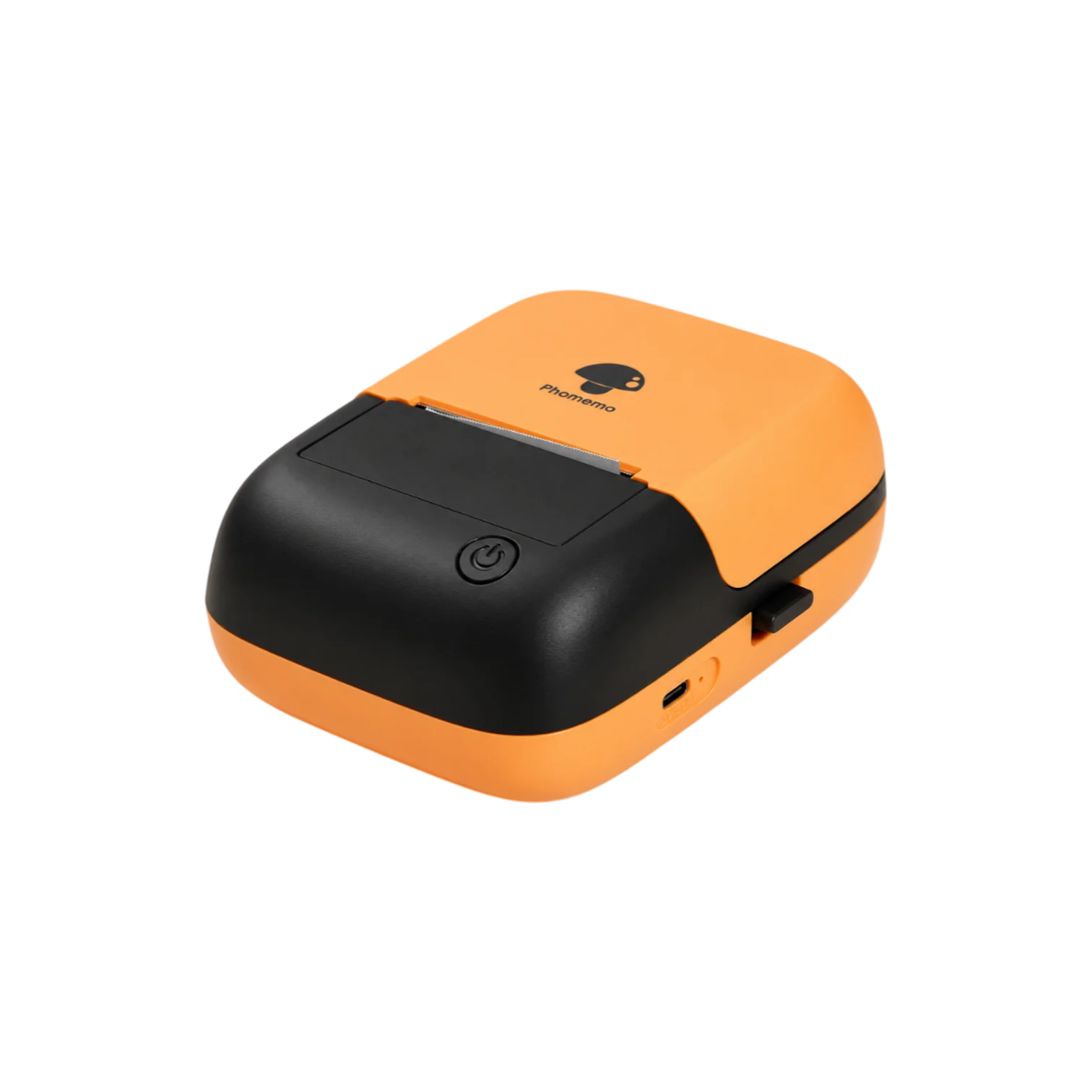
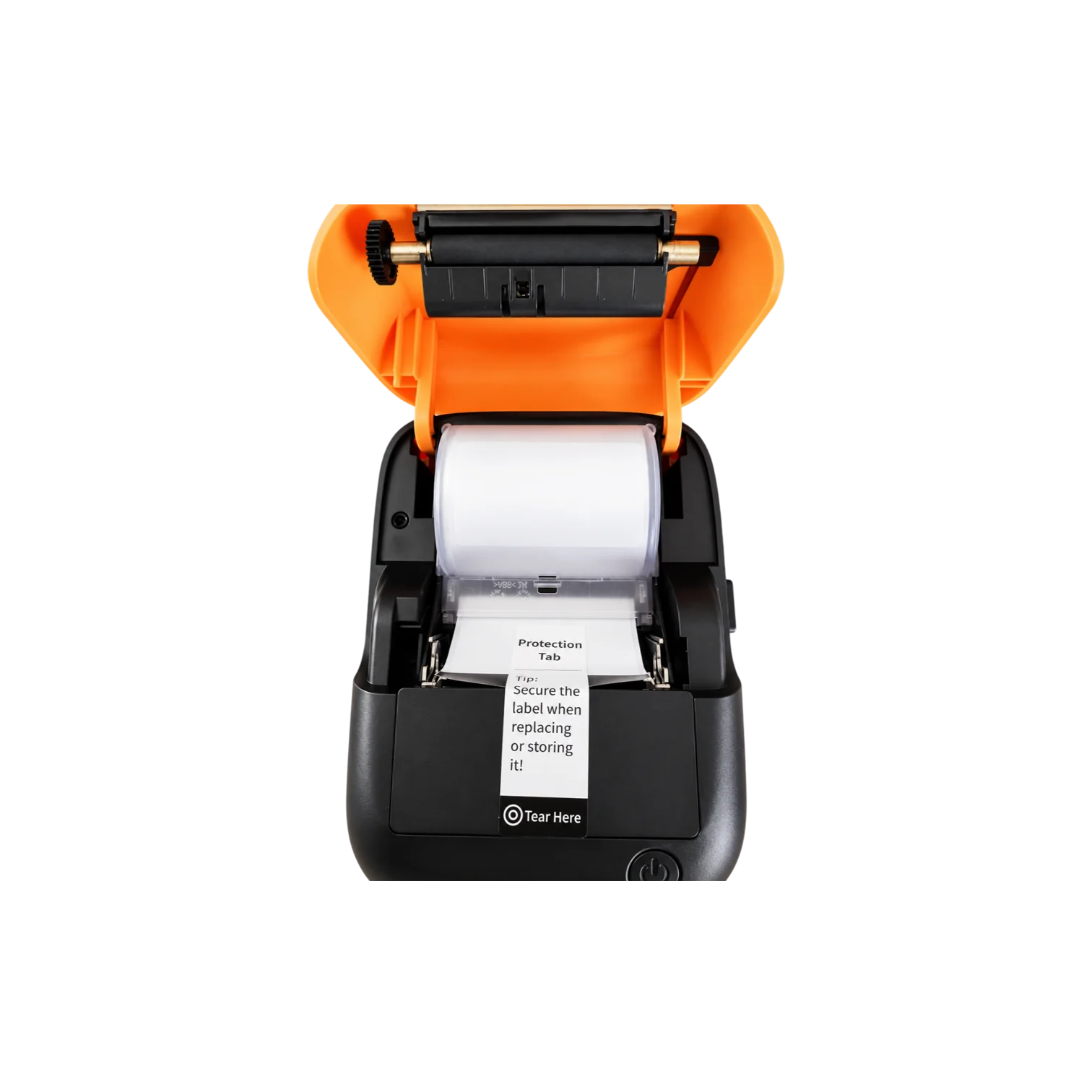
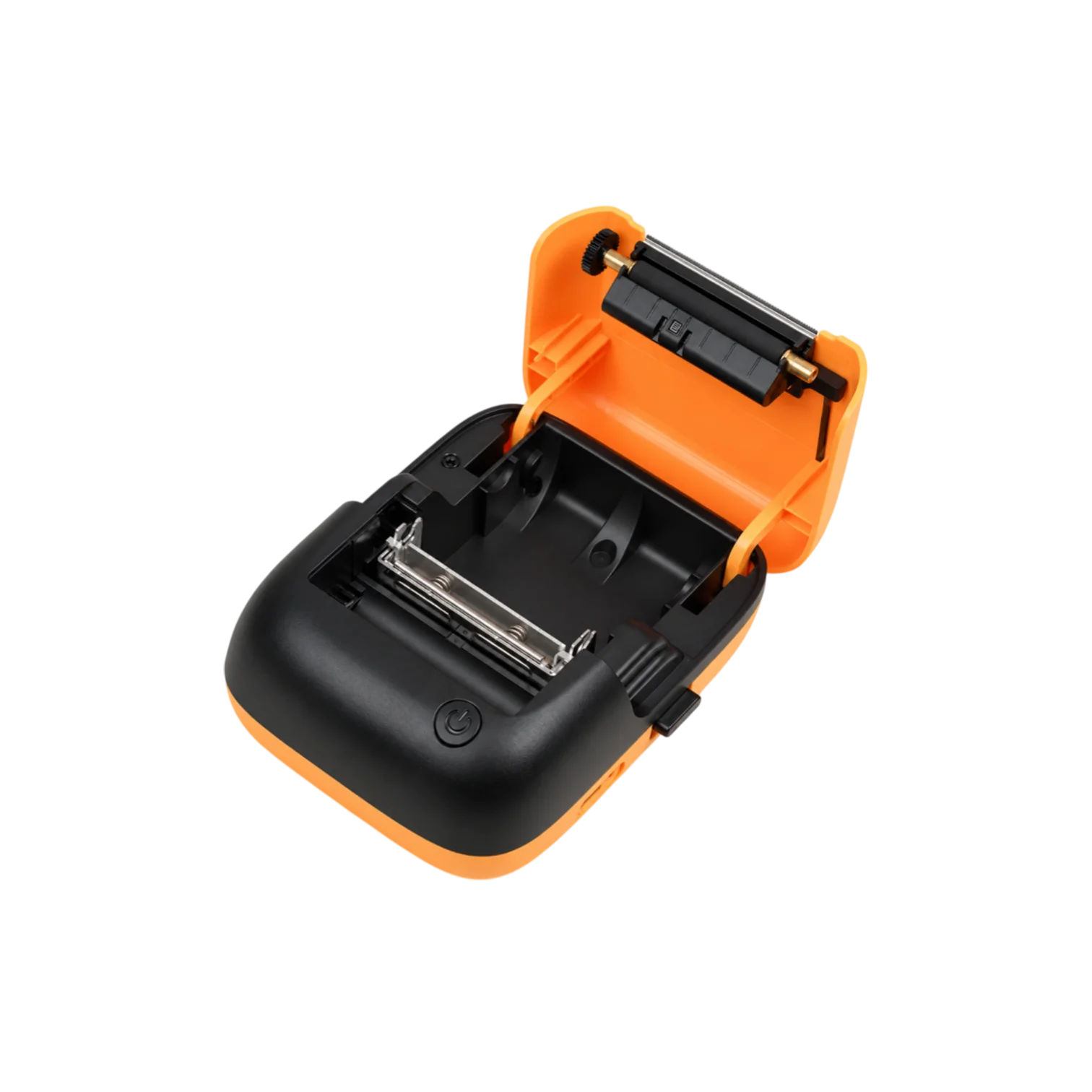
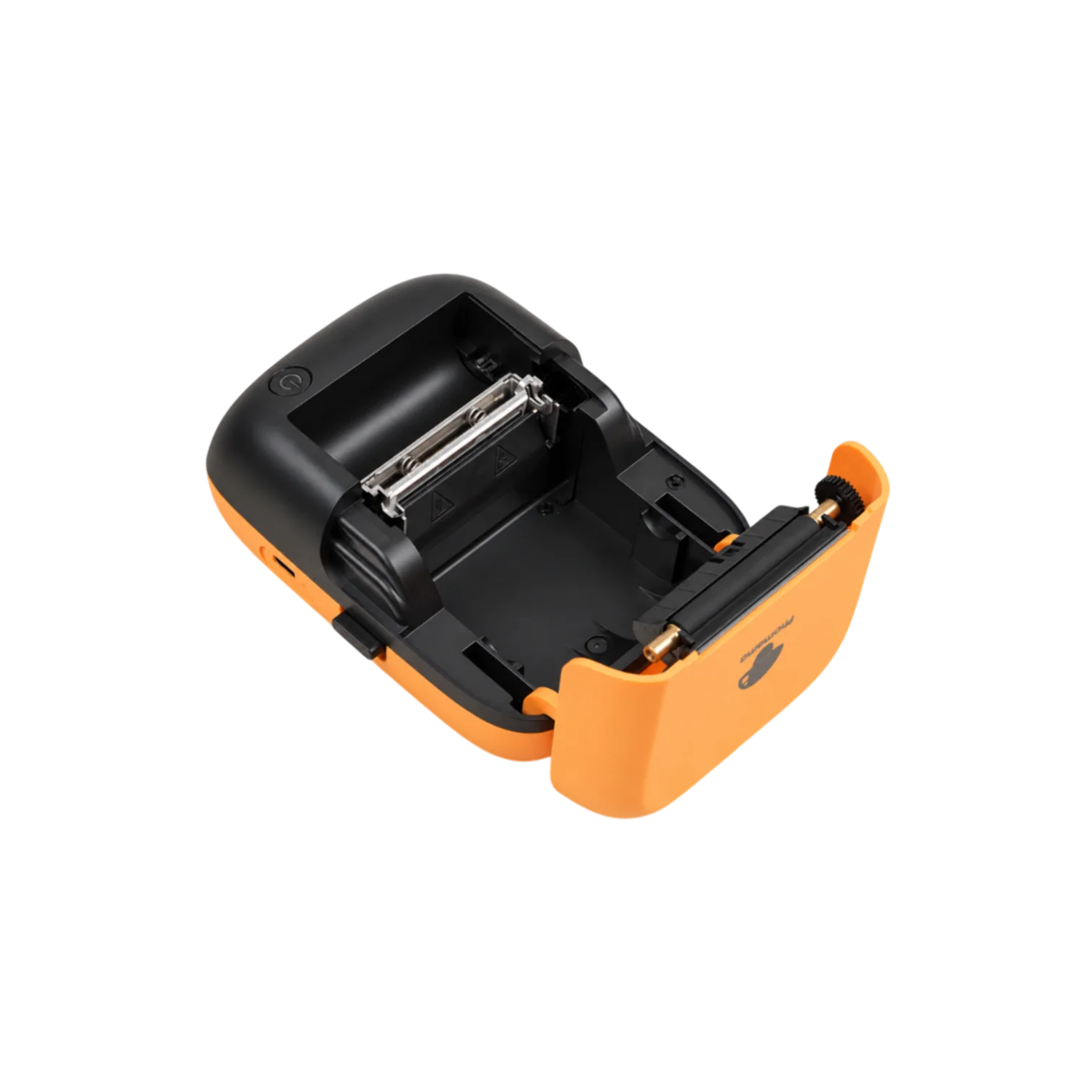
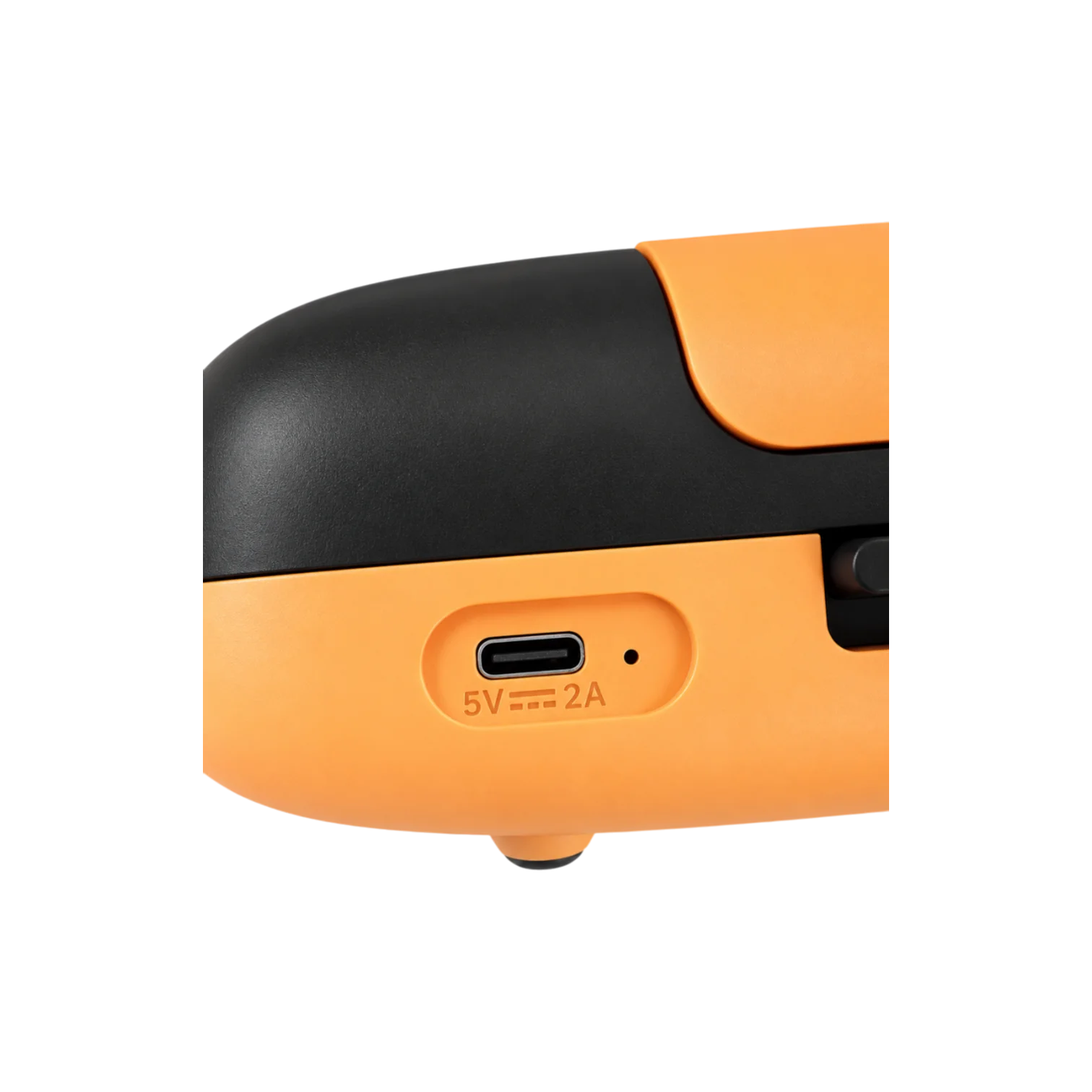
Label printer
Label cables, equipment and parts where you work. Create identification labels from your phone, or use your computer for larger labeling jobs.
Original price:
Current price: €89,95
Save
Overview
300 dpi
Print clear text, barcodes and QR codes for equipment, cables and other identification tasks.
Bluetooth + USB
Create labels in Print Master on your phone, or use Labelife on your computer for larger labeling jobs.
Up to 50 mm wide
Use different label formats for cables, equipment, parts, storage and other workplace identification.
Results
How to
Choose the label format for the job and load it into the E50Pro.
Use Print Master on your phone to add text, barcodes, QR codes or other identification details.
Check your label, print it and apply it to the cable, part or equipment you want to identify.
DESIGN APP
Start with a ready-made layout and adjust it to fit your label.
Add text, prices, barcodes, QR codes, logos or images.
Save your label templates or reopen recent prints, then update the details and print again when needed.
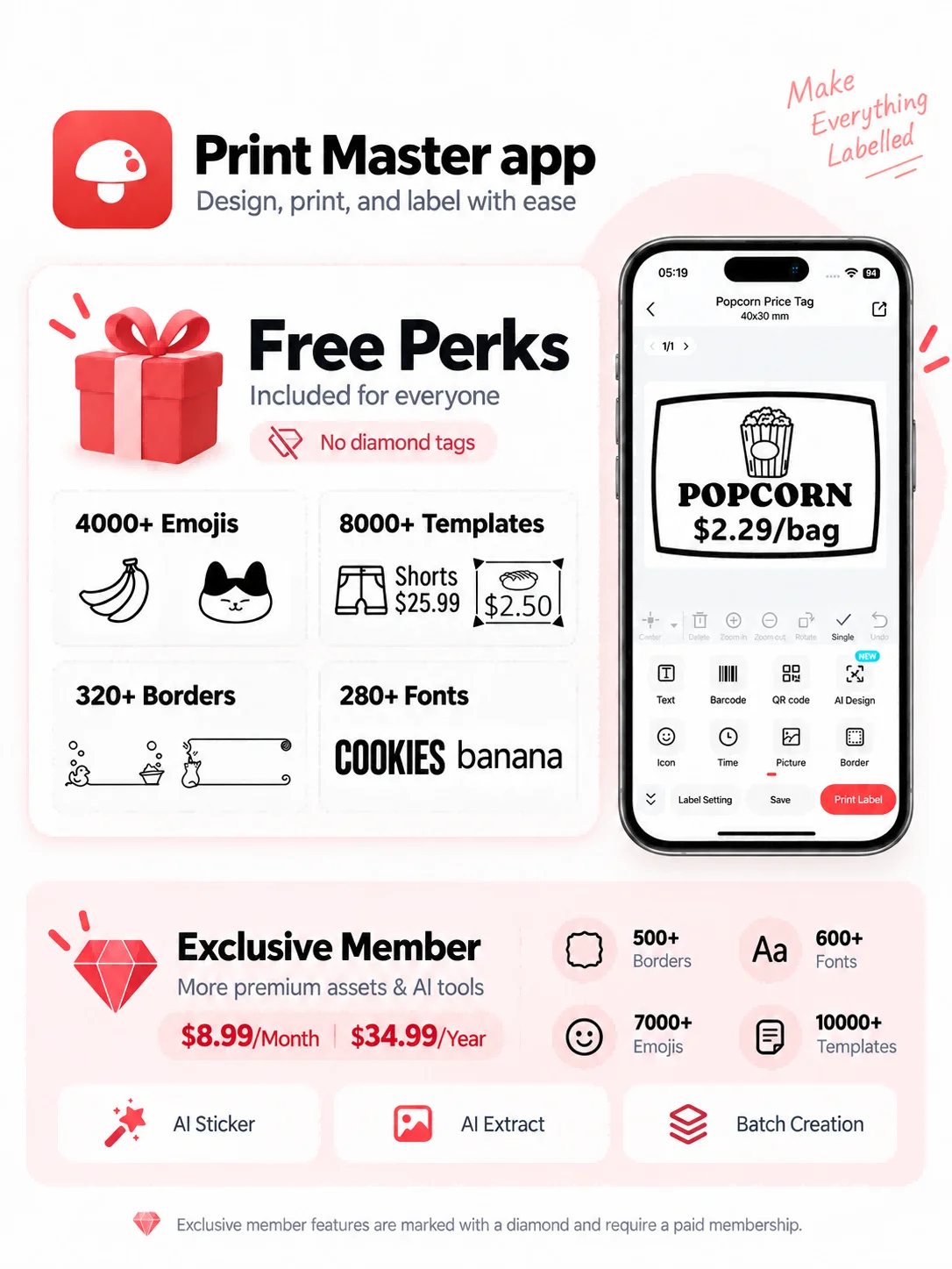
Search for Print Master in the App Store or Google Play.
What's in the box

No. This E50Pro version supports label widths up to 50 mm. It is not suitable for standard 4 × 6 inch parcel labels.
No. The E50Pro uses thermal-transfer cassettes. The direct-thermal rolls for the M110 and M220 are not compatible, even when the label width is the same.
Yes. It works with Labelife and the E50 PRO Mac driver over a USB data cable.
No. A compatible E50Pro cassette contains both the labels and the printing ribbon. You replace them together as one cassette.
At the same label size, 300 dpi gives more detail than 203 dpi. A QR code still needs enough space, including a clear border. Higher resolution does not make every tiny code readable.
Yes. The E50Pro has a rechargeable battery and receives labels from Print Master over Bluetooth. You can use it without a nearby power socket.
No, as long as your design uses only free tools in Print Master. Some fonts, icons and other PRO features require a separate purchase or subscription; those extras are not included with the printer.
Keep the guide handy.
Read the steps or save a copy for E50Pro-OB.