
01
Print from your phone or computer
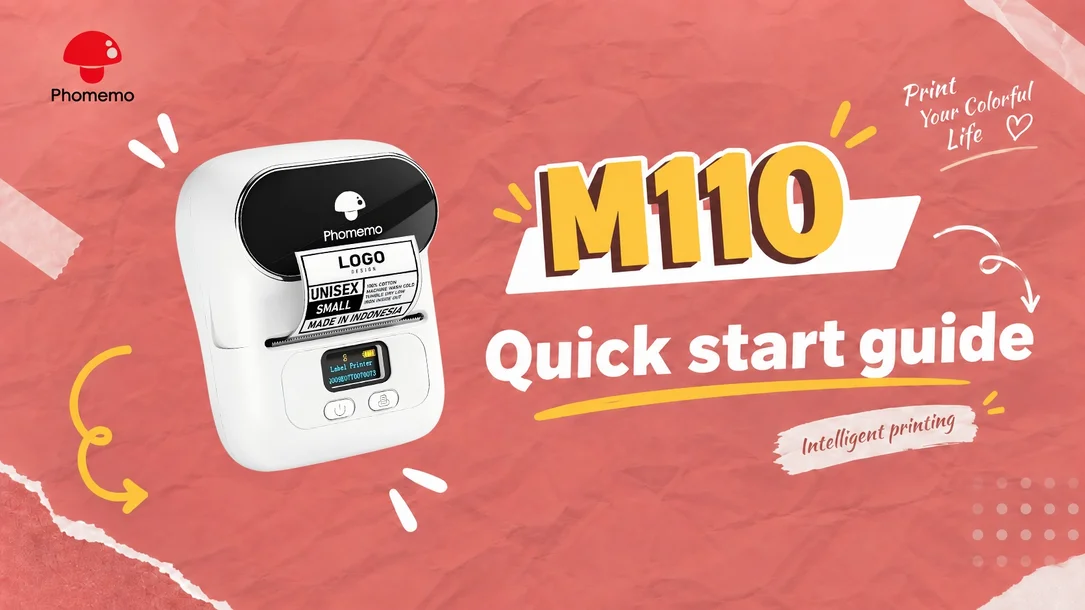
Create labels in Print Master on your phone and send them over Bluetooth, or use Label Life on your computer via USB.
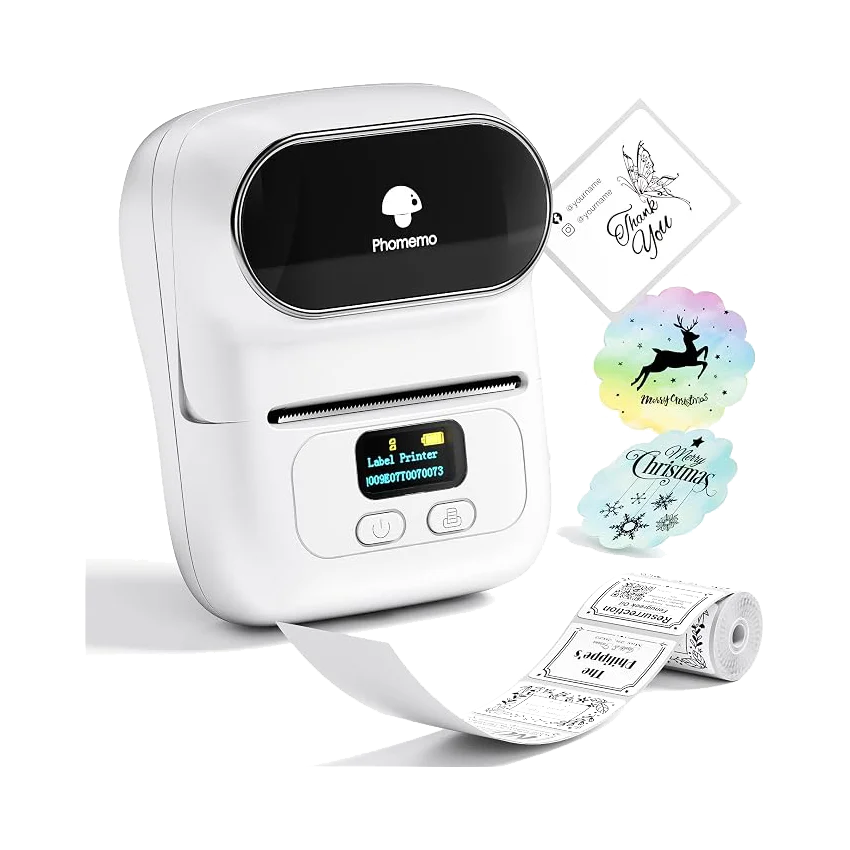
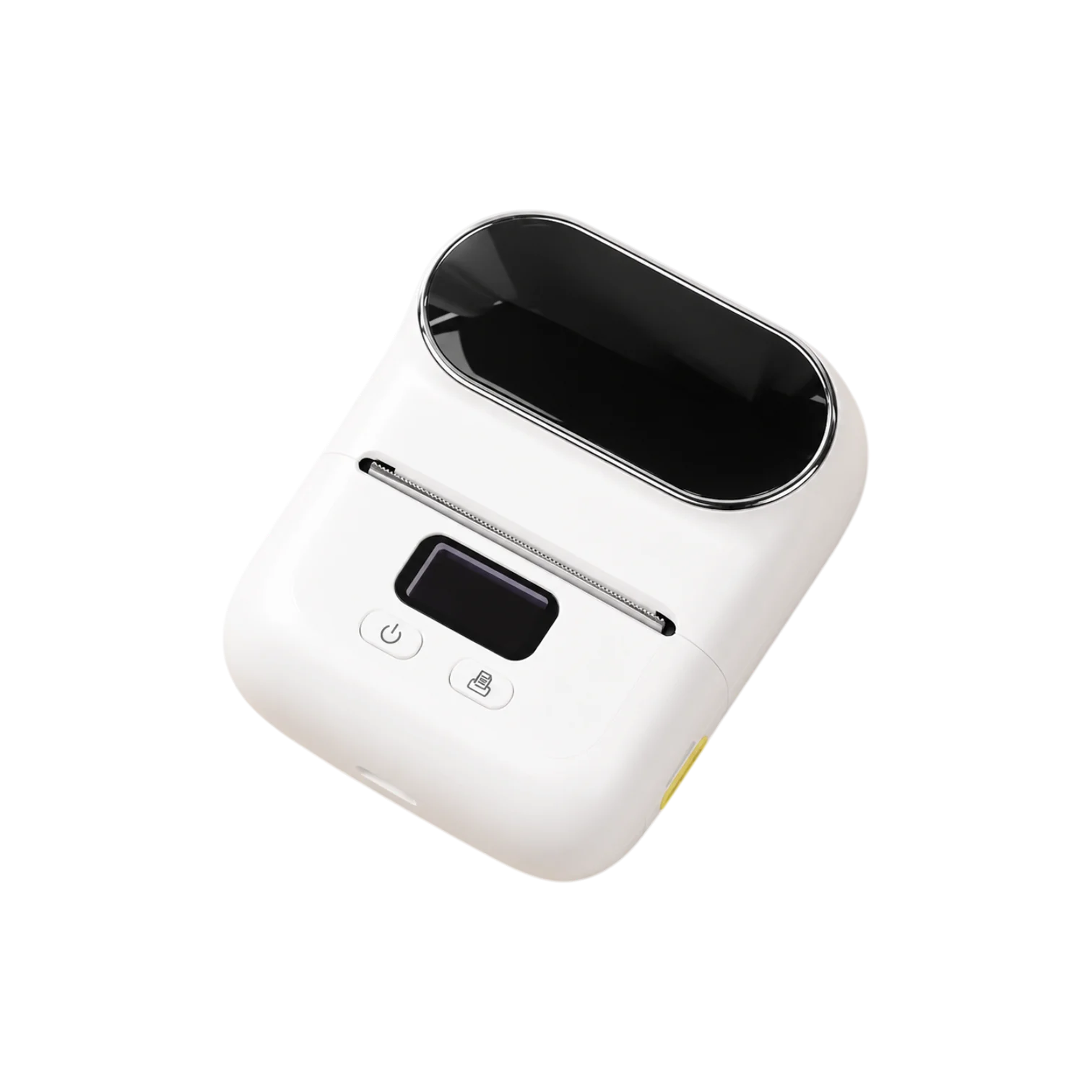
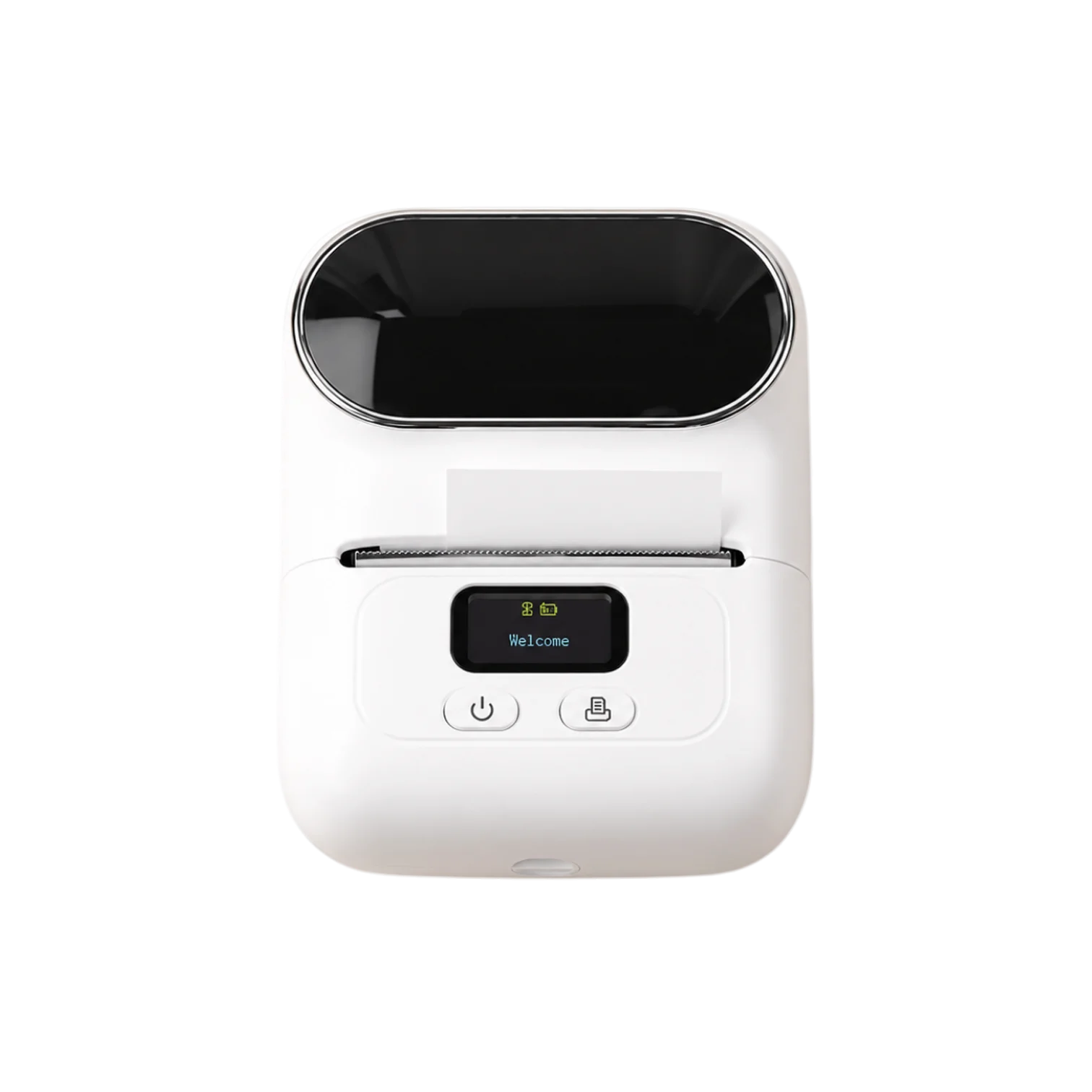
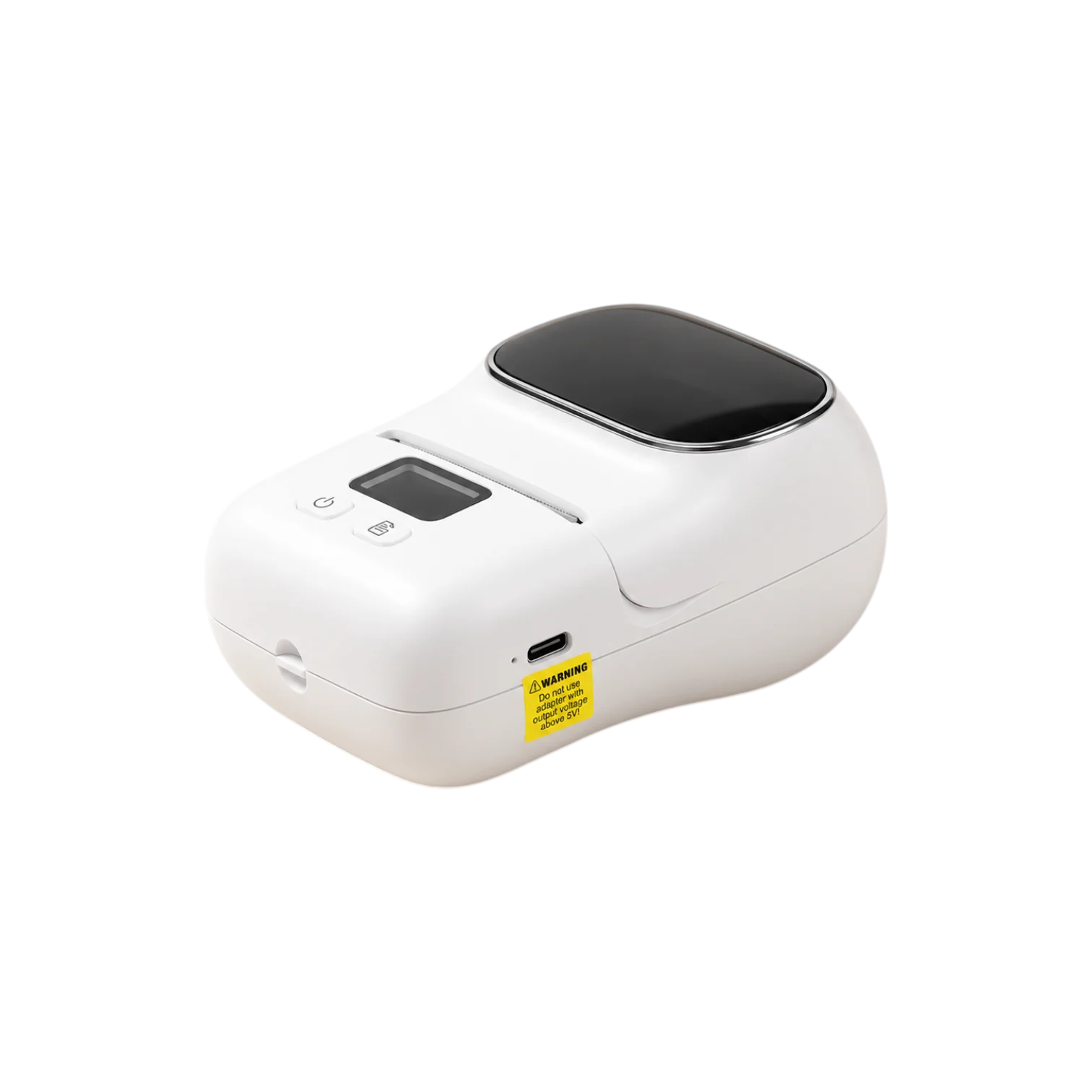
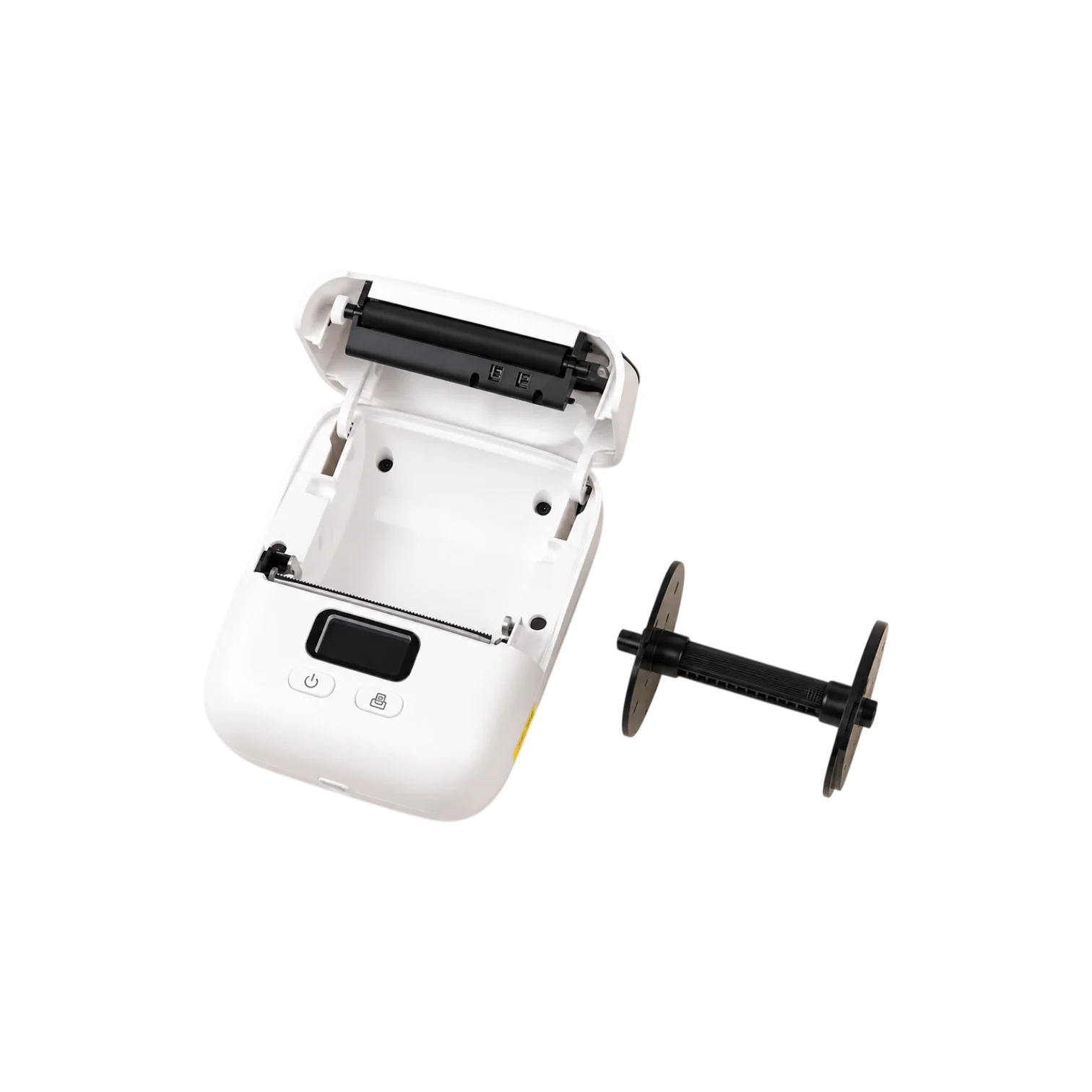
Label printer
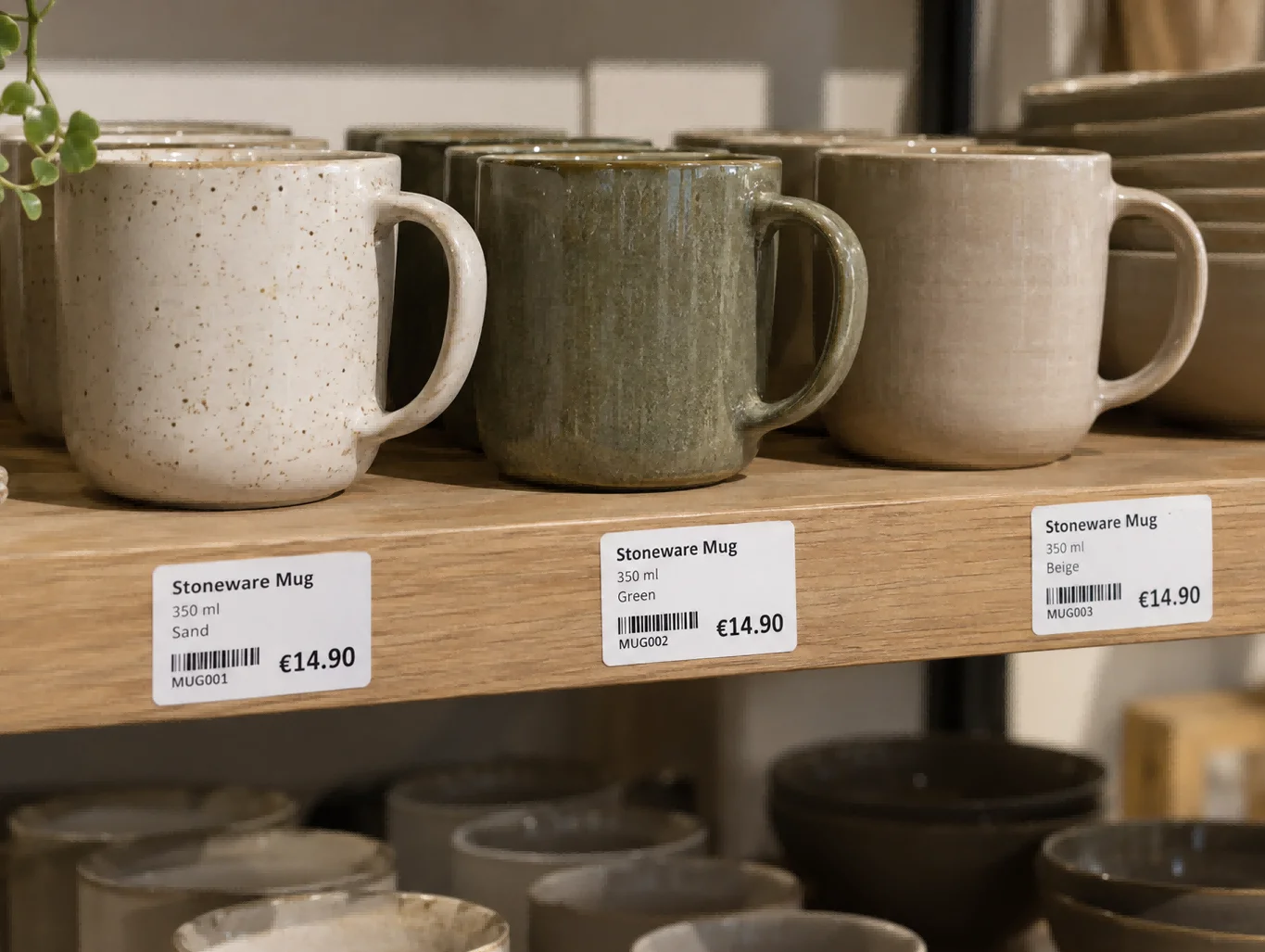
Create product labels, price tags and barcodes from your phone. Print what you need, right where you’re working. No ink or toner to replace.
Original price:
Current price: €59,95
Save
Overview
01
Create labels in Print Master on your phone and send them over Bluetooth, or use Label Life on your computer via USB.
02
Compact and rechargeable, so you can move it between the shelf, stockroom and packing table.
03
Print directly onto thermal labels, with no ink cartridges or toner to buy.
Results
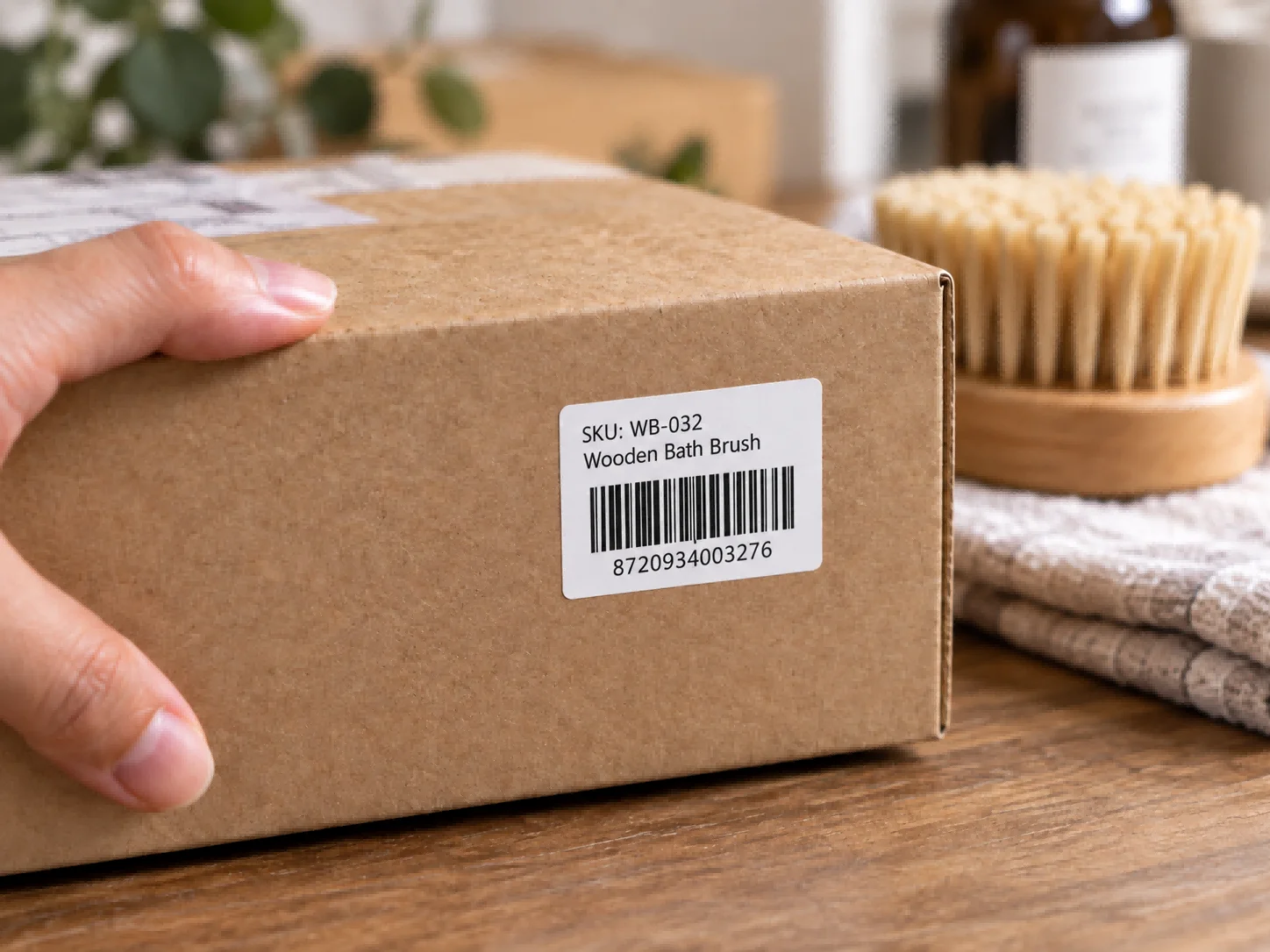
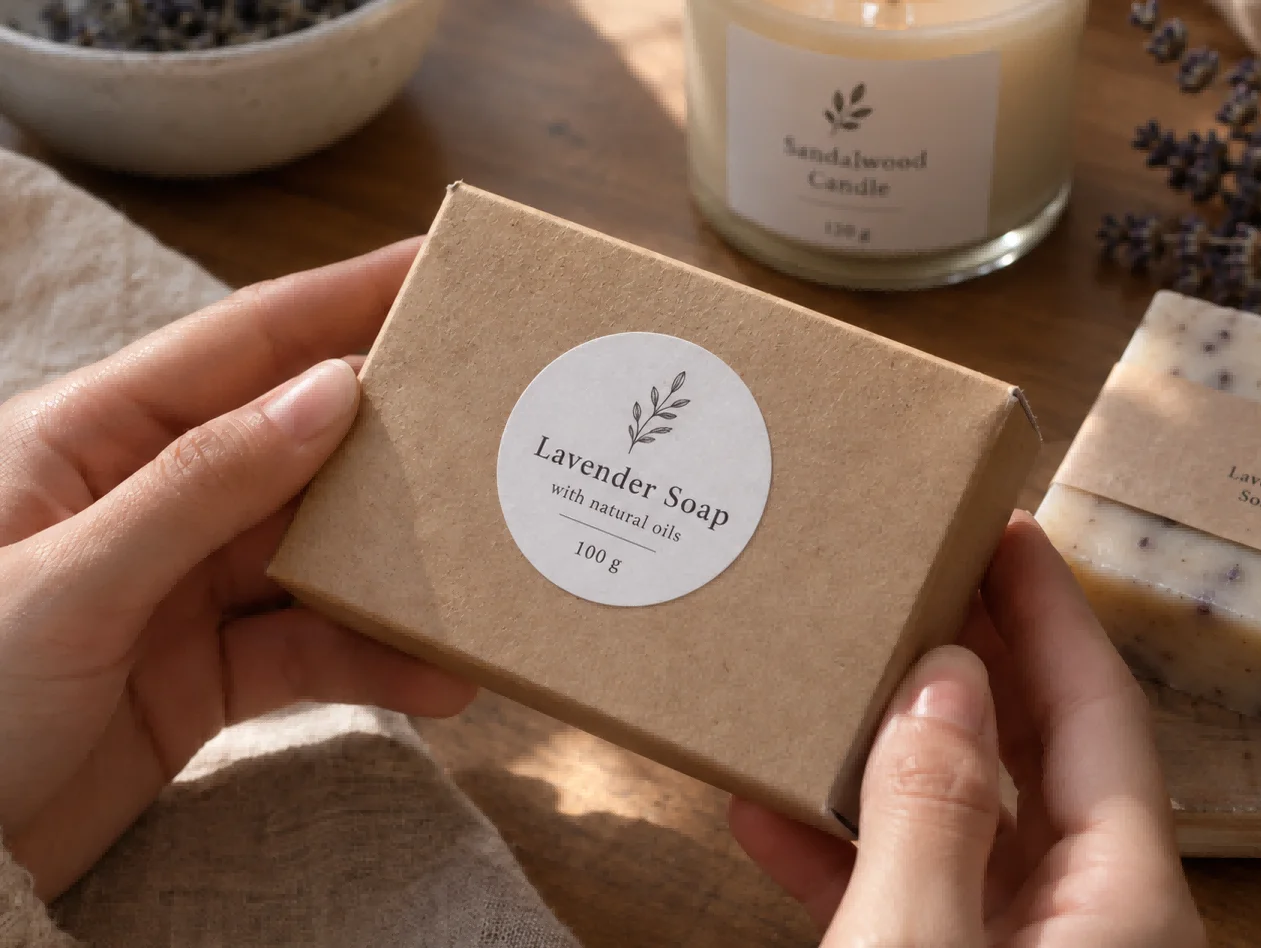
Add the details your products need, from names and prices to barcodes and simple logos. Choose the label size and shape to suit the job.
Your product, with extra materials in one pack.
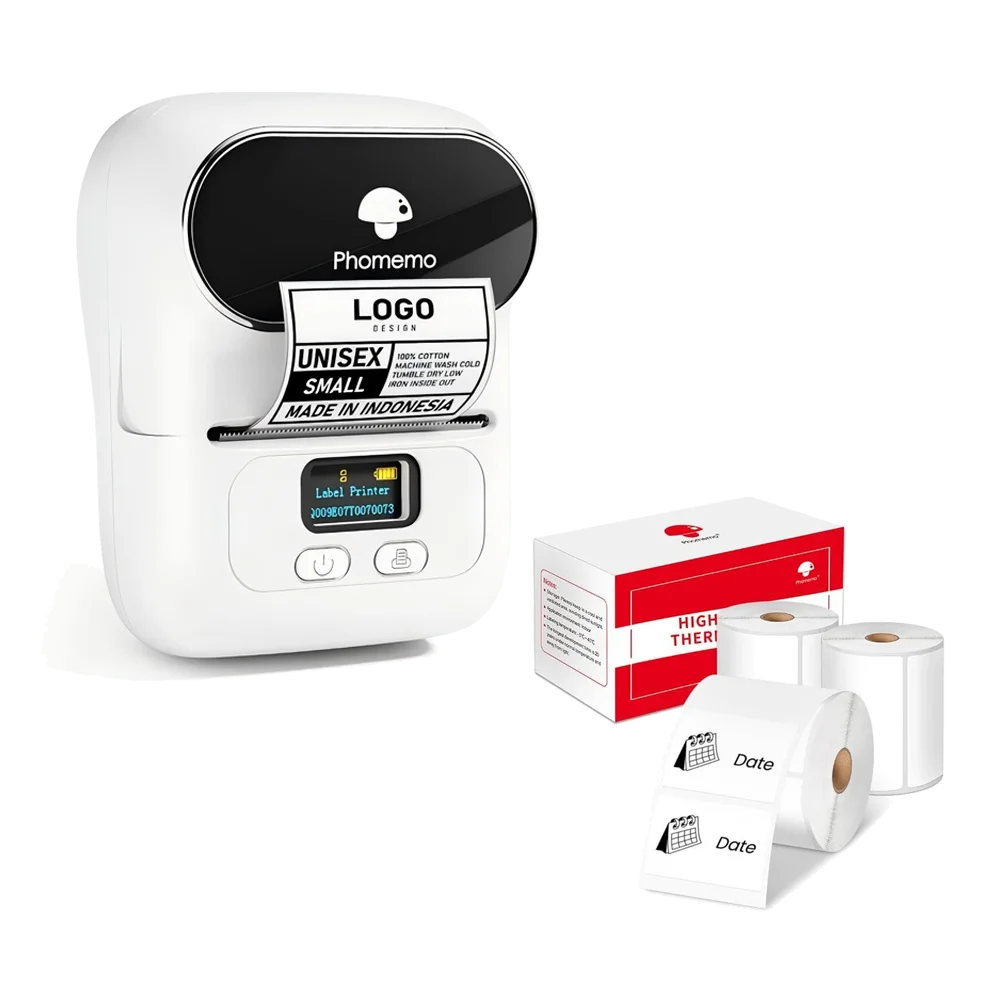
690 extra labels 3 rolls
White
Current price: €64,90
Original price: €79,90 Save €15
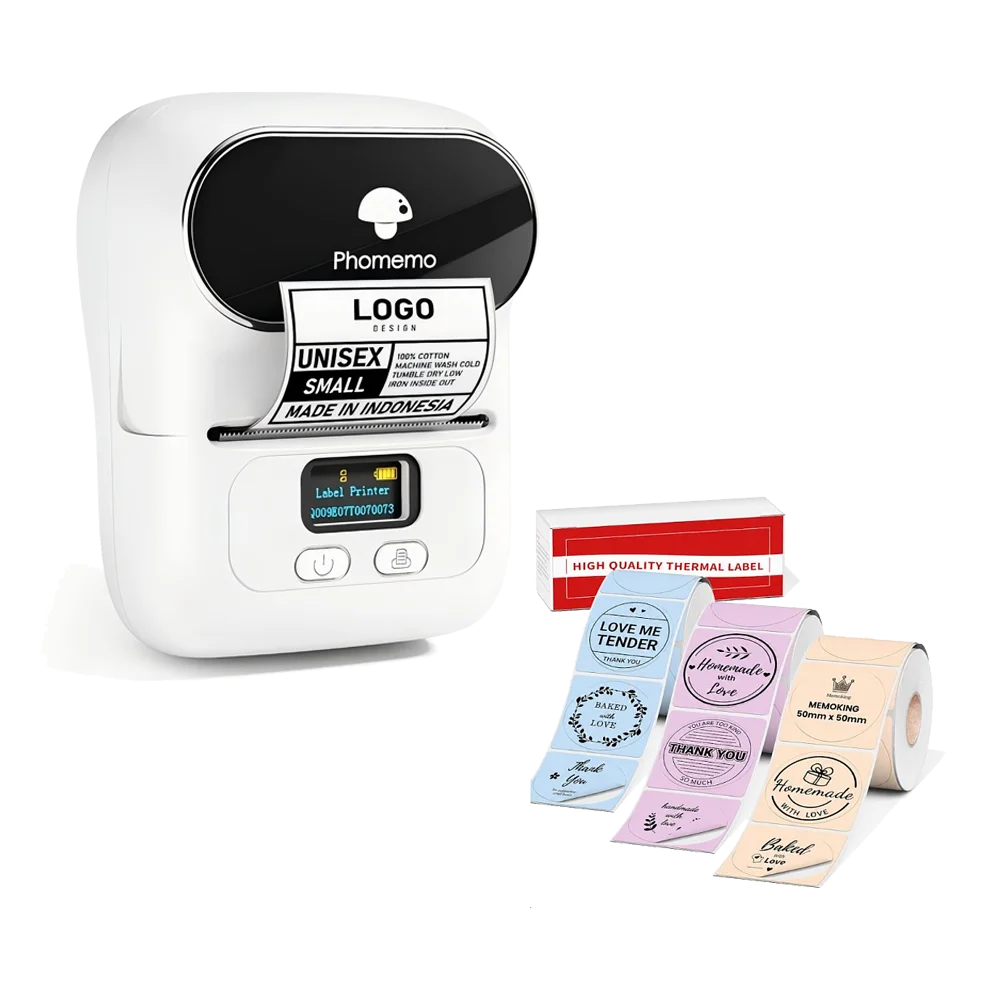
420 extra labels 3 rolls
Mixed colours
Current price: €64,90
Original price: €79,90 Save €15
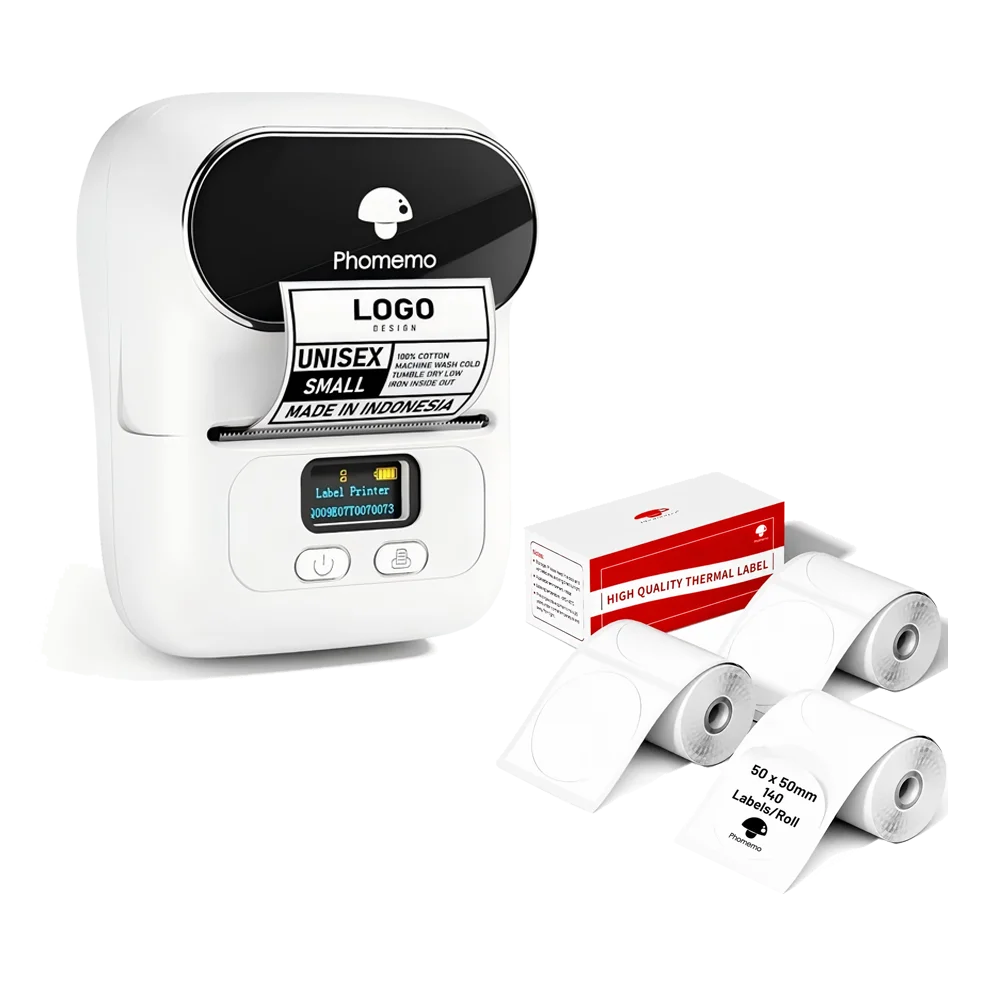
420 extra labels 3 rolls
White
Current price: €64,90
Original price: €79,90 Save €15
How to
Open Print Master on your phone, choose the label size and add your text, barcode or logo.
Turn on Bluetooth and connect to the printer inside Print Master.
Print your label, check the result and place it on your product, shelf or packaging.
DESIGN APP
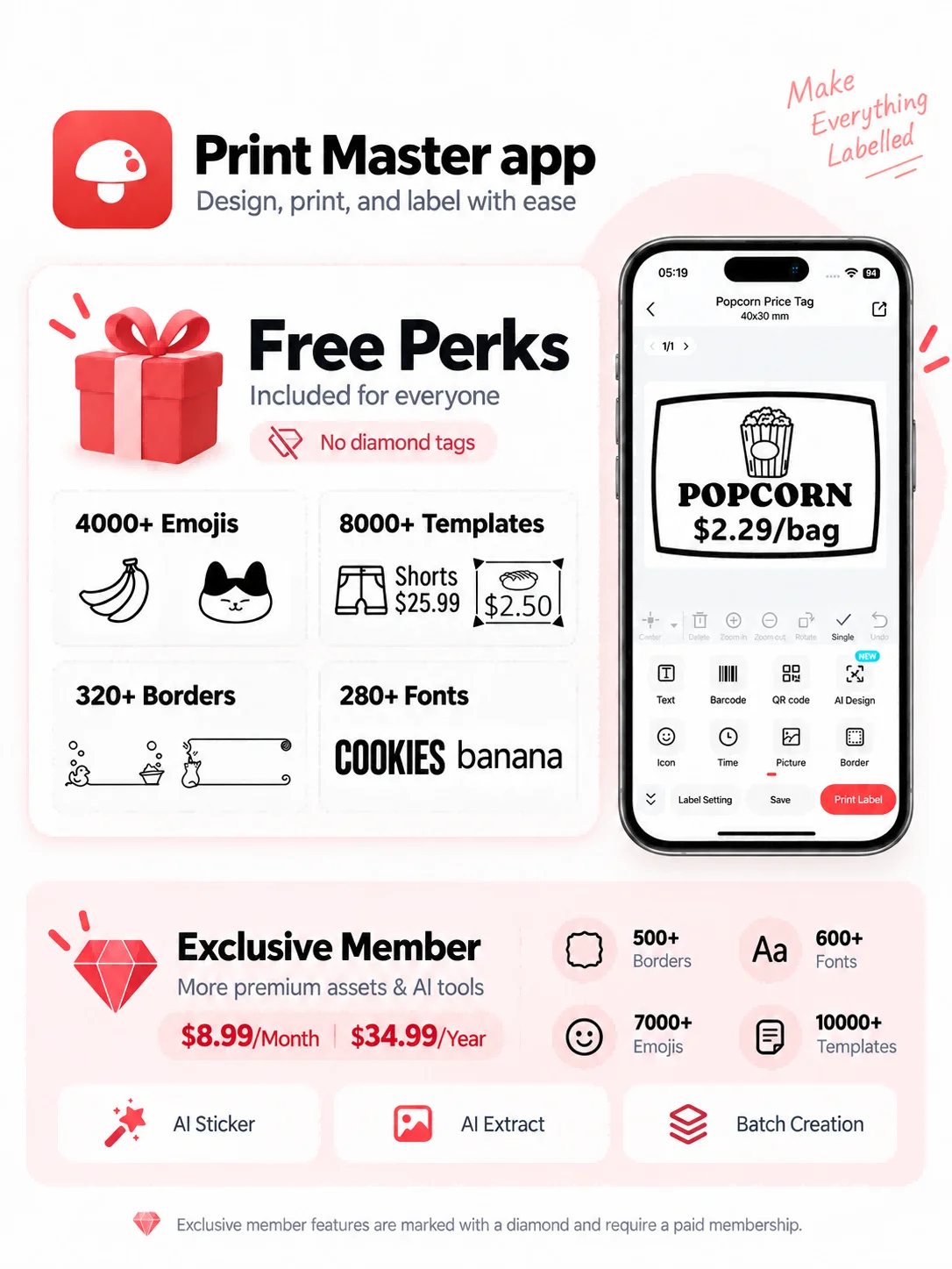
Start with a ready-made layout and adjust it to fit your label.
Add text, prices, barcodes, QR codes, logos or images.
Save the label templates or reopen recent prints, then update the details and print again when needed.
Search for Print Master in the App Store or Google Play.
Prefer a computer? Use Labelife via USB.
What's in the box

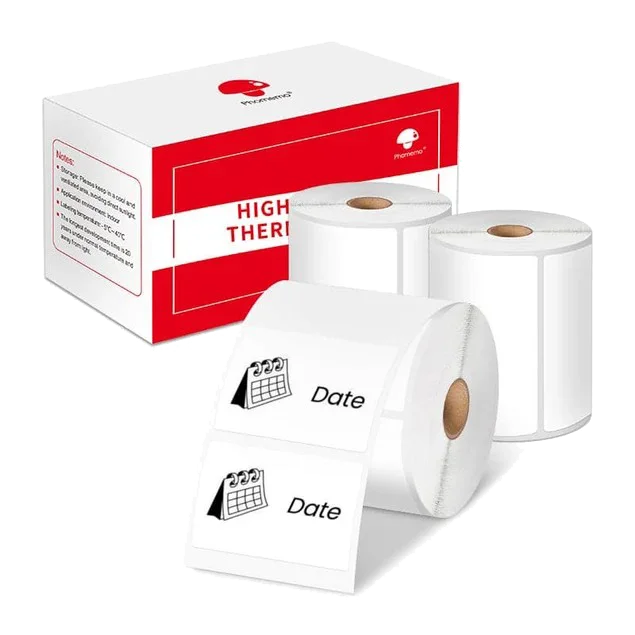
3 rolls 690 labels
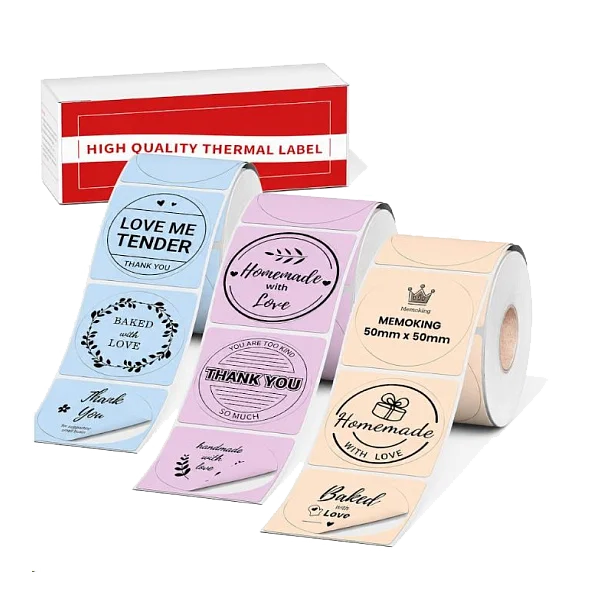
3 rolls 420 labels
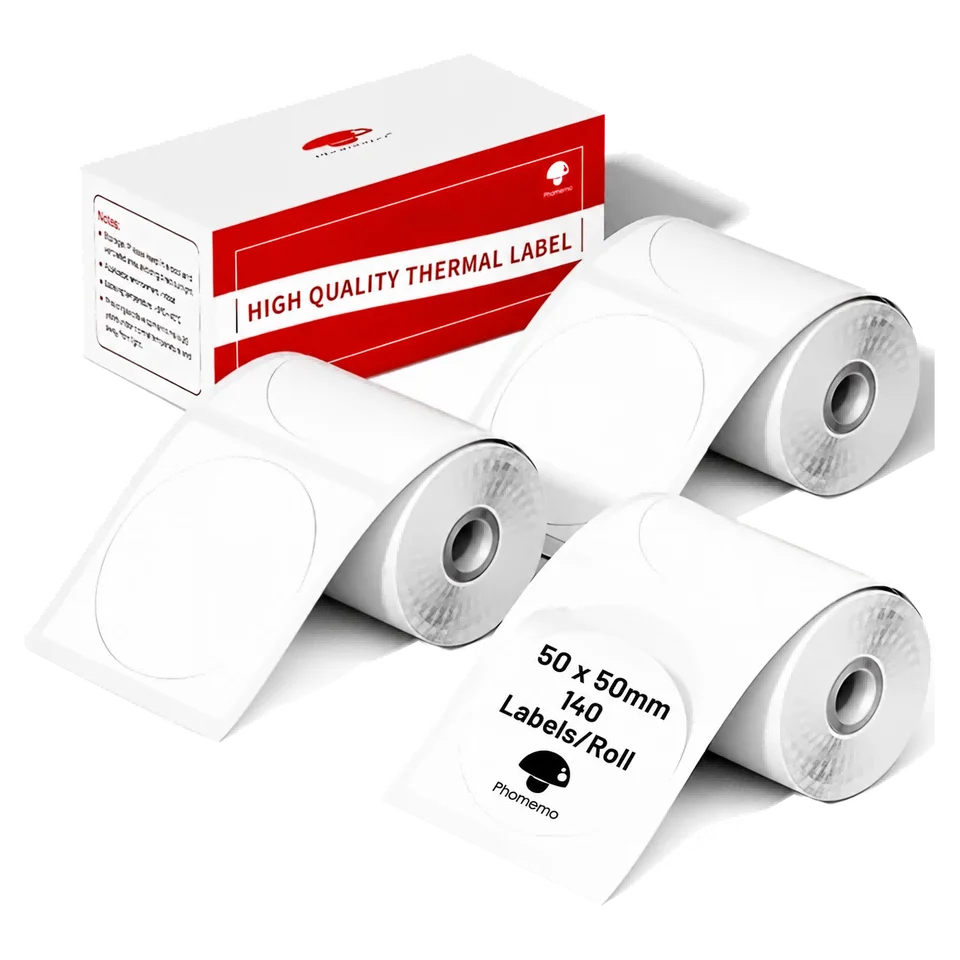
3 rolls 420 labels
It takes compatible label rolls from 20 to 50 mm wide. That suits names, prices and short product labels, including our 40 × 30 mm and 50 mm round refills. For wider labels with more information, the M220 accepts widths up to 75 mm.
Yes. On iPhone and Android, the M110 uses Print Master over Bluetooth. On Windows and Mac, it works with Labelife and the M110 driver over USB.
You can create your own label with text and images in Print Master, or import a PDF. Make your design at the label’s actual size so text and barcodes remain readable.
No. A 4 × 6 inch shipping label is about 102 mm wide; the M110 takes labels up to 50 mm wide. Shrinking a carrier label to fit can make its barcode unreadable. Use a printer that accepts the carrier’s label format.
The M110 prints in black. It can print a black version of your logo on a white or coloured label, but it cannot reproduce the logo’s original colours.
No. The M110 prints on direct-thermal labels, so there are no ink or toner cartridges to replace. You only need compatible label rolls.
No, as long as your design uses only free tools in Print Master. Some fonts, icons and other PRO features require a separate purchase or subscription; those extras are not included with the printer.
Yes. The M110 has a rechargeable battery and can receive labels from your phone over Bluetooth.
Choose by the label width you need. Both models print at 203 dpi. M220 also supports material wider than 50 mm, up to 75 mm.
More space for product information: M220 supports label material up to 75 mm wide.
View M220Keep the guide handy.
Read the steps or save a copy for M110.