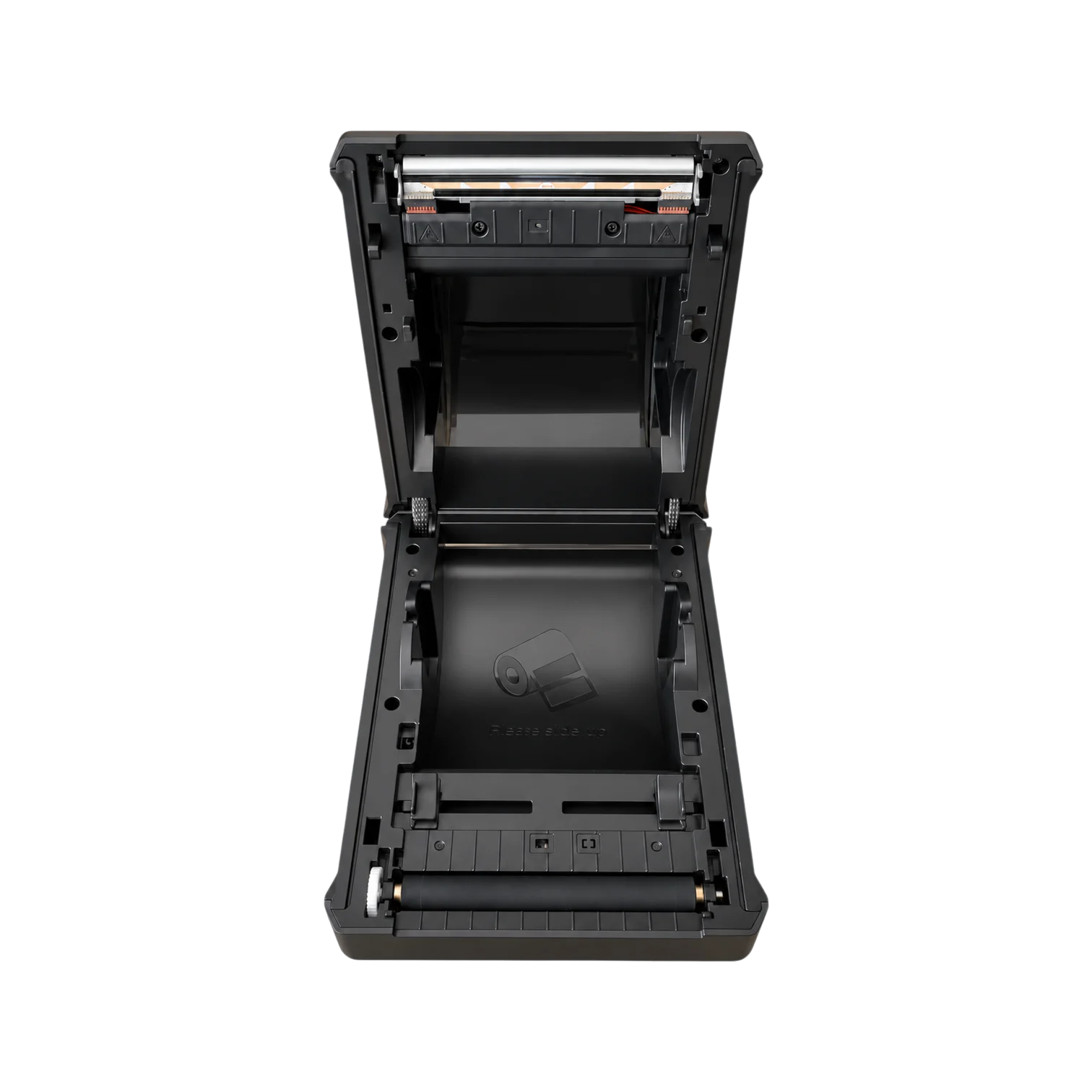
Internal label roll
Keep the roll inside
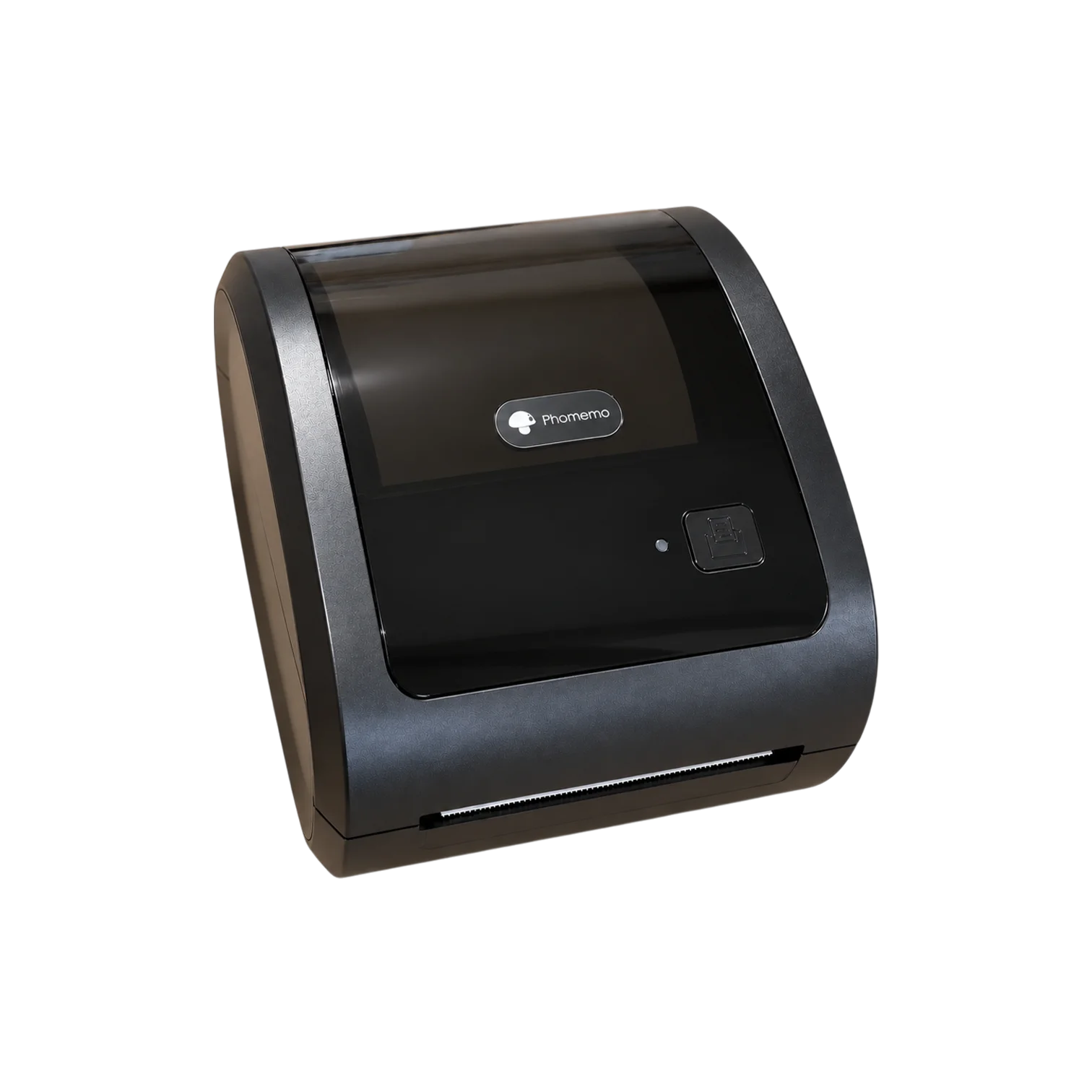
Store a compatible label roll in the built-in compartment so labels stay loaded and ready to print.
Label printer
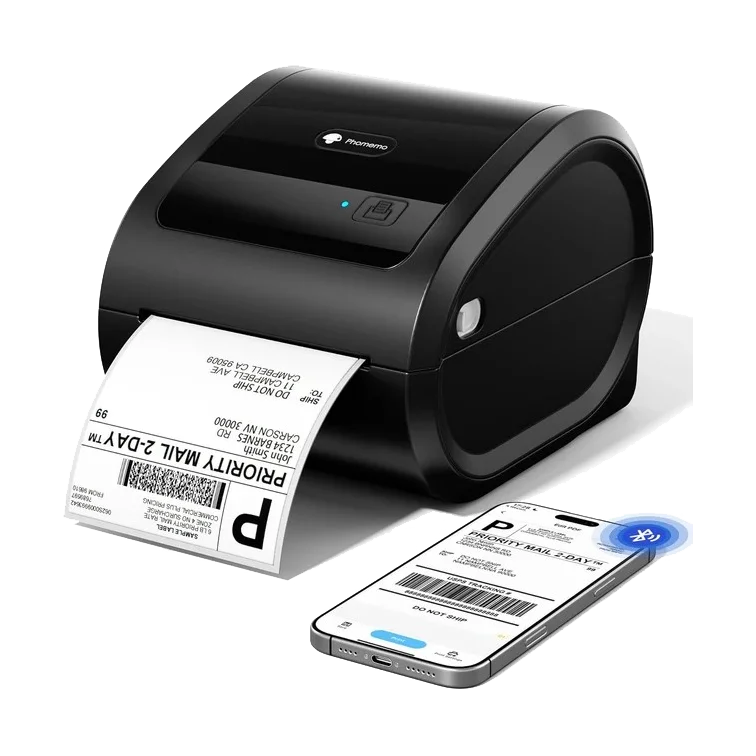
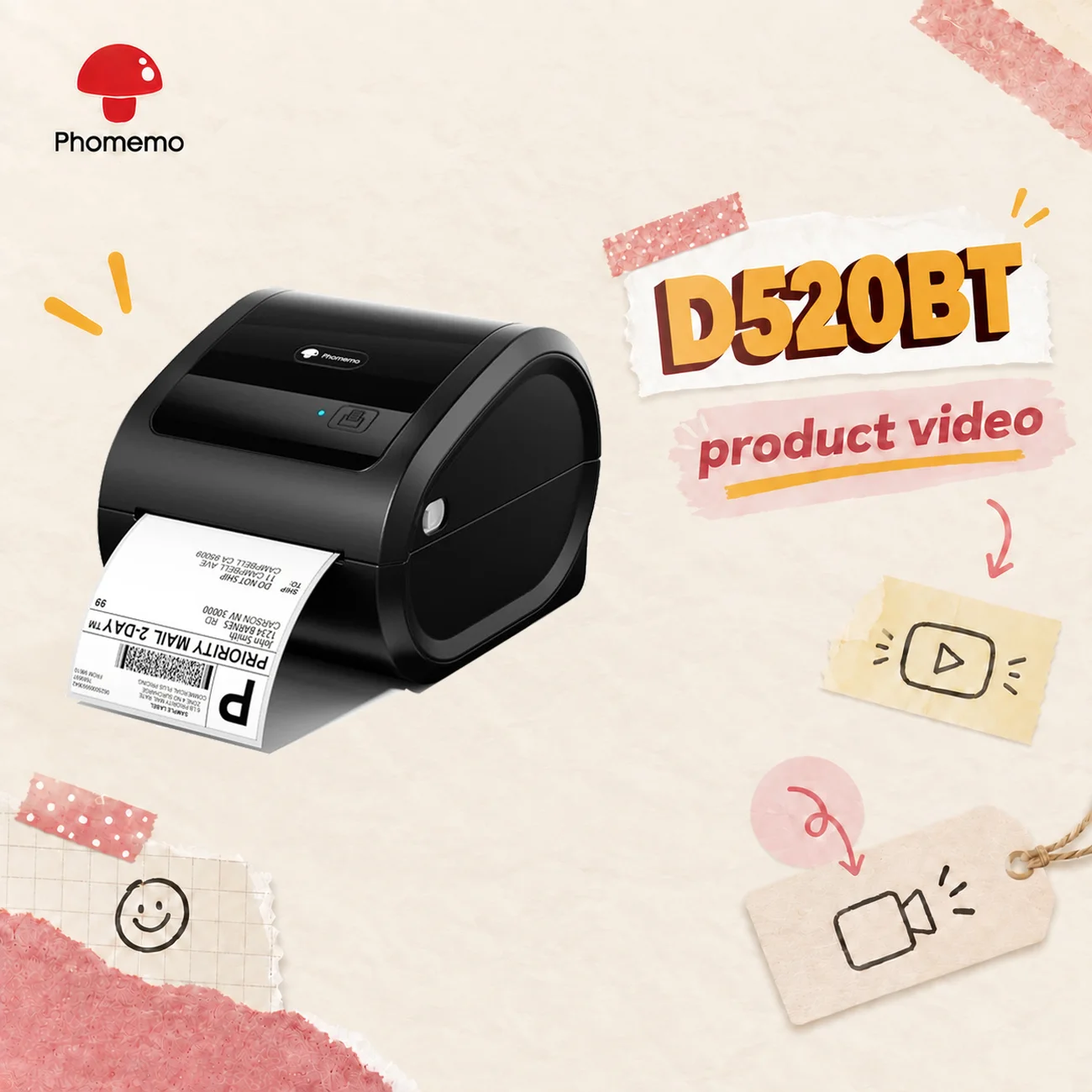
Keep a roll loaded inside the printer and print 4 × 6 shipping labels when orders are ready. Print from your phone over Bluetooth or connect a computer via USB.
Original price:
Current price: €129,95
Save
Overview
Internal label roll
Store a compatible label roll in the built-in compartment so labels stay loaded and ready to print.
Up to 72 labels / min
Print up to 72 labels per minute at speeds up to 150 mm/s.
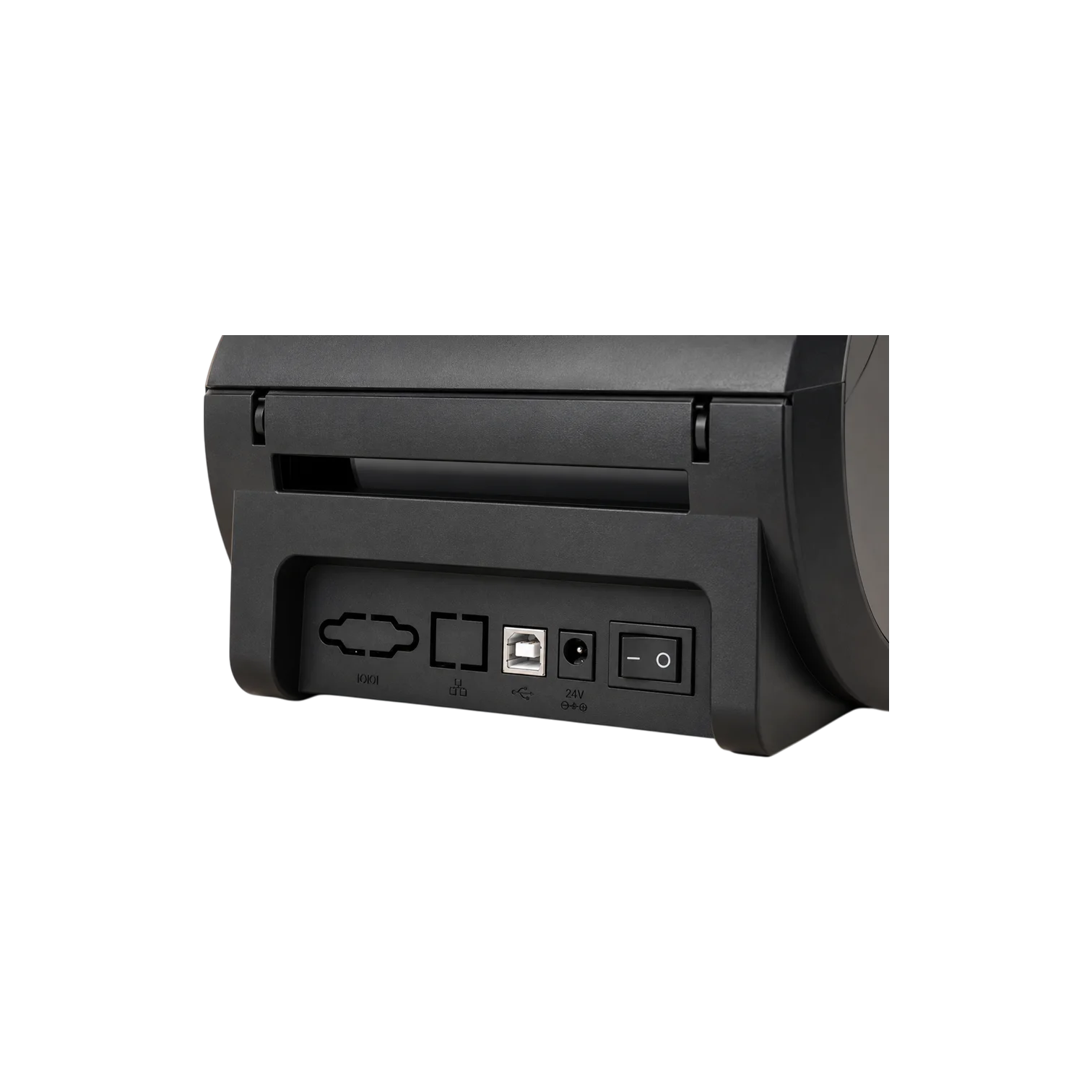
Bluetooth + USB
Use Labelife on your phone over Bluetooth, or connect your computer via USB.
Results
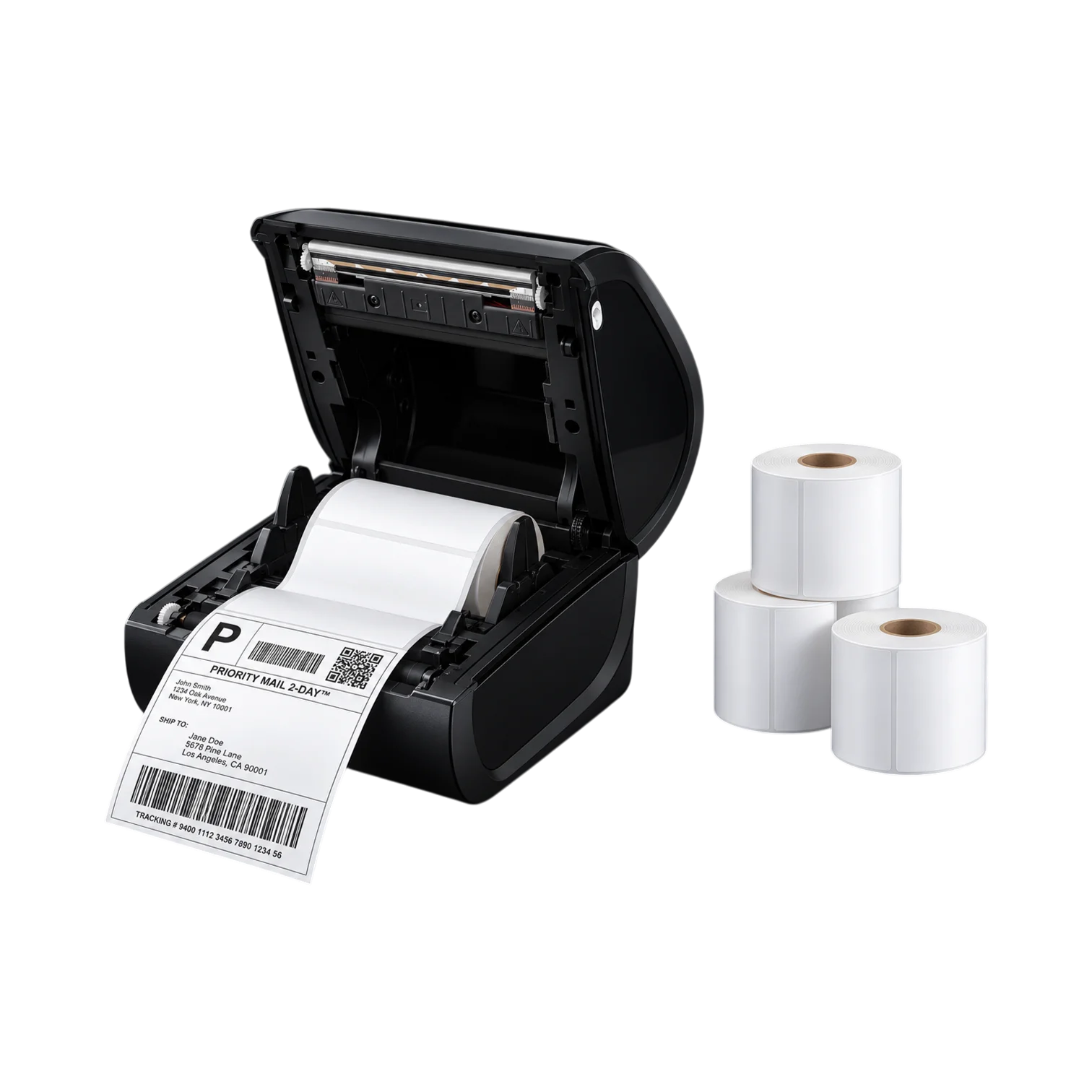
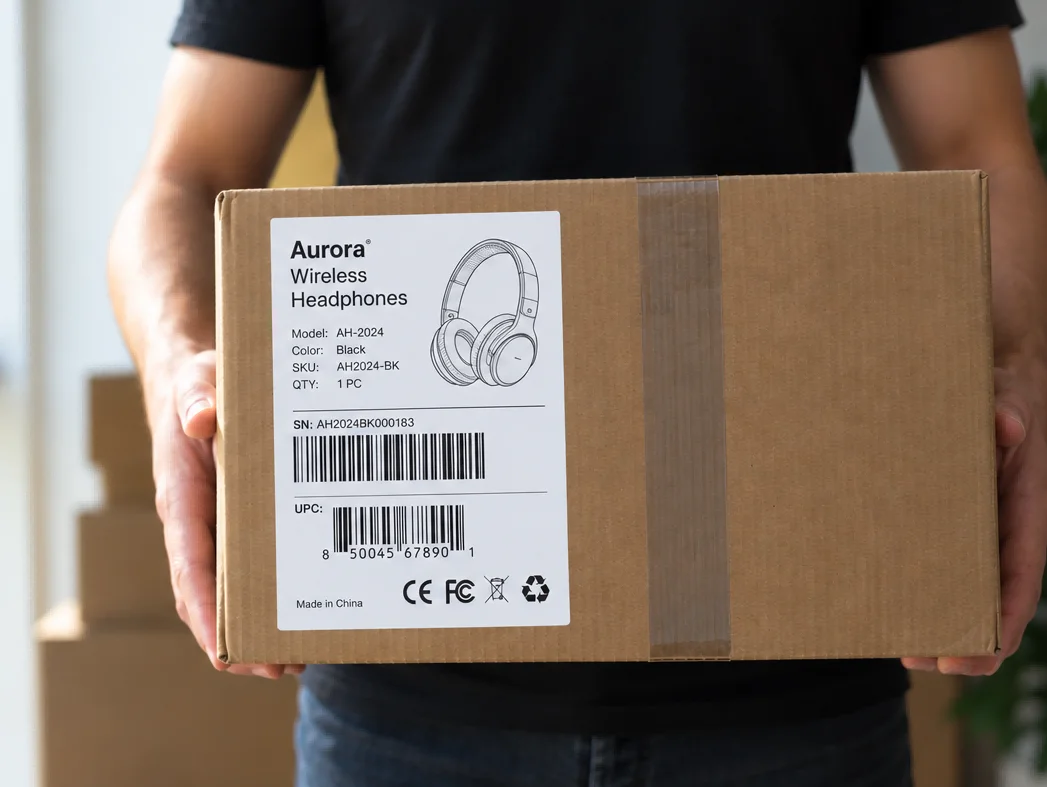
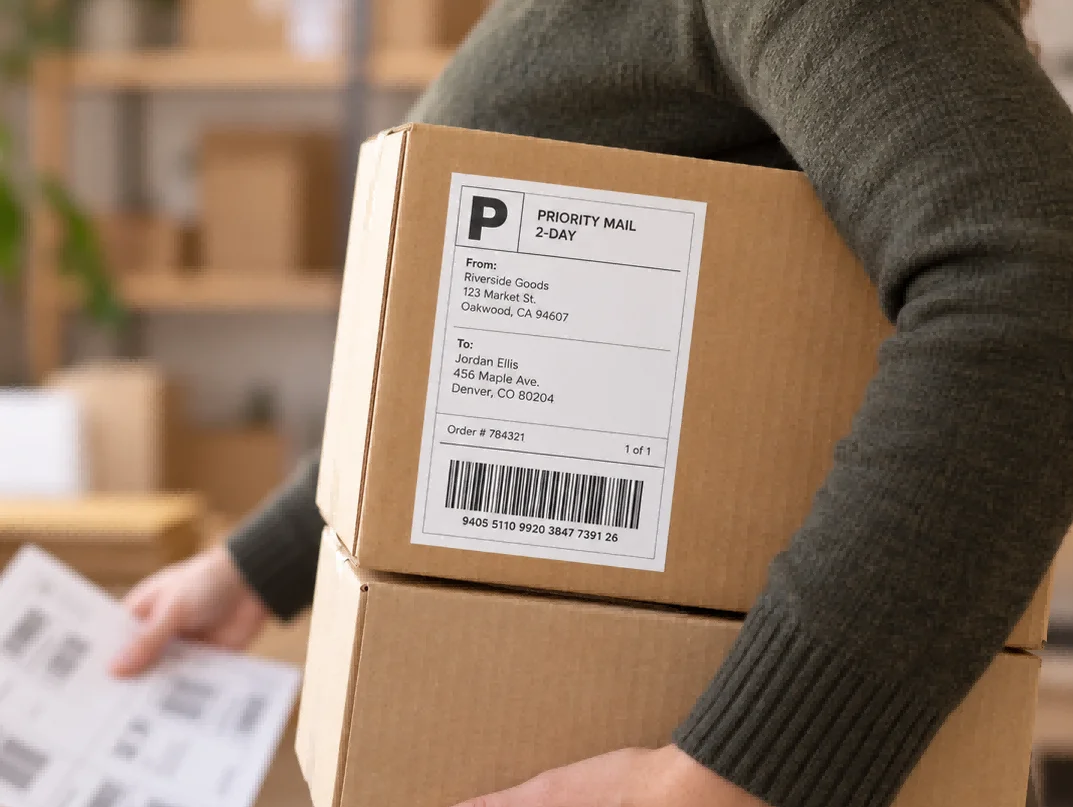
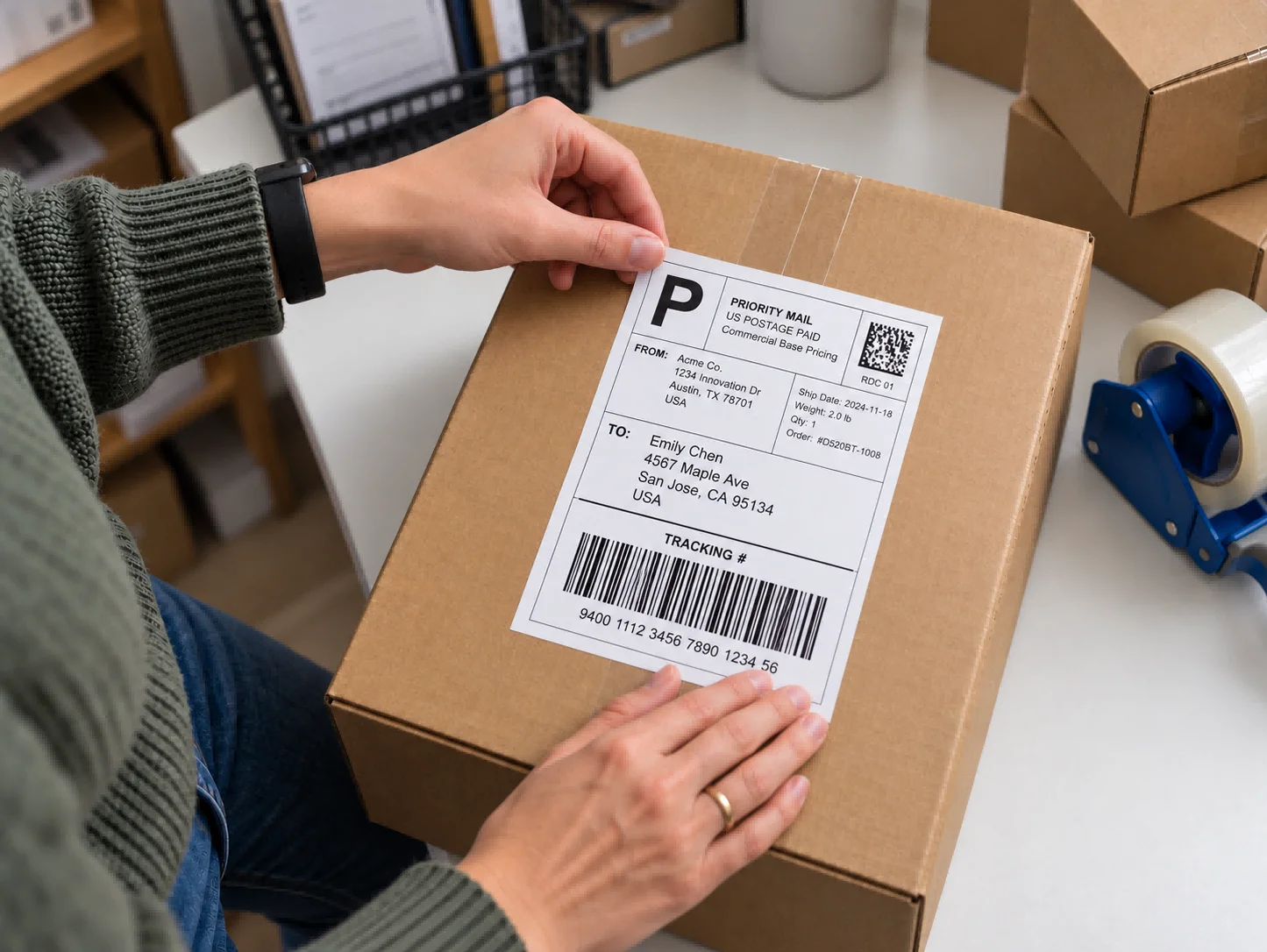
Print clear 4 × 6 shipping labels with addresses, tracking barcodes and order details, ready for packing and dispatch.
Your product, with extra materials in one pack.
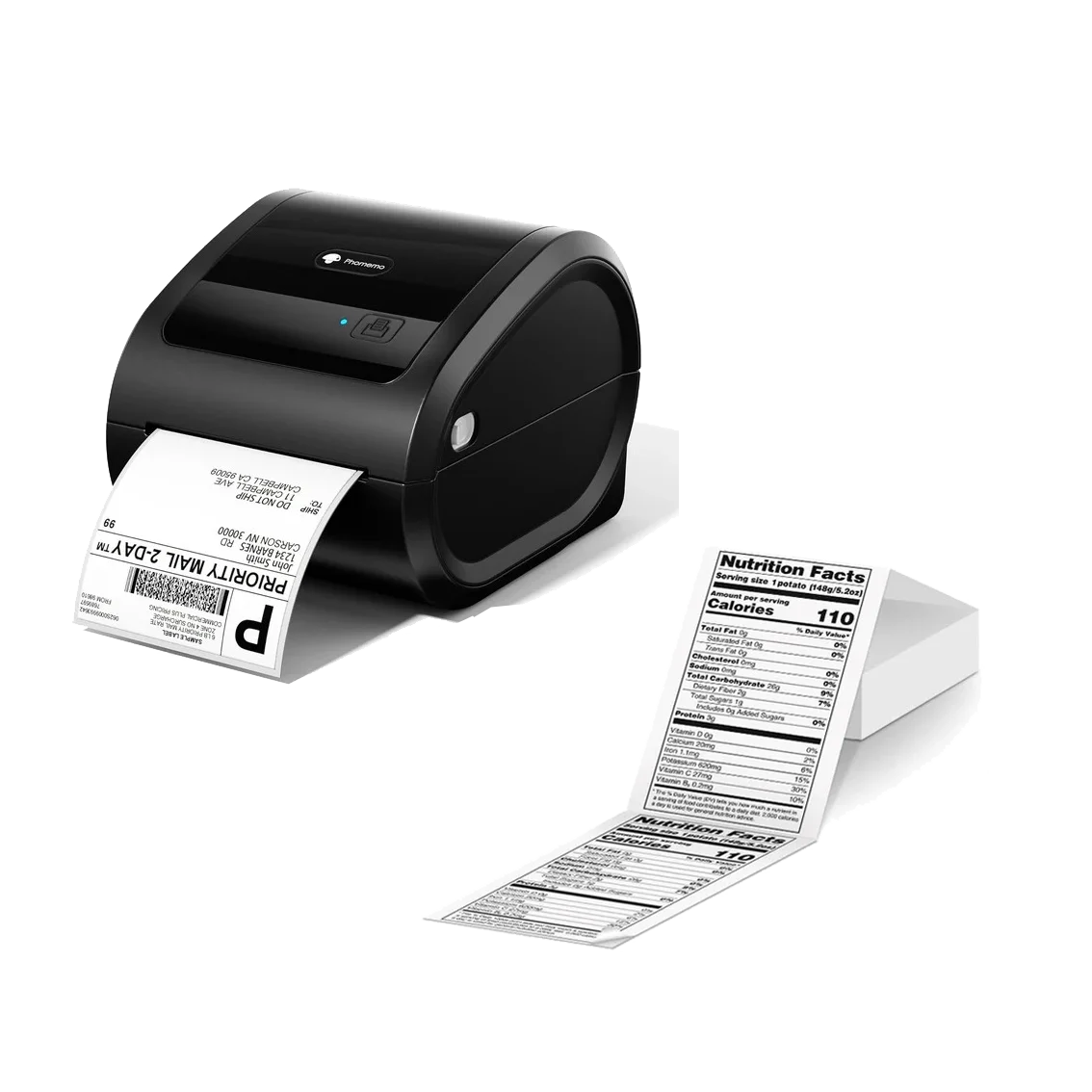
500 extra labels
White
Current price: €139,95
Original price: €154,90 Save €14,95
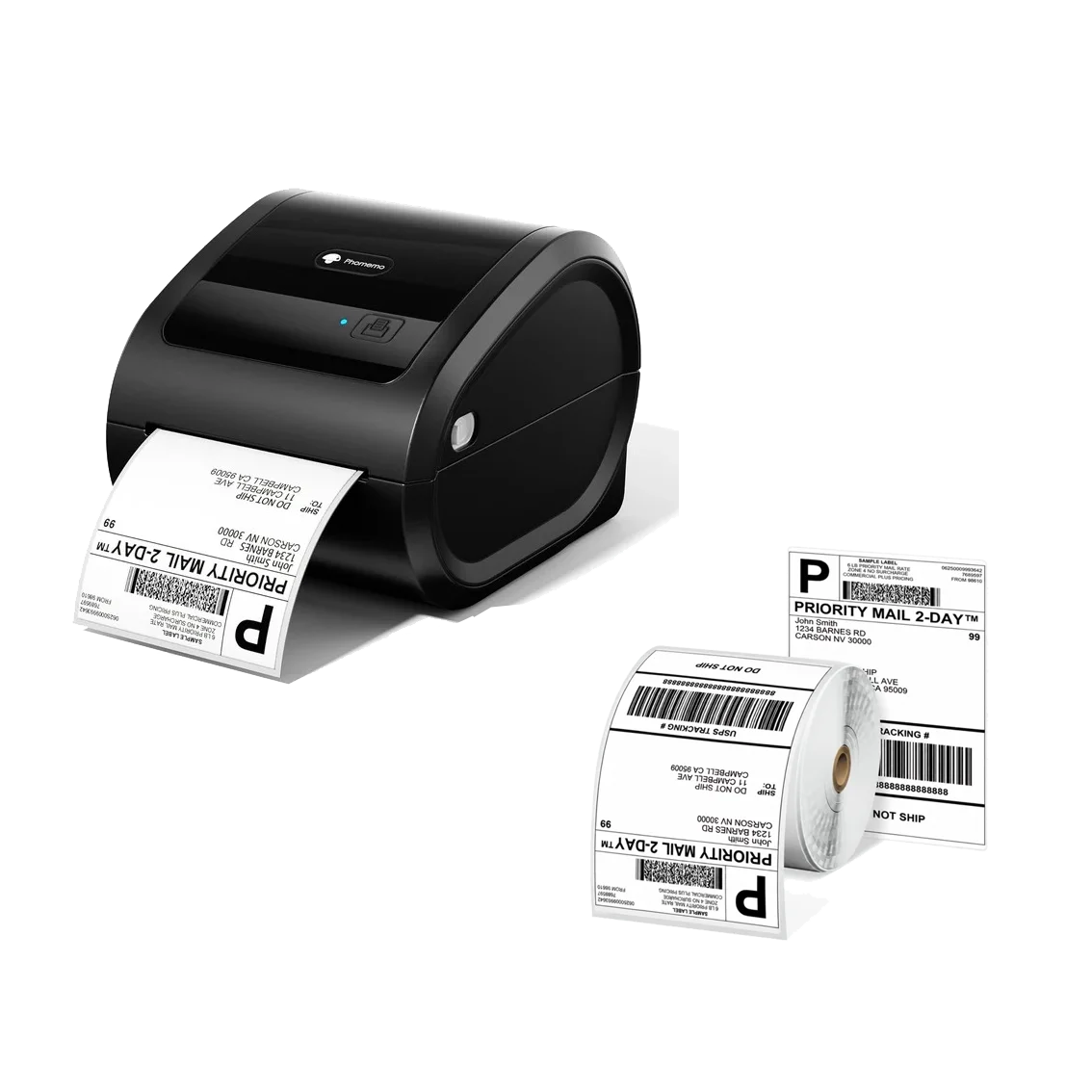
500 extra labels 1 roll
White
Current price: €139,90
Original price: €154,90 Save €15
How to
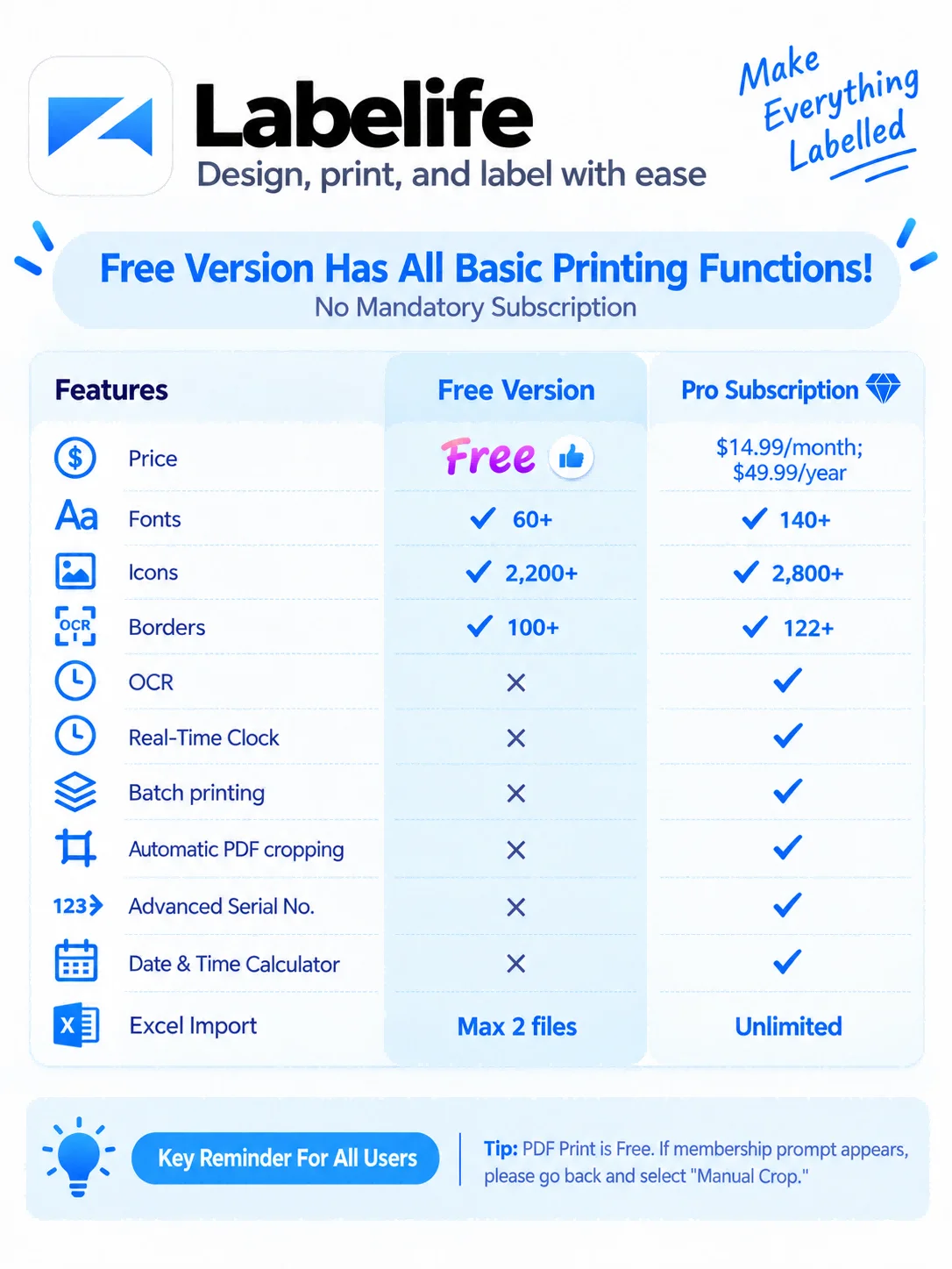
Open Labelife on your phone and import your shipping label or create a label from scratch.
Turn on Bluetooth and connect to the printer inside Labelife.
Print one label first and check the size, orientation and barcode before printing the rest.
DESIGN APP
Create a label from scratch, open a template or import a shipping label PDF.
Add text, barcodes, QR codes, images, borders and other label elements.
Save your label files, reopen previous designs and update the details when needed.
Labelife is also available for iOS and Android.
What's in the box

How labels feed
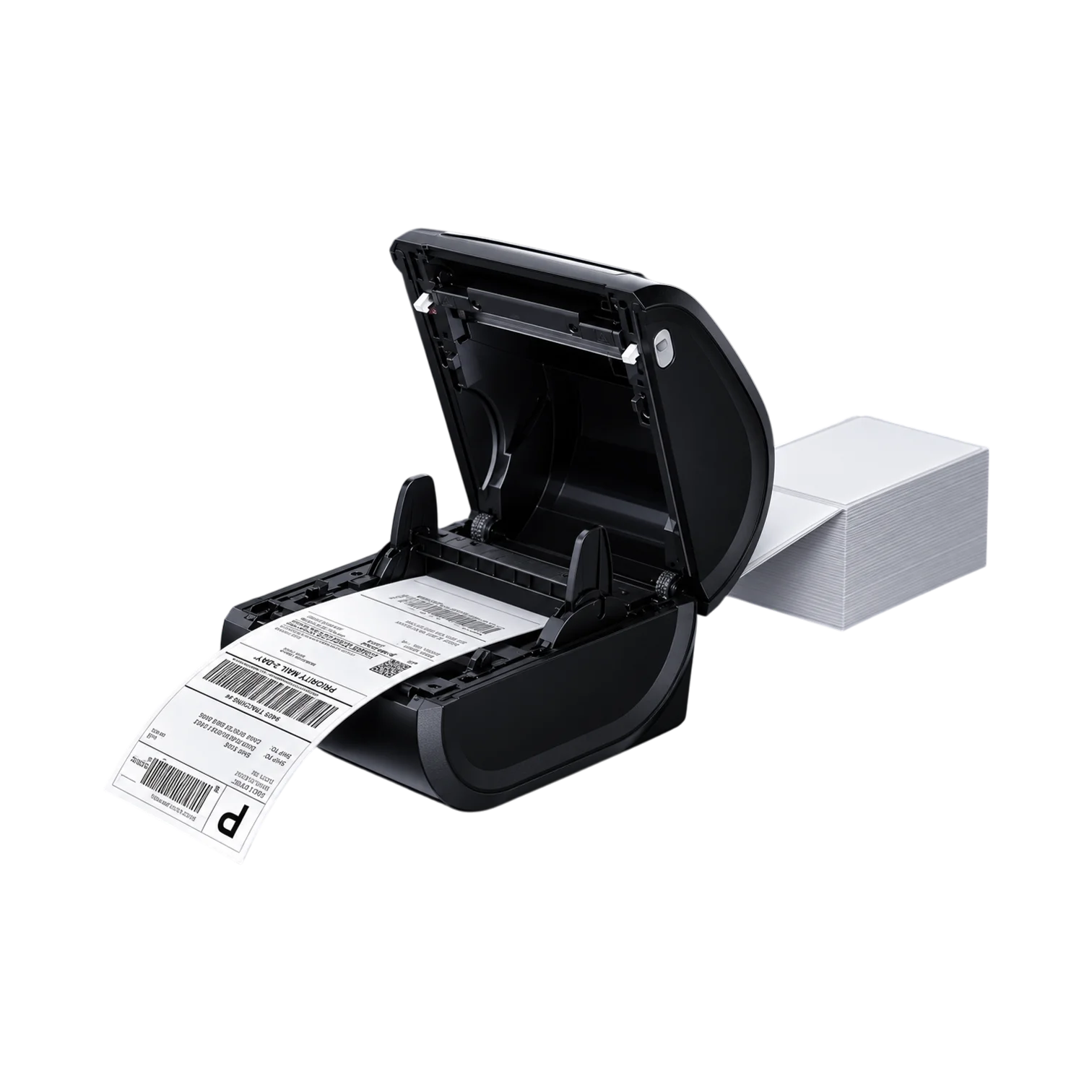
The D520BT works with both label rolls and fanfold stacks. Choose the format that fits your workspace.
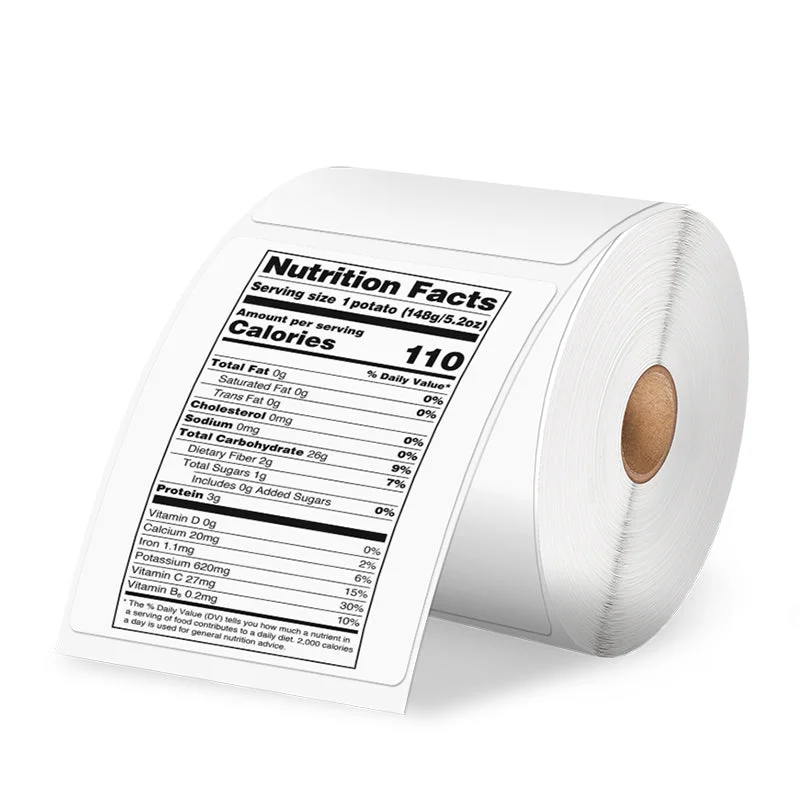
Roll feed
Load a compatible roll inside the printer and let the labels feed as you print.
View the 500-label roll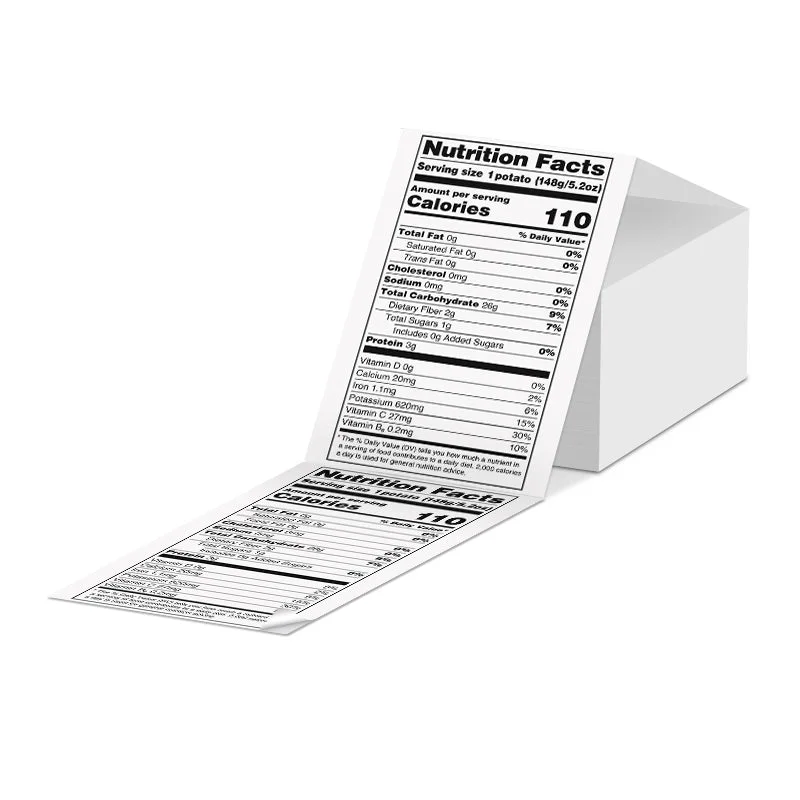
Fanfold feed
Place the folded labels behind the printer and feed them straight into the back.
View 500 fanfold labels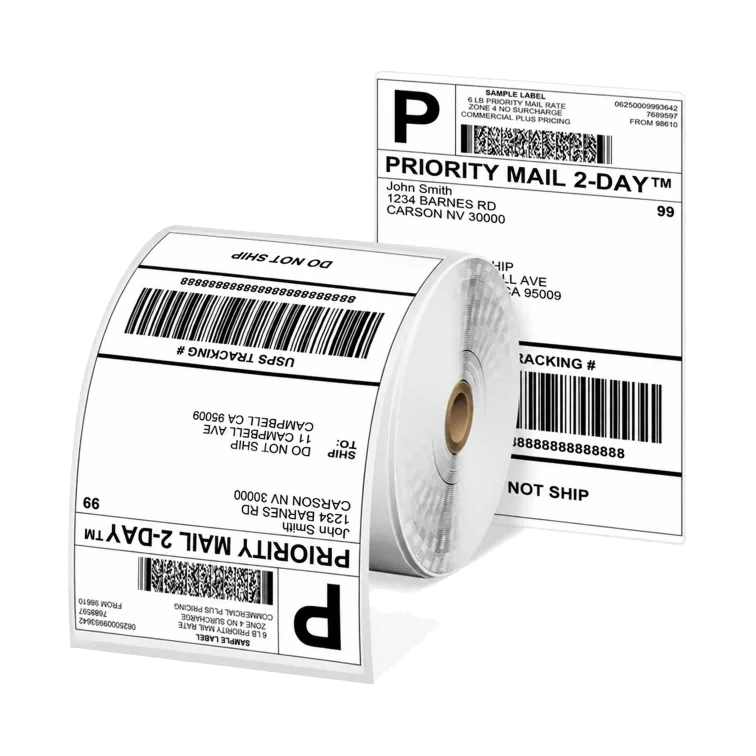
1 roll 500 labels
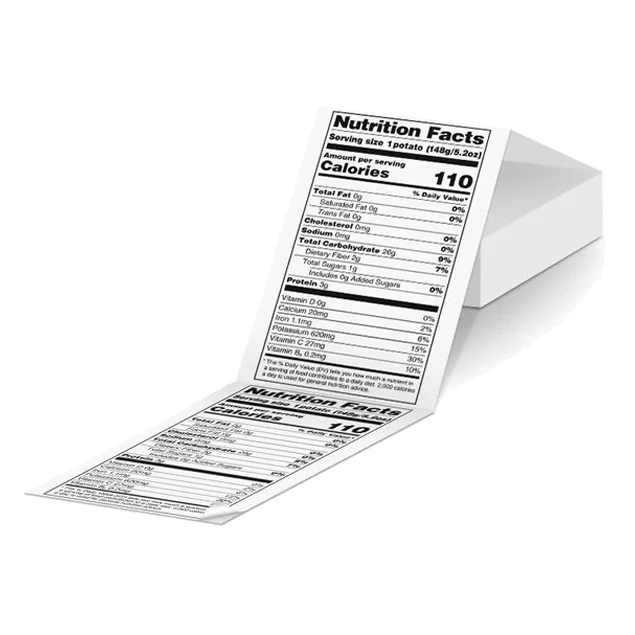
500 labels
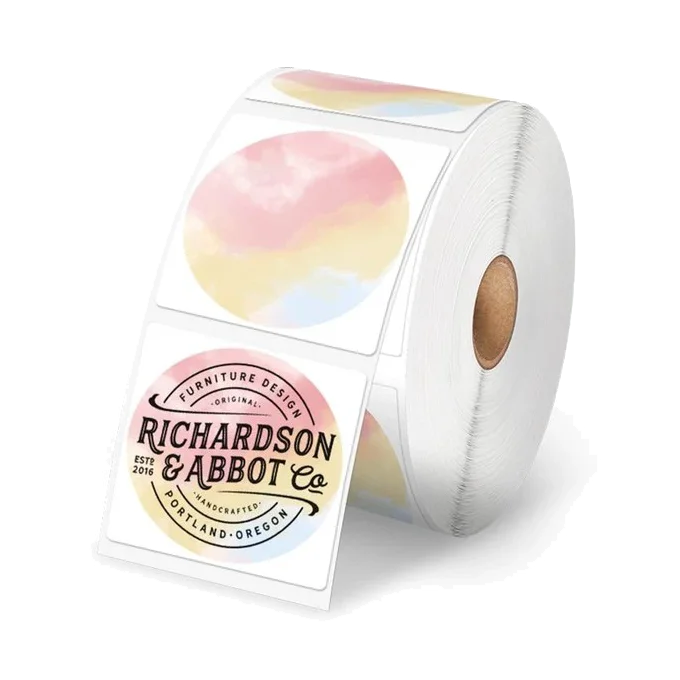
1 roll 750 labels
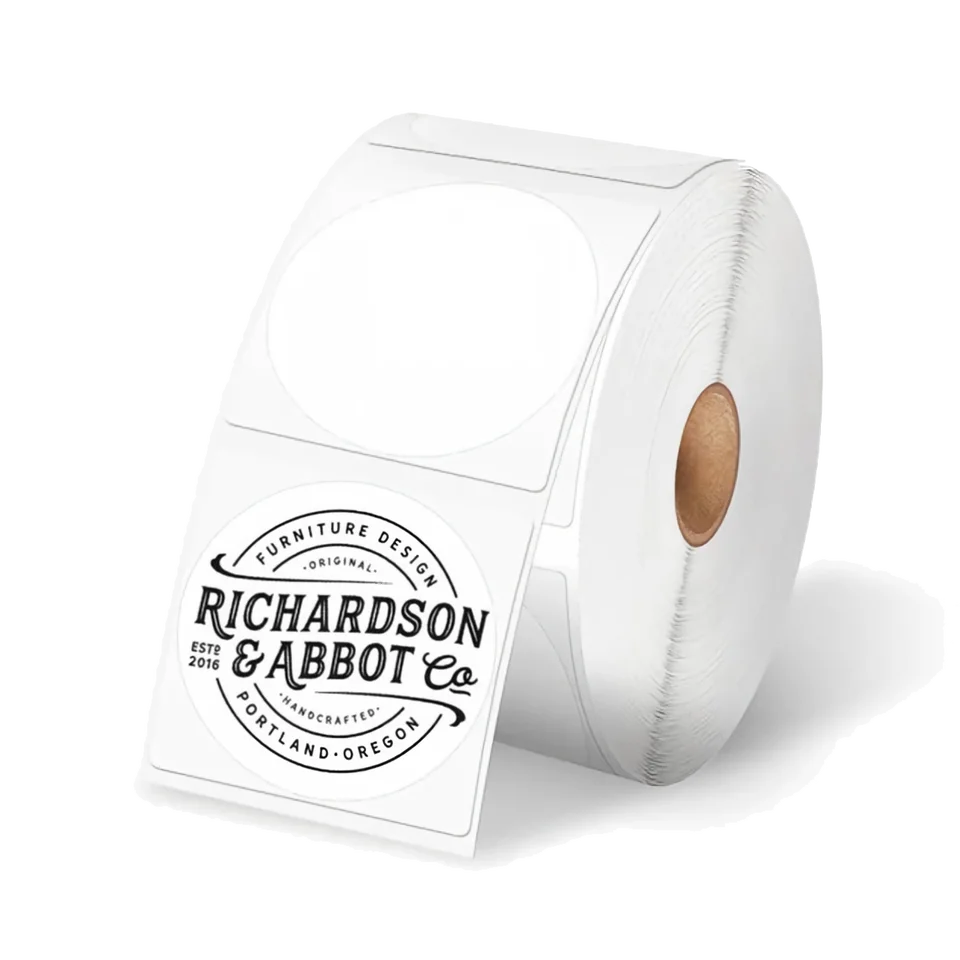
1 roll 750 labels
Optional accessories
Accessories
Keep your labels feeding smoothly
The PM241-BT feeds label rolls from a separate holder behind the printer. The D520BT has room for a suitable roll inside. Both also accept fanfold labels and need mains power.
Yes. Alongside 4 × 6 inch shipping labels, it supports smaller compatible labels, including our 50.8 mm round rolls. It prints black text and artwork, not full colour.
Yes. Labelife on your phone can print shipping-label PDFs over Bluetooth. A 4 × 6 inch PDF from your carrier or selling platform fits standard shipping labels.
No. Bluetooth carries the print job; the D520BT still needs its mains power adapter. It does not have a rechargeable battery.
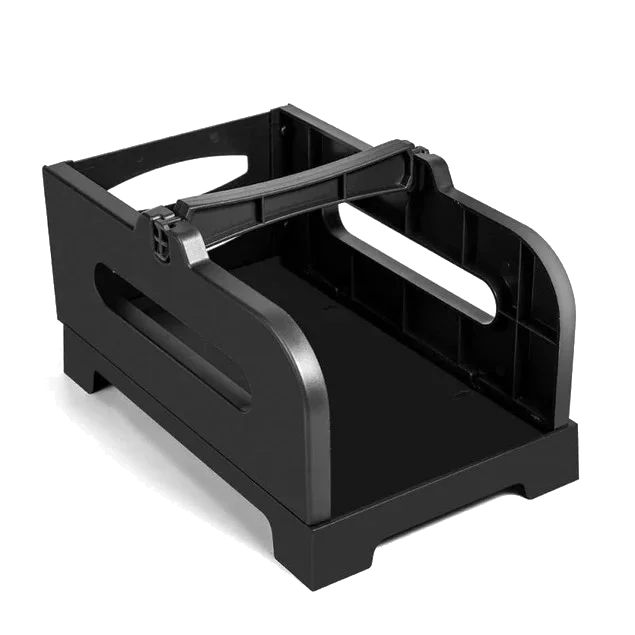
Only if your roll does not fit in the internal compartment. A suitable roll uses the printer’s built-in support. Fanfold labels can feed from a stack behind the printer without a holder.
Yes. The D520BT supports Windows and Mac over USB with its driver. Labelife and compatible desktop applications can send print jobs without the phone app.
No. The D520BT uses direct-thermal labels. You replace the labels, not an ink cartridge. Ordinary sticker sheets for inkjet or laser printers are not suitable.
Compare how the printer stores and feeds labels, and the connection for your device.
Compare how the printer stores and feeds labels, and the connection for your device.
View PM-241-BTKeep the guide handy.
Read the steps or save a copy for D520BT.