
12–15 mm wide
Make it personal
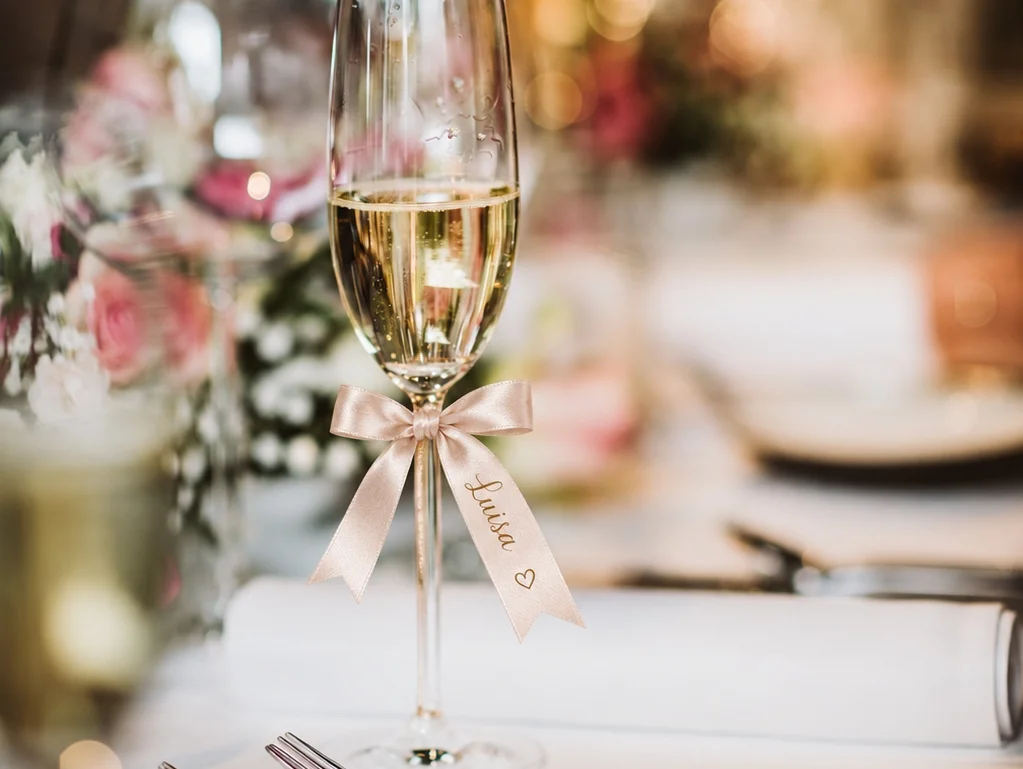
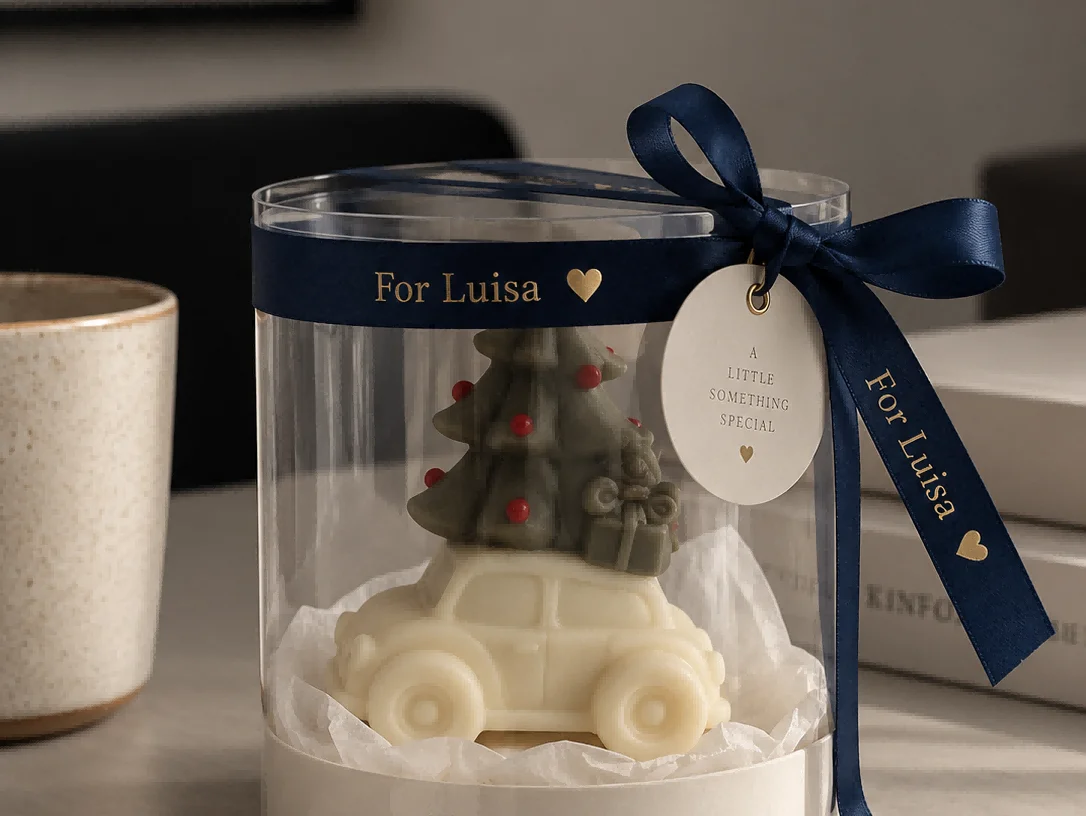
Print names, short messages and simple designs directly onto ribbon for gifts, packaging and special occasions.
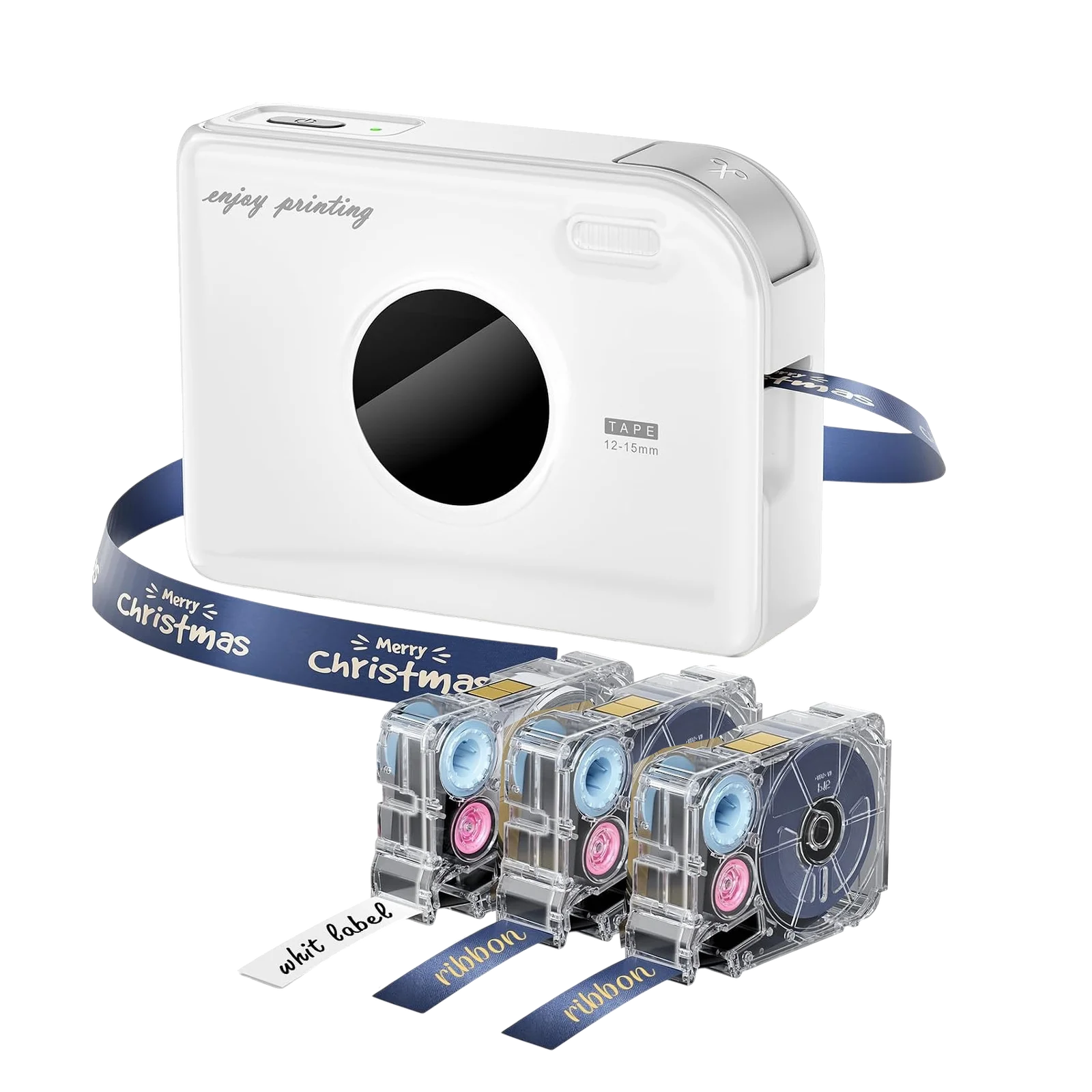
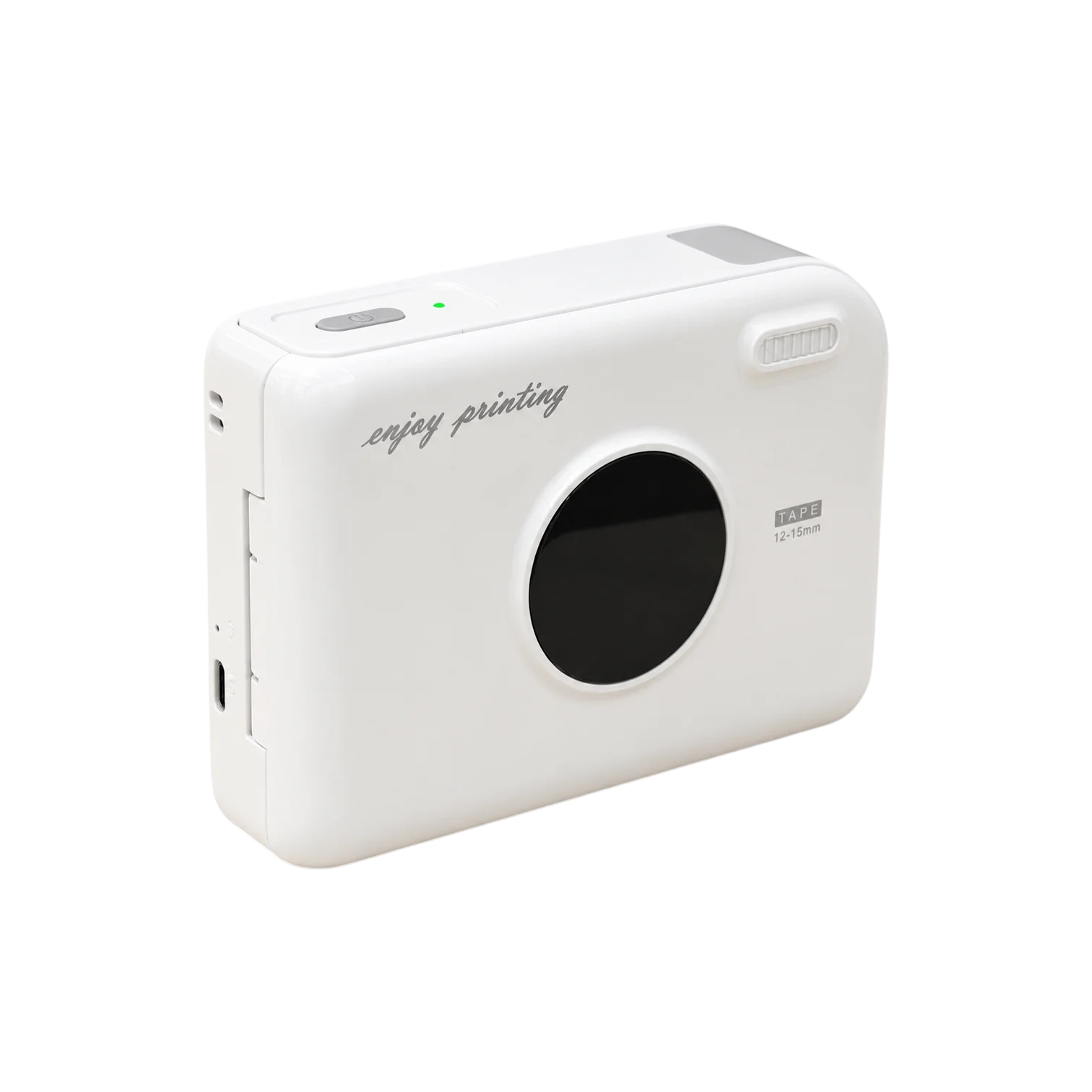
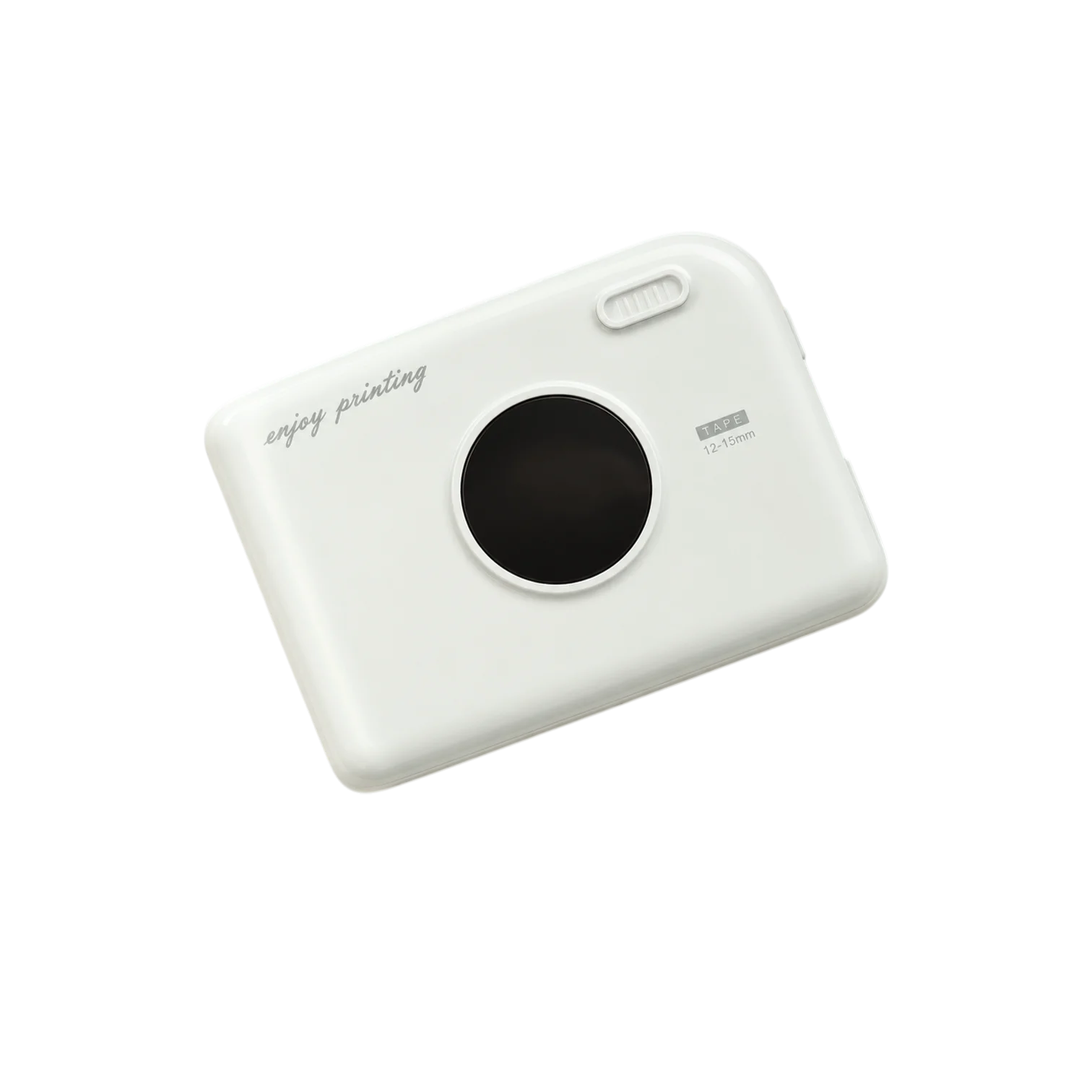
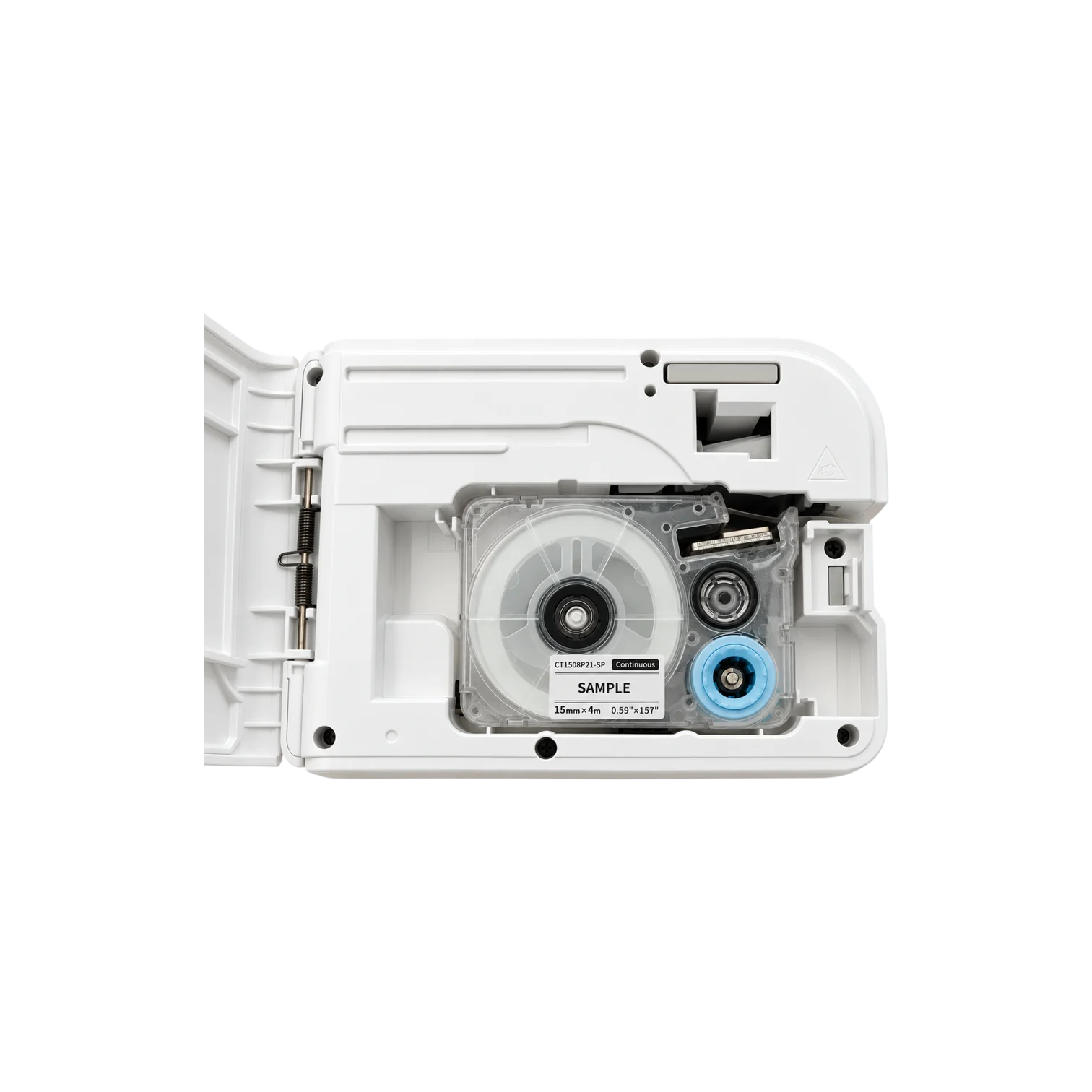
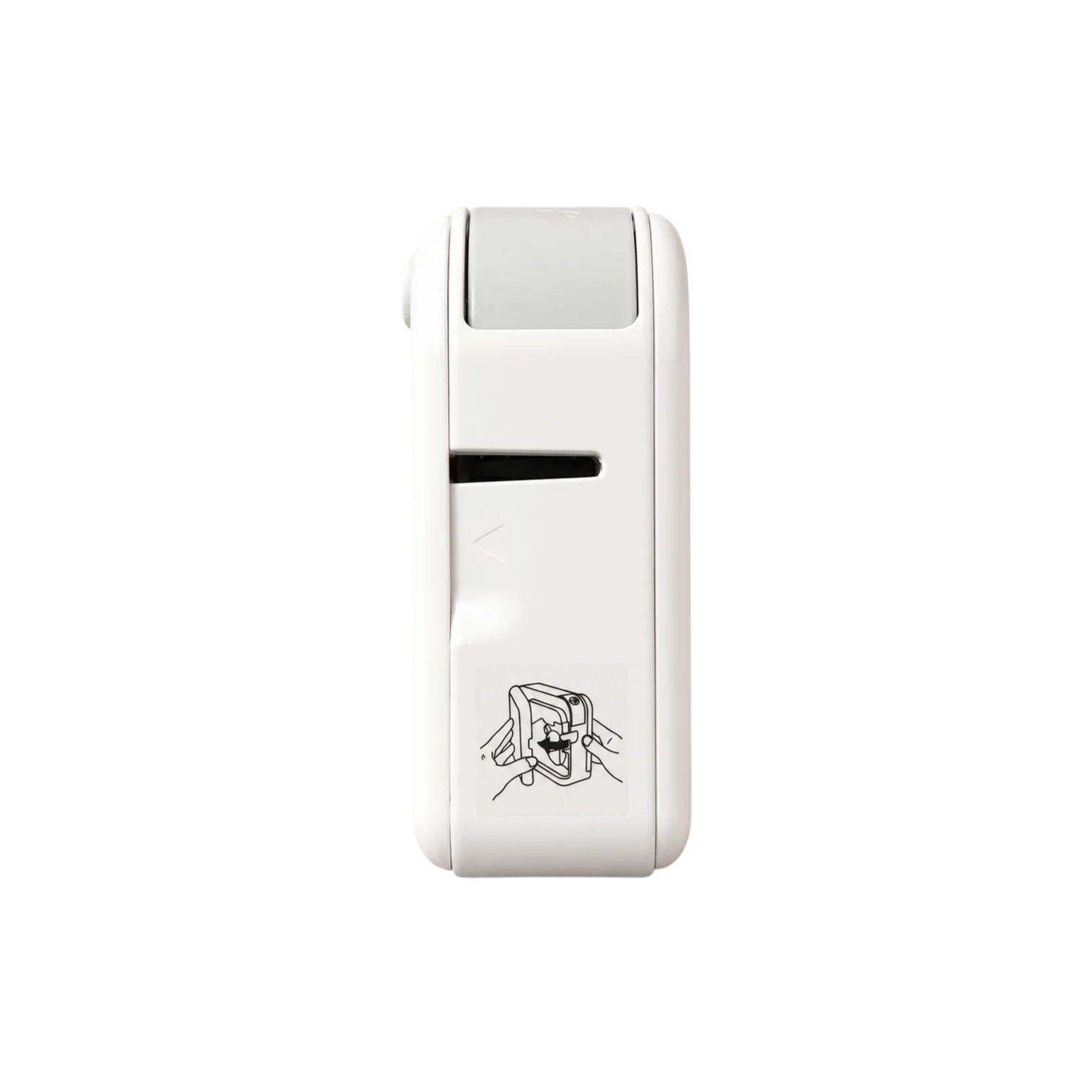
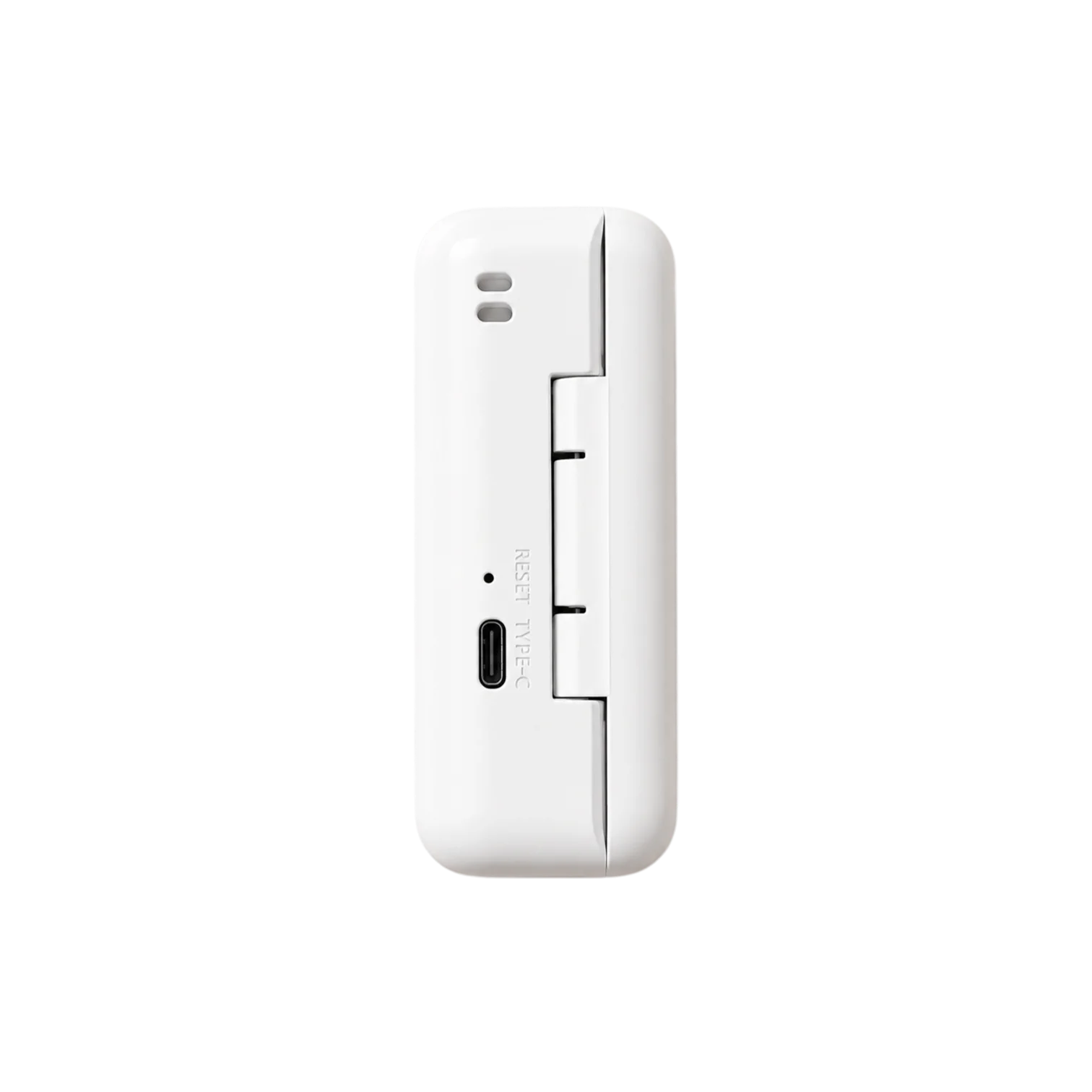
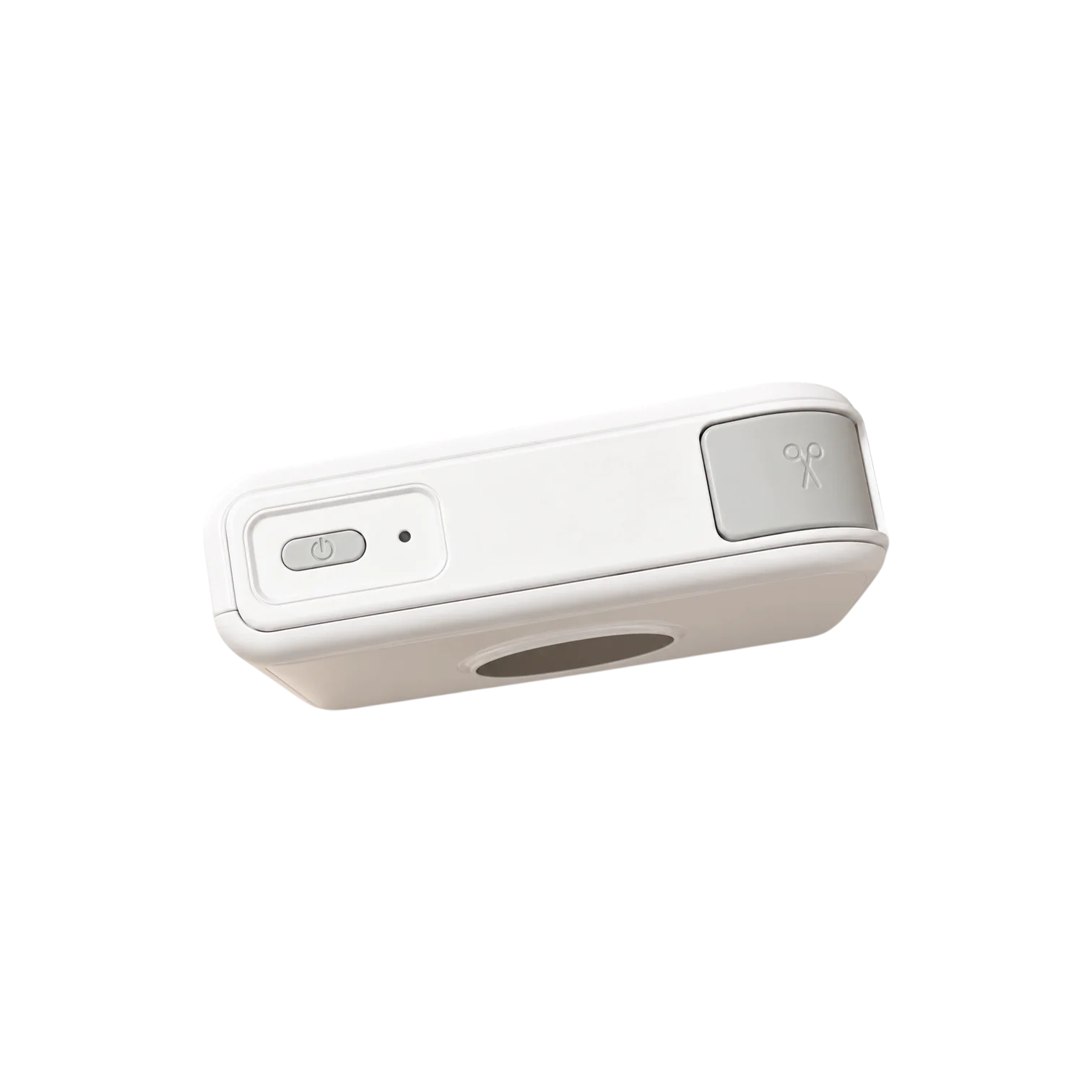
Ribbon printer
Print names, messages and simple designs directly onto ribbon for gifts, packaging and special occasions. Create your design in Print Master and print from your phone over Bluetooth.
Original price:
Current price: €59,95
Save
Overview
12–15 mm wide
Print names, short messages and simple designs directly onto ribbon for gifts, packaging and special occasions.
Bluetooth
Create your layout in Print Master and send it to the A30 over Bluetooth.
Ribbon + tape
Switch between compatible ribbon and label tapes to suit different tasks.
Results
Add names, messages and simple designs to ribbon for gifts, packaging and special occasions.

How to
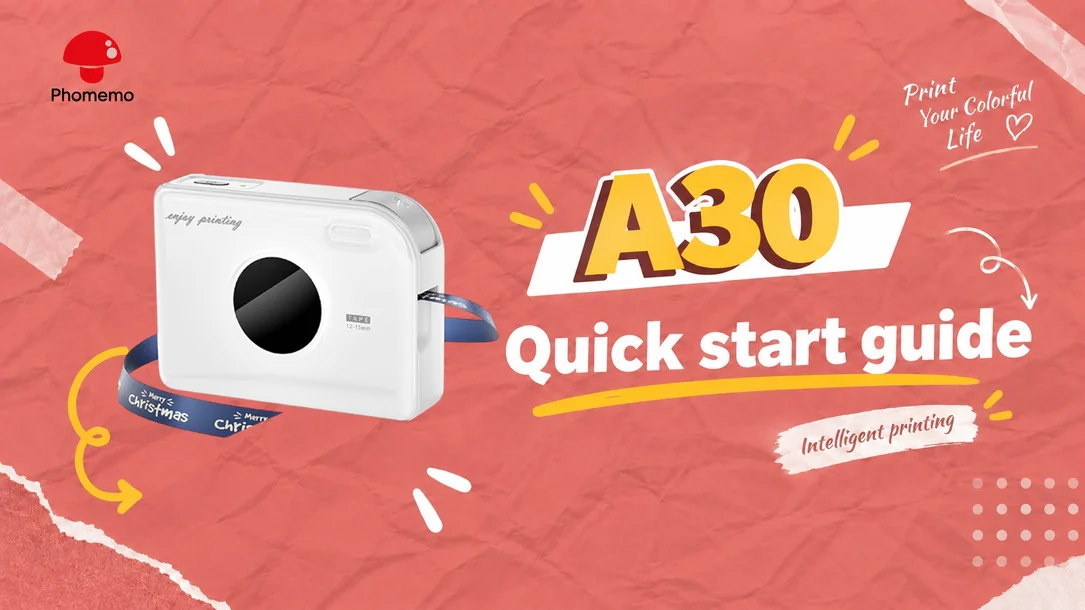
Load a compatible ribbon or label tape in the width and colour you want to use.
Open Print Master on your phone and add a name, message, icon or simple design.
Connect to the A30 over Bluetooth inside Print Master, then print and use your ribbon or label.
DESIGN APP
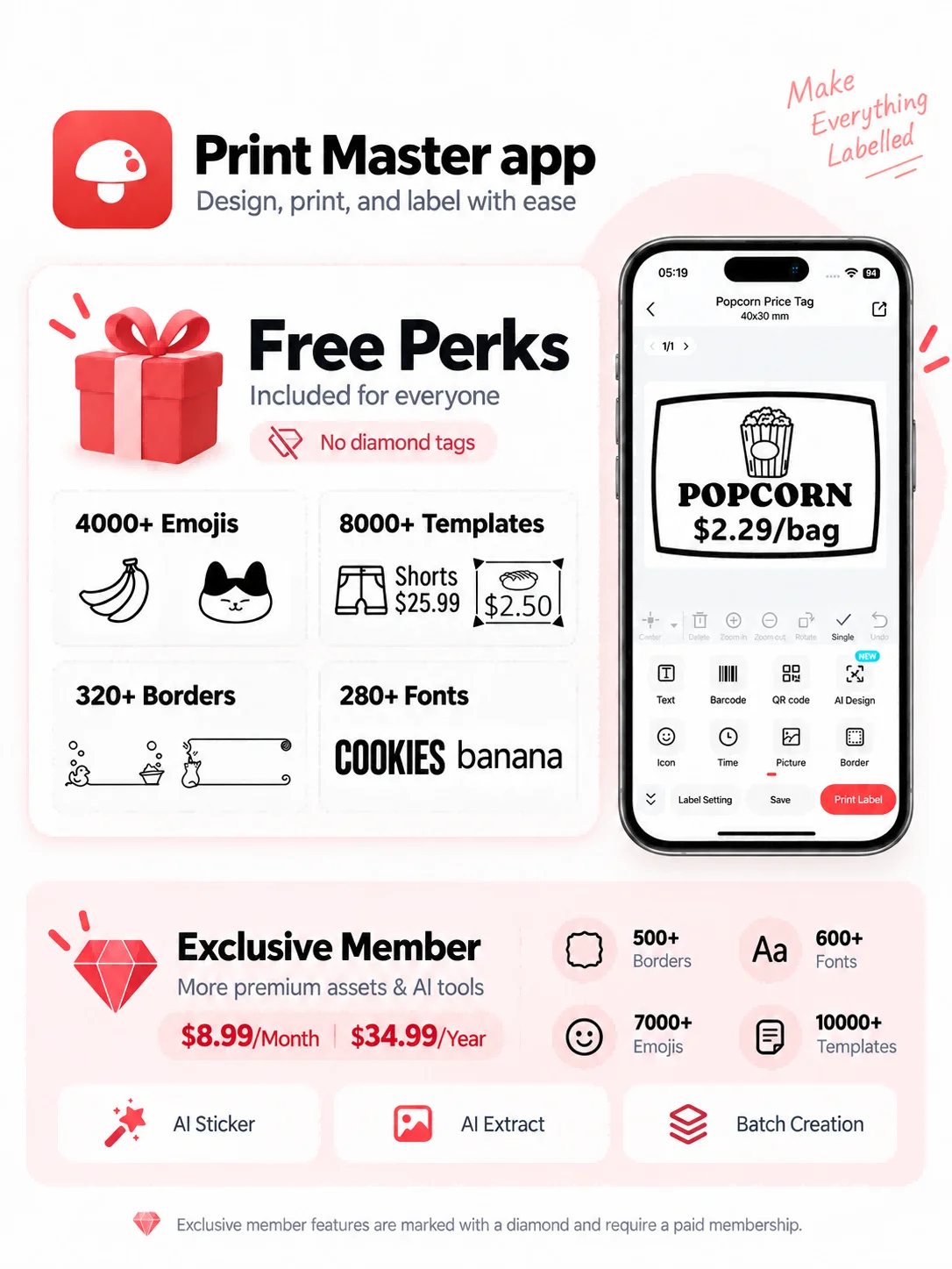
Start with a ready-made layout and adjust it to fit your ribbon or label tape.
Add names, short messages, icons, logos or simple graphics.
Save your designs or reopen recent prints, then update the name or message whenever you need.
Search for Print Master in the App Store or Google Play.
What's in the box

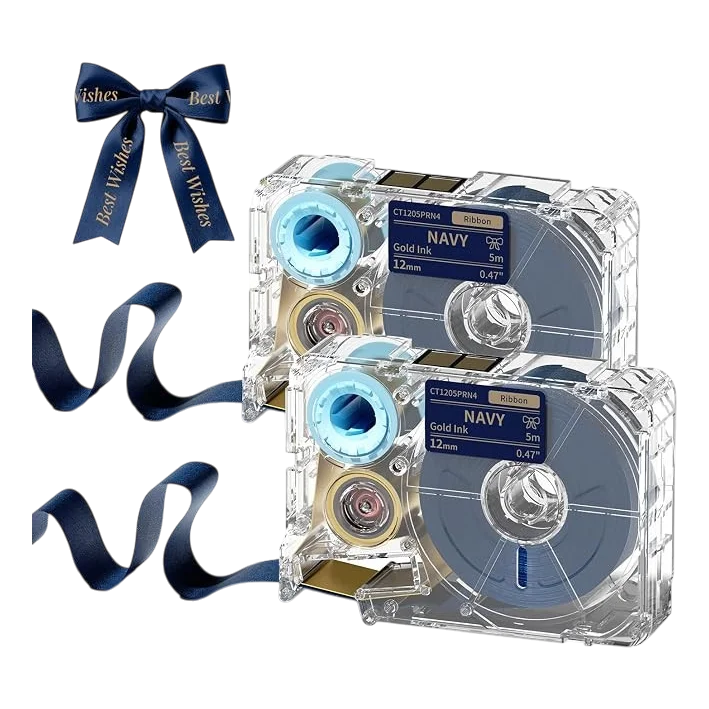
2 cassettes
The A30 is for narrow ribbon. Our decorative ribbon is 12 mm wide, suitable for short names or wording on gifts and packaging. Wide florist’s ribbon cannot be fed into this printer.
No. The A30 uses compatible ribbon cartridges that hold the ribbon and its printing film together. Loose ribbon from a craft shop cannot be fed in as a replacement cartridge.
The cassette determines the ribbon and print colours. Our navy ribbon, for example, prints in gold. In the app, you choose your text and design.
Yes. Use Print Master over Bluetooth on your phone. On Windows or Mac, use Labelife with the A30 driver and a USB data cable.
No. This is decorative ribbon for tying or attaching to packaging. If you need an adhesive label, choose a compatible A30 label cartridge rather than the navy ribbon refill.
Yes. The A30 has a rechargeable battery and connects to your phone over Bluetooth.
No, as long as your design uses only free tools in Print Master. Some fonts, icons and other PRO features require a separate purchase or subscription; those extras are not included with the printer.
Keep the guide handy.
Read the steps or save a copy for A30.