
15 × 21 cm
Enough space to think on the page
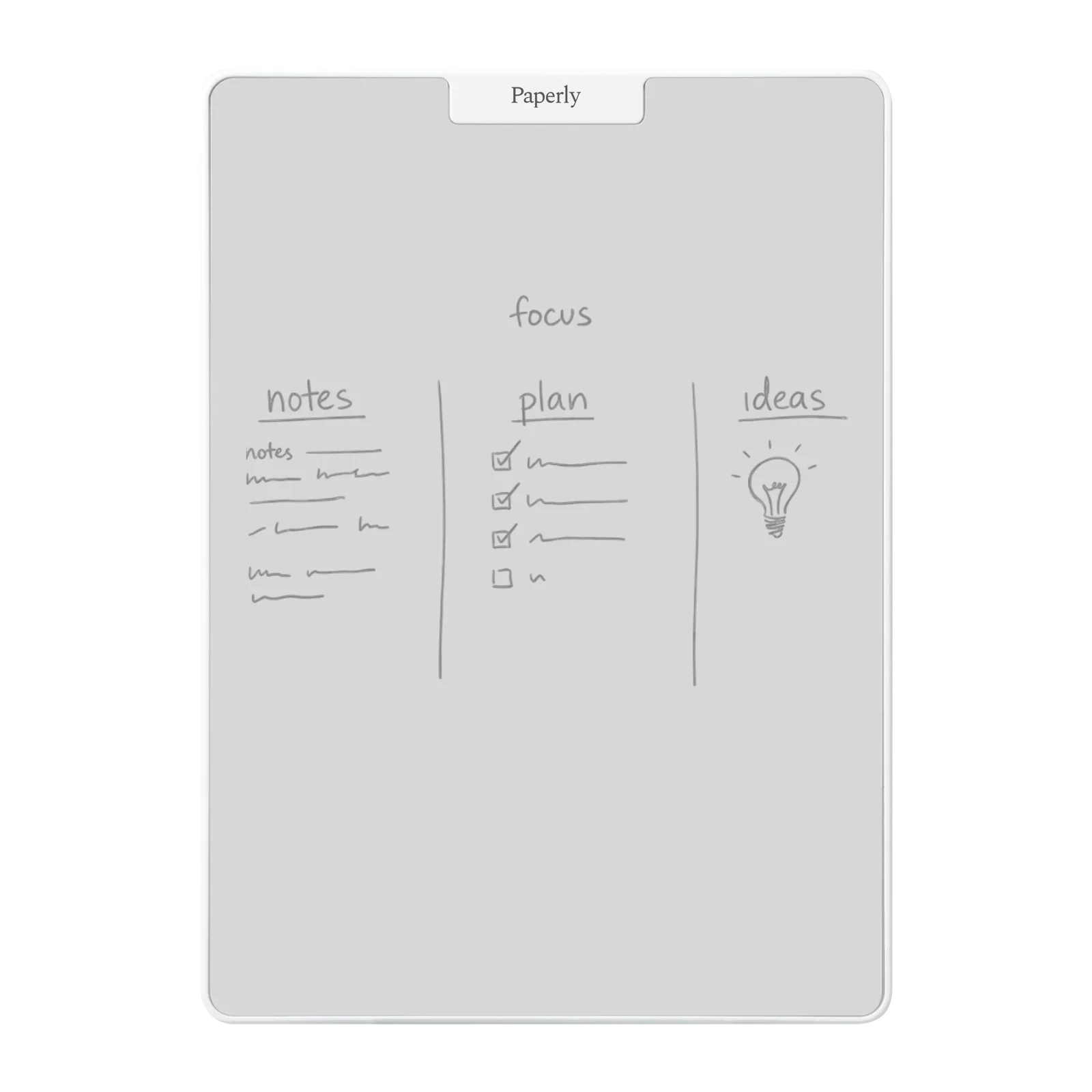
Use Think for notes, calculations and plans that need more room than a quick reminder.
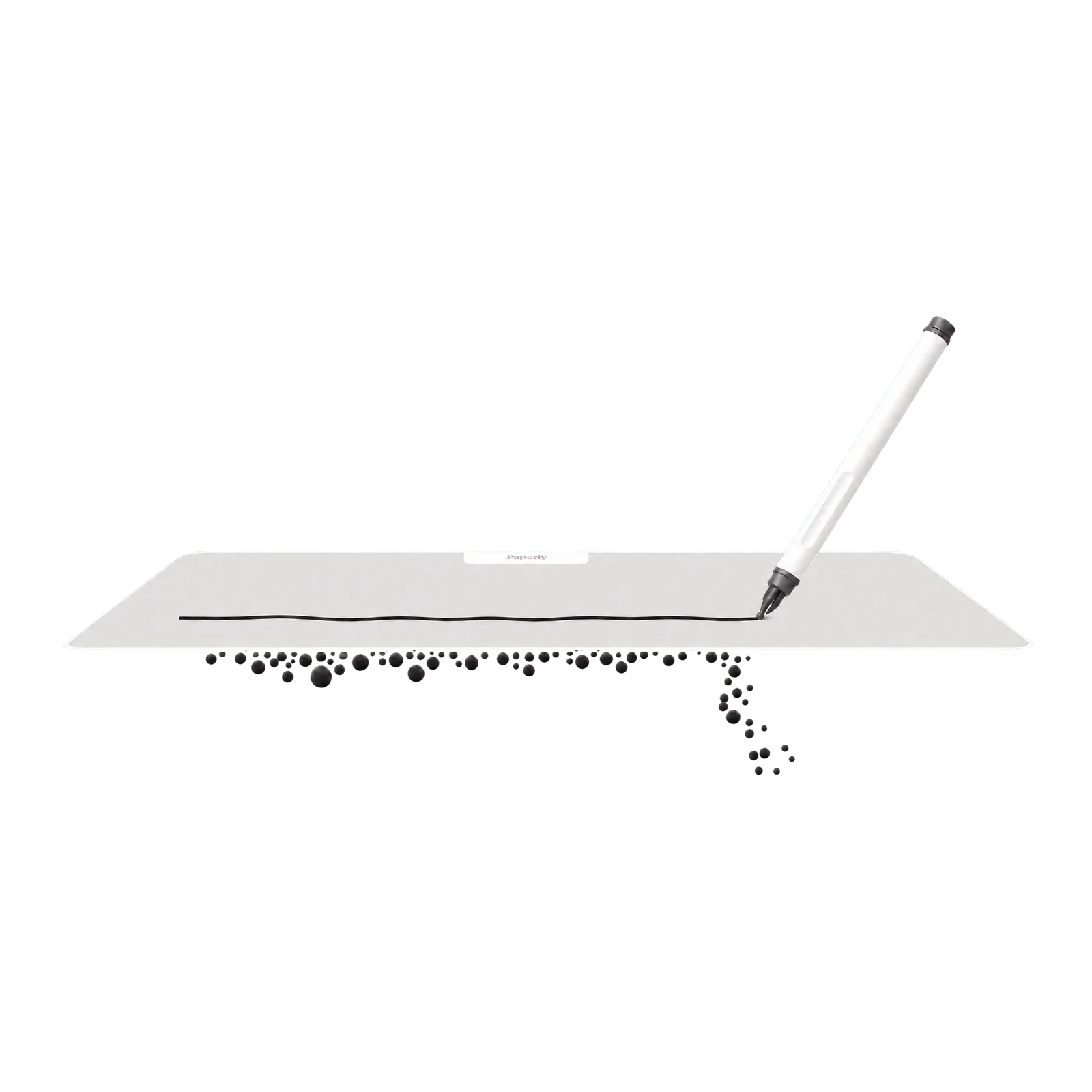
Writing board
For notes, calculations and plans you’re still working through.
Original price:
Current price: €24,95
Save
Overview
15 × 21 cm
Use Think for notes, calculations and plans that need more room than a quick reminder.
Precision eraser
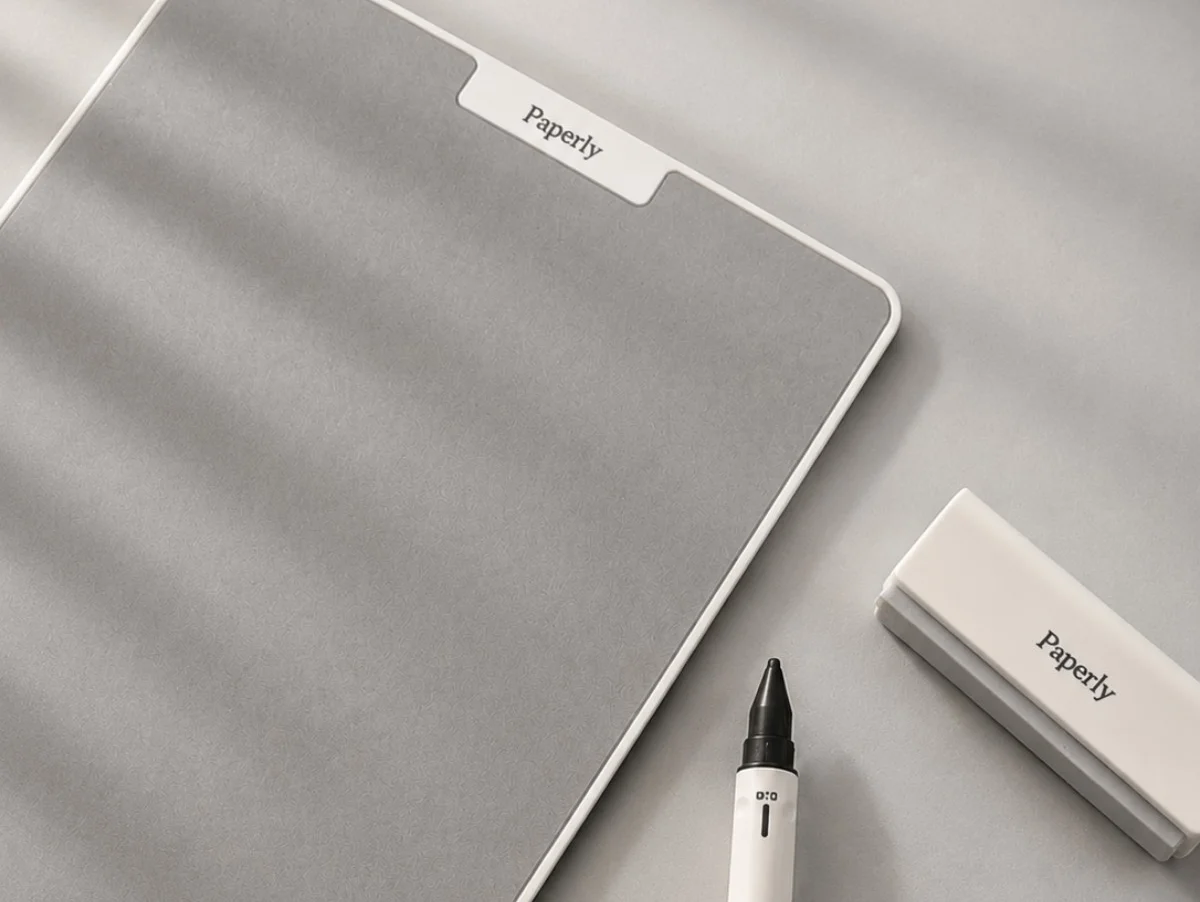
Erase a word, number or line without clearing everything you have already worked through.
No ink · No charging
Write, adjust and continue without ink, batteries or an app interrupting the process.
Results
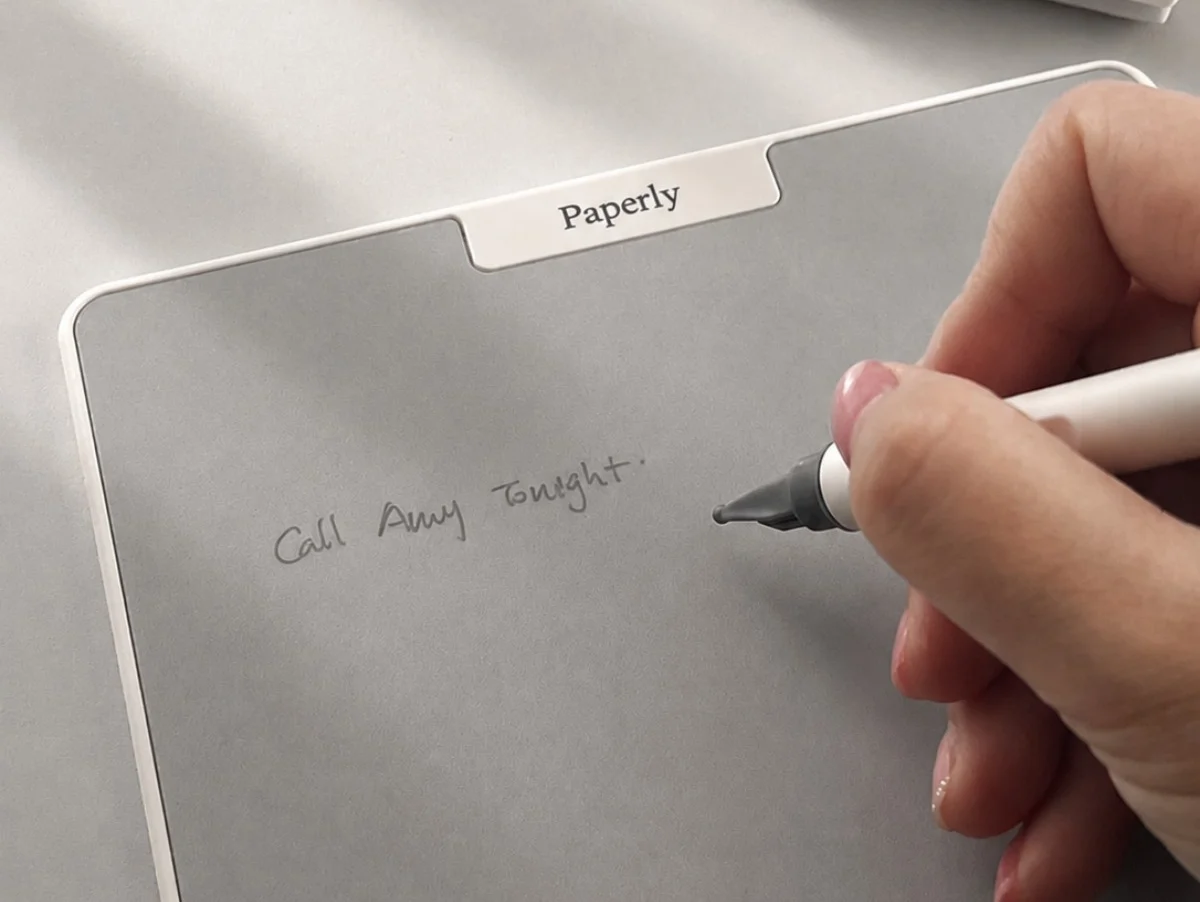
Work out an order cost, note the next steps after a call or rearrange today’s priorities. Update your notes as the work changes.
How to
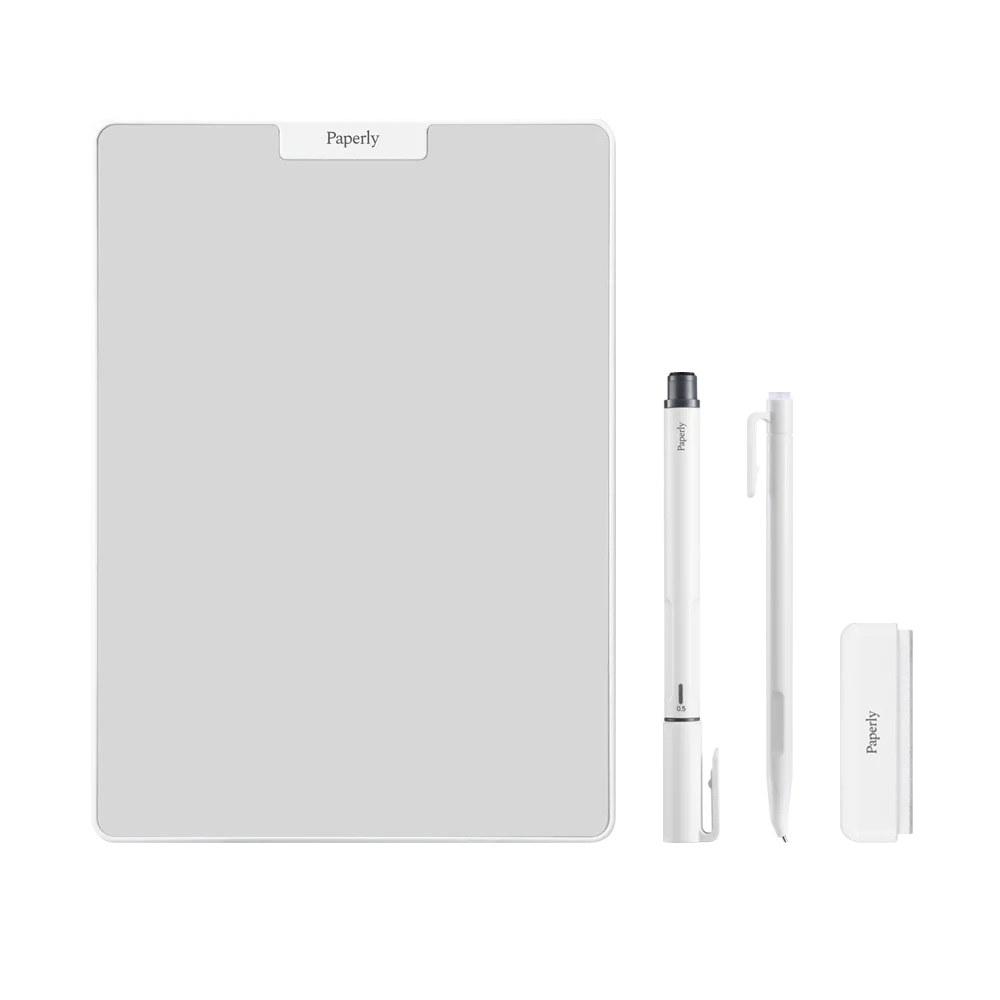
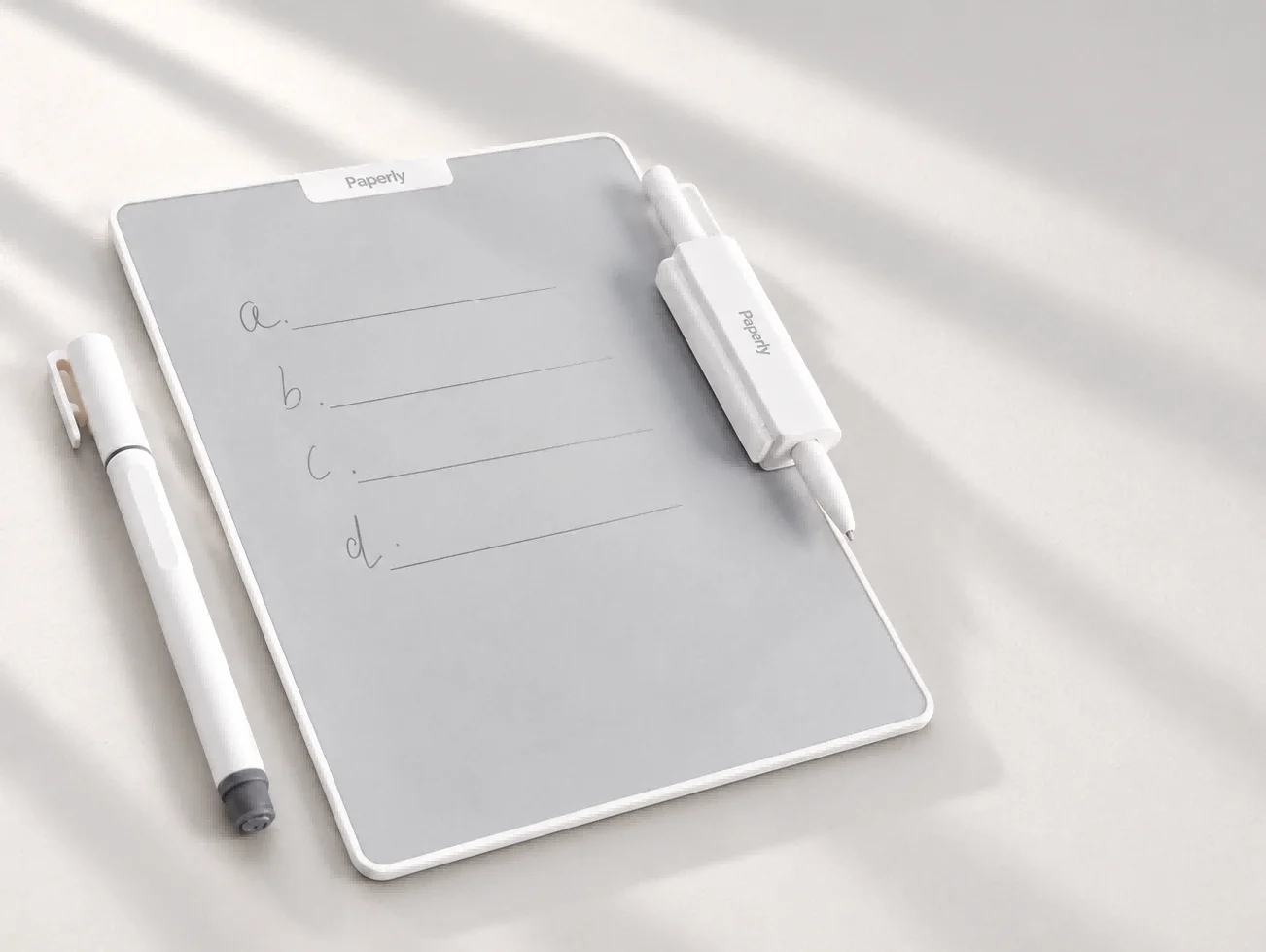
Write with either included magnetic pen. Use a light touch; extra pressure will not make the line darker.
Use the soft side of the eraser for details and the stronger side for larger areas. Finish with the soft side if a slight haze remains.
Photograph or copy useful notes before clearing the board for the next task. Think does not store your work.
What’s in the box

Think has a writing area of about 15 × 21 cm, close to A5. Go is smaller at about 8 × 14 cm for short reminders. Studio offers about 31 × 23 cm if you want more room for diagrams or sketches.
No. Think is a reusable writing board without electronics or an app. It does not save your notes or send them to a phone or computer.
Yes. The included eraser lets you remove a word or number without clearing the rest of your notes.
No. The Pocket and Fountain pens are magnetic Paperly pens without ink. Regular pens and markers are not suitable for the board.
Think suits notes and calculations at your desk. Go is smaller; Studio gives visual work more room.
Keep short reminders on an approx. 8 × 14 cm writing area, with a magnetic back for compatible surfaces.
View GoGive sketches, mind maps and visual plans more room on an approx. 31 × 23 cm writing area.
View Studio