
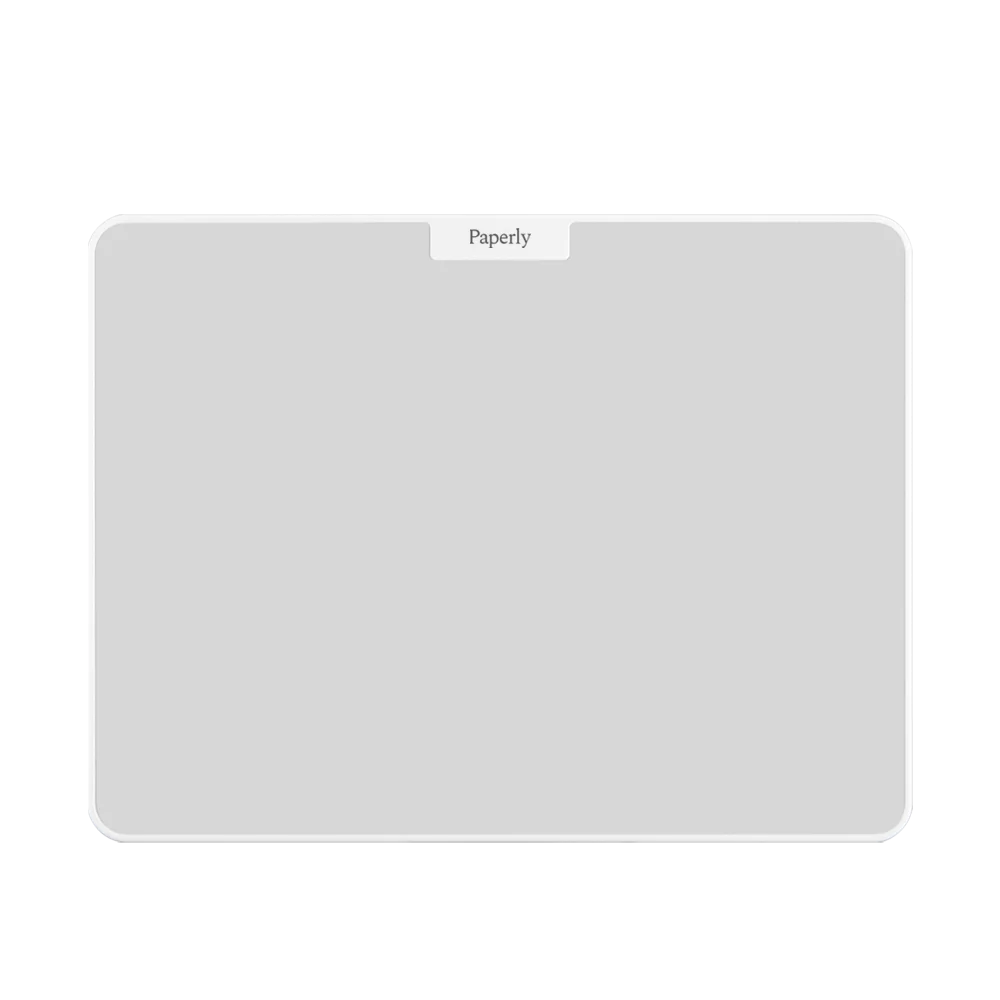
31 × 23 cm
Spread out your thinking
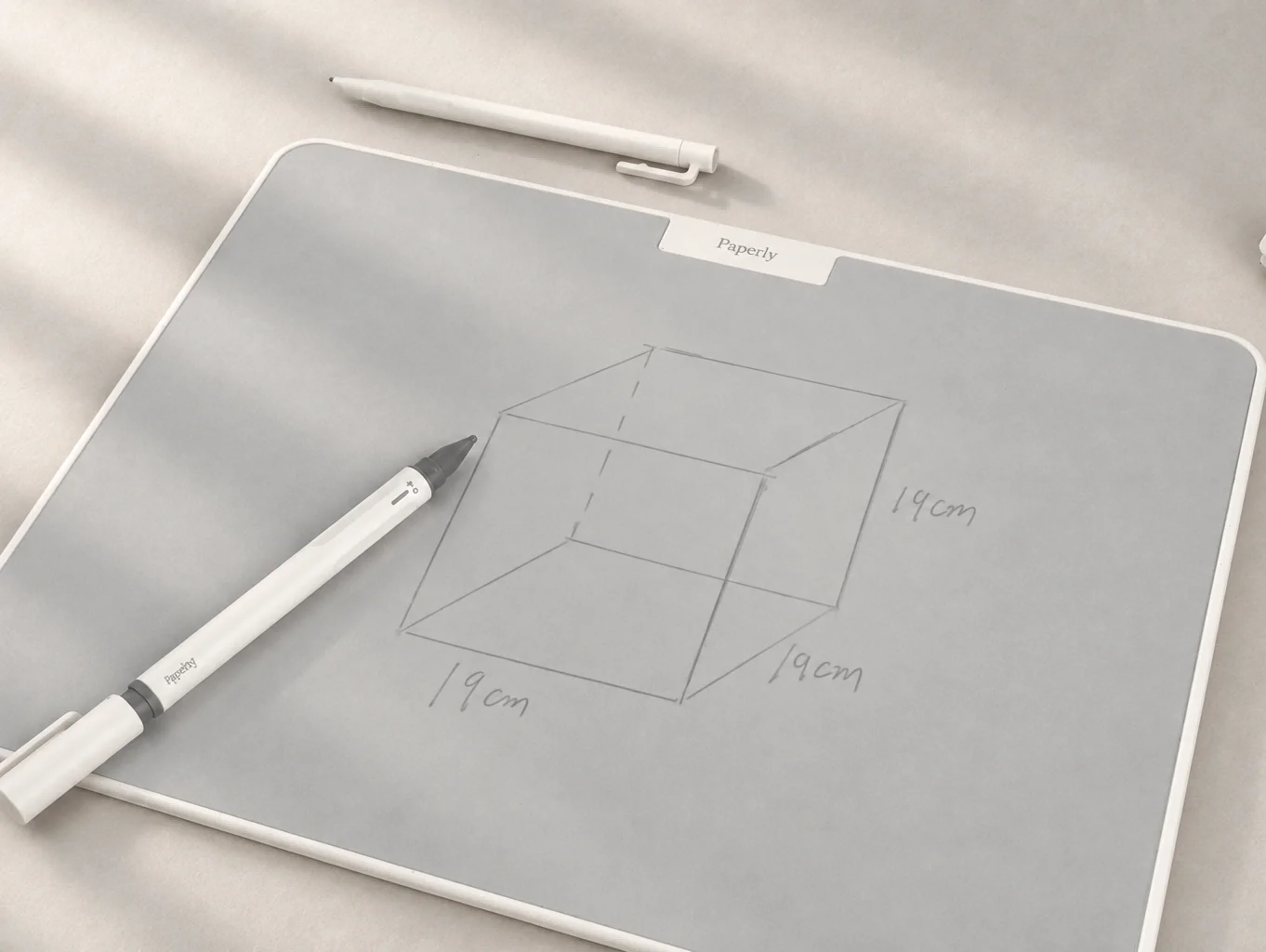
Use the larger surface for sketches, mind maps, storyboards and visual plans that need to stay visible together.
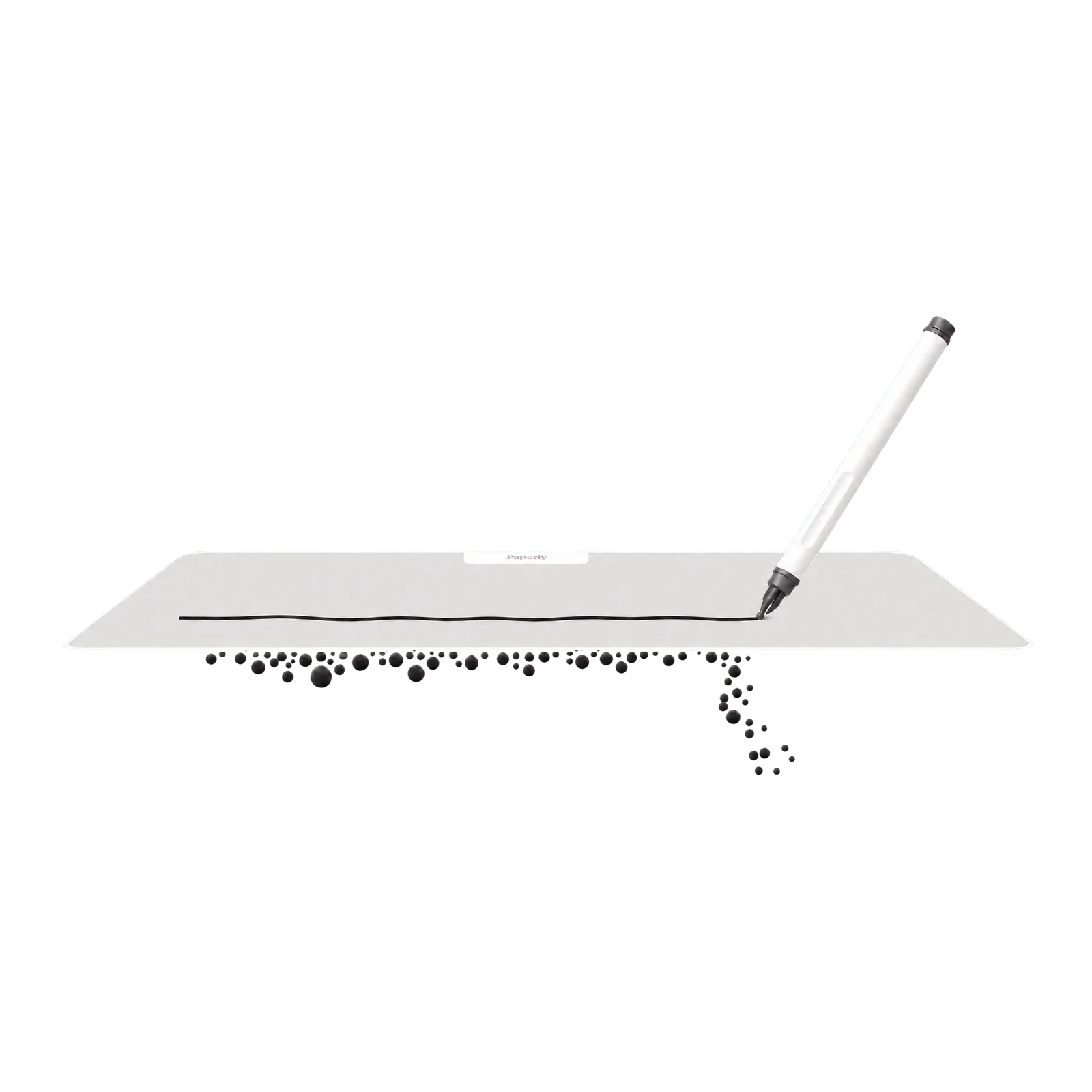
Writing board
For sketches, mind maps and visual plans that need more room.
Original price:
Current price: €29,95
Save
Overview
31 × 23 cm
Use the larger surface for sketches, mind maps, storyboards and visual plans that need to stay visible together.
Precision eraser
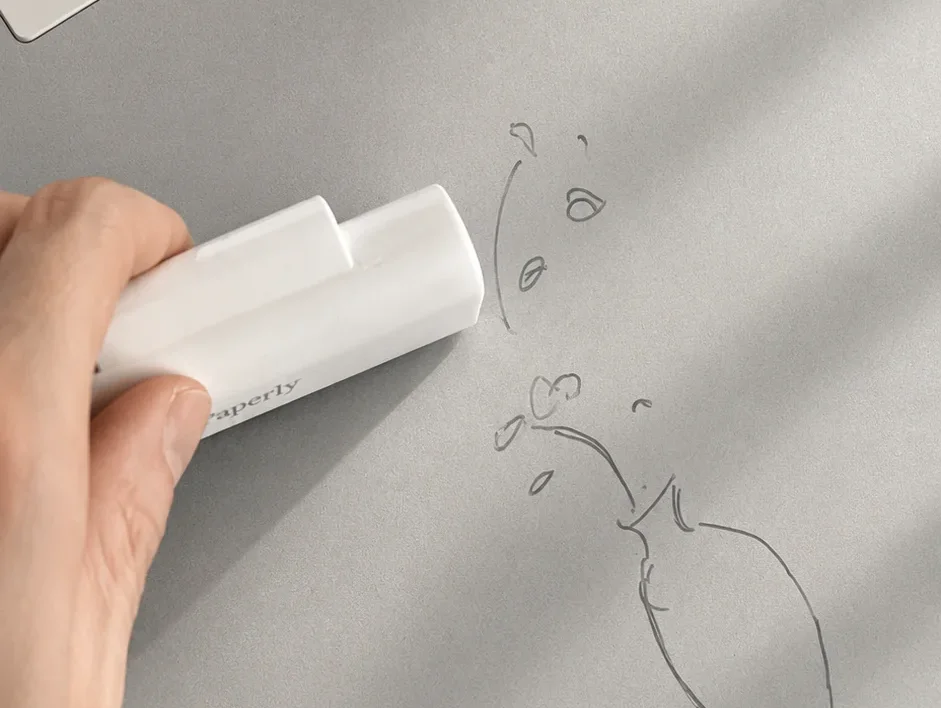
Erase a line, label or section without clearing the rest of your work.
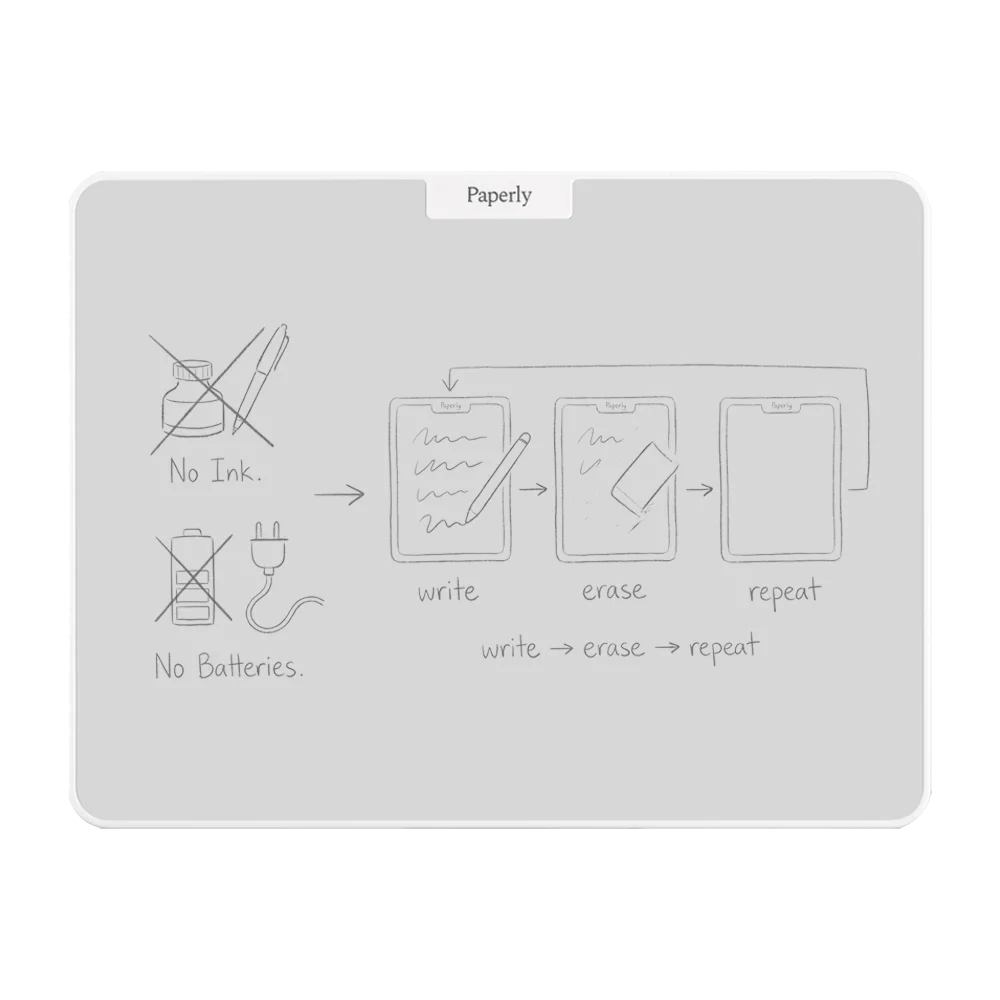
No ink · No charging
Write, adjust and continue without ink, batteries or an app interrupting the process.
Results
Try a packaging layout, connect campaign ideas or sketch the frames for a short video. Work through the idea before creating the finished design.
How to
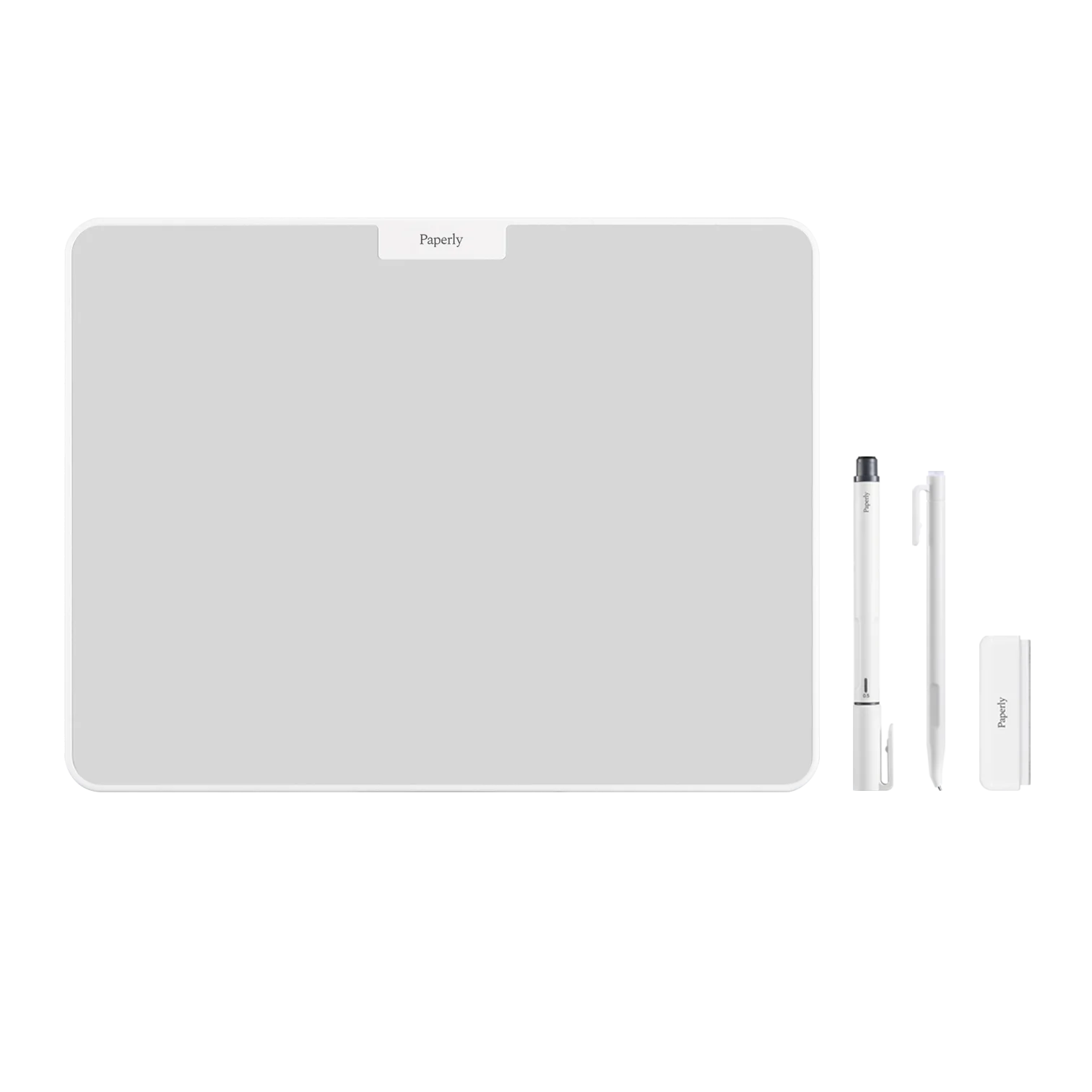
Draw with either included magnetic pen. Use a light touch and leave space for notes or the next part of your plan.
Use the soft side of the eraser for a small correction. Turn it over to clear more space, then finish with the soft side if needed.
Photograph useful work before you erase it. Studio does not save files or transfer your drawing to a design app.
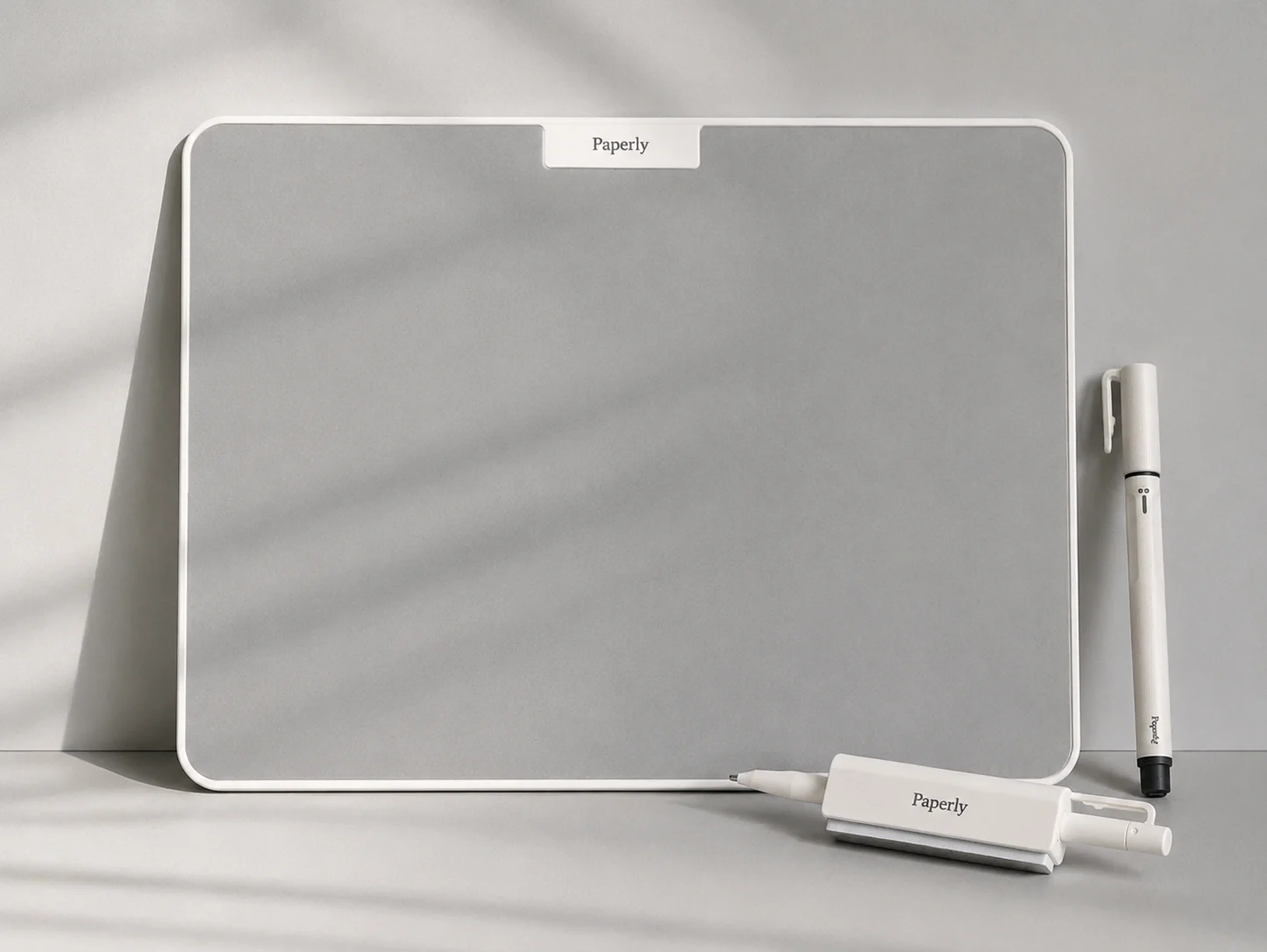
What’s in the box

Studio has a writing area of about 31 × 23 cm, compared with Think’s 15 × 21 cm. Choose it when a sketch, mind map or plan needs room to spread out. Both let you erase a detail without clearing everything.
Yes. The soft side of the eraser lets you remove a small area while keeping the surrounding drawing.
No. Use the supplied magnetic Paperly pens. Ordinary pens, pencils and markers are not suitable for the writing surface.
No. Studio has no electronics or app and cannot save or export drawings. Use it to sketch by hand.
Studio gives visual ideas room to develop. For shorter notes, consider Think or Go.
Keep working notes and calculations beside your keyboard on an approx. 15 × 21 cm writing area.
View ThinkKeep short reminders on an approx. 8 × 14 cm writing area, with a magnetic back for compatible surfaces.
View Go