
Refills
Find refills for your printer.
Find the next roll, ribbon or sheet for your printer.
Choose your printer
Start with the full model name on your device.
Have the pack code?
Use the code printed on the packaging.
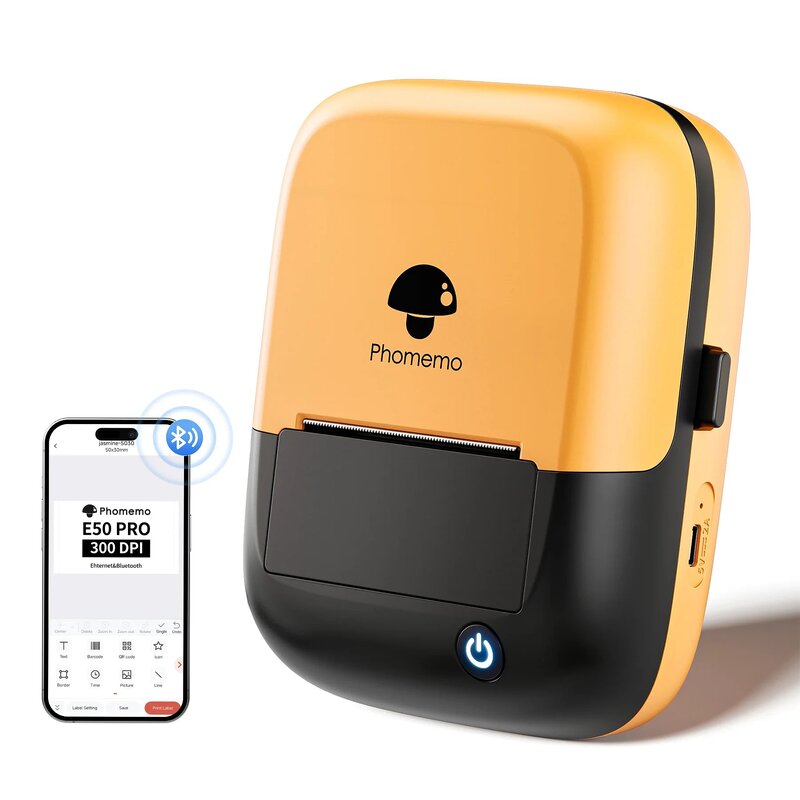
Refills for your E50Pro-OB
Match the tape to the surface and conditions.
Confirm the exact pack code for your model before ordering.
No refills found for this printer yet. We can help you choose.
Material compatibility
Will this label fit?
Width is one check. Match the complete pack to your exact printer model.
- Print method
- M110, M220, D520BT and PM241-BT need direct-thermal labels. Inkjet, laser and thermal-transfer labels are not interchangeable with them.
- Size & printable area
- Check the full backing-paper width, label width and length. Your design must fit inside the printable area, with room for margins.
- Label detection
- The printer must detect each label. Match the gap or black-mark system to the model, then run its label calibration. Do not assume clear or continuous material will work.
- Roll & feed
- Check roll core, outer diameter, winding direction and media thickness. For fanfold labels, check the feed path. A holder cannot make an unsupported material compatible.
- Layout & settings
- Set the correct label size, shape and orientation in the app or driver. Print one sample before a batch.
- Surface & conditions
- Choose adhesive and material for the item, moisture, heat and expected lifetime. Fitting the printer does not make a sticker suitable for every surface.
Two stickers can both measure Ø 50 mm and still use different backing paper, gaps or rolls.
Help me check a pack