
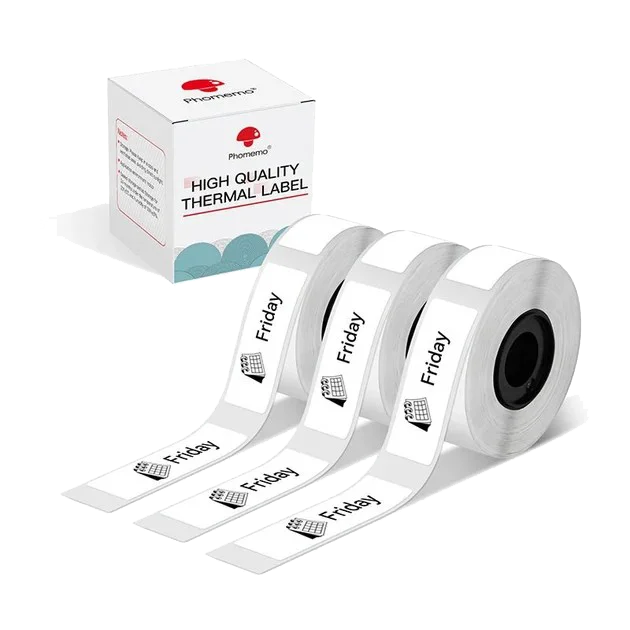
€19,95
View product
Find the right refill for your printer.
Choose your printer first, then find compatible labels, ribbon or paper in the size and format you need.
1 product
Featured
Price: low to high
Price: high to low
Name: A–Z
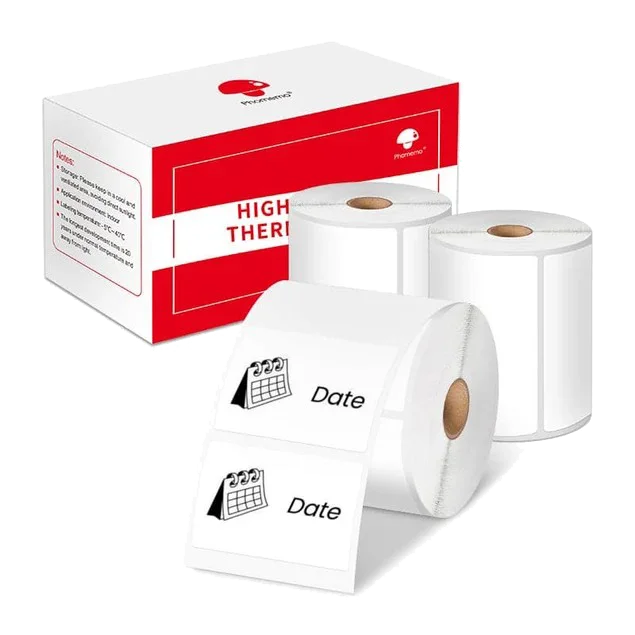
Refills
40 × 30 mm labels · white
- Size
- 40 × 30 mm
- Pack contents
- 3 rolls · 690 labels
- Suitable for
- M110, M220
€19,95
View product
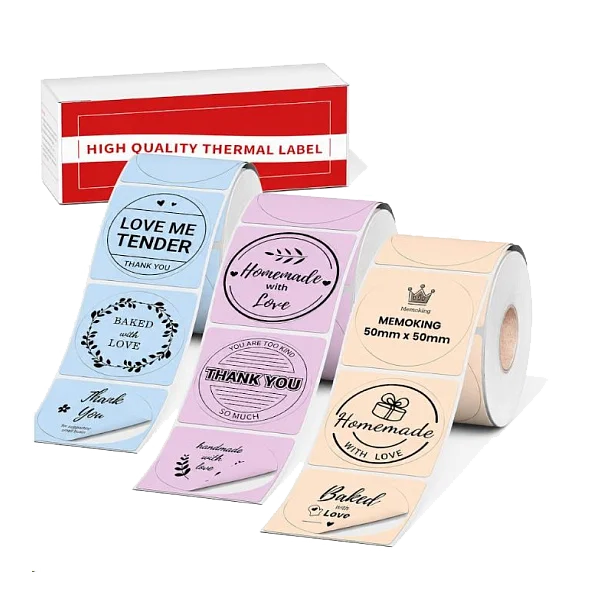
Refills
Ø 50 mm round labels · mixed colours
- Size
- 50 × 50 mm
- Pack contents
- 3 rolls · 420 labels
- Suitable for
- M110, M220
€19,95
View product
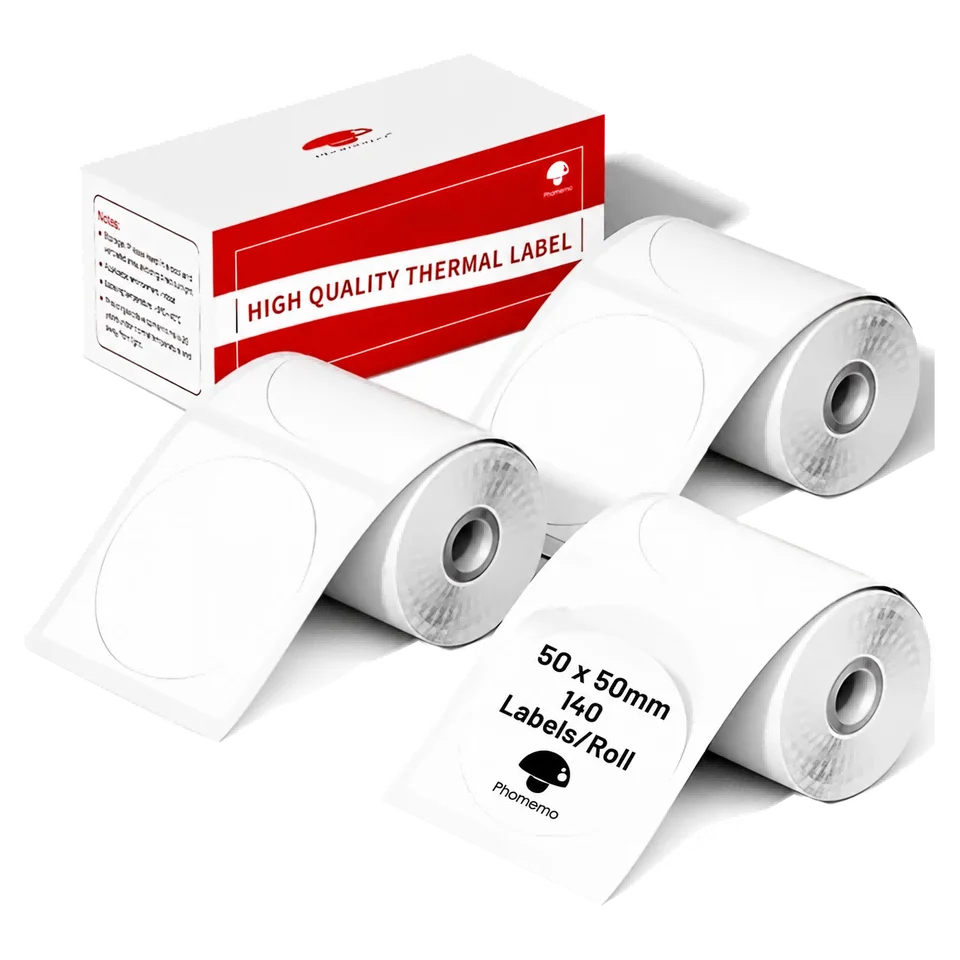
Refills
Ø 50 mm round labels · white
- Size
- 50 × 50 mm
- Pack contents
- 3 rolls · 420 labels
- Suitable for
- M110, M220
€19,95
View product
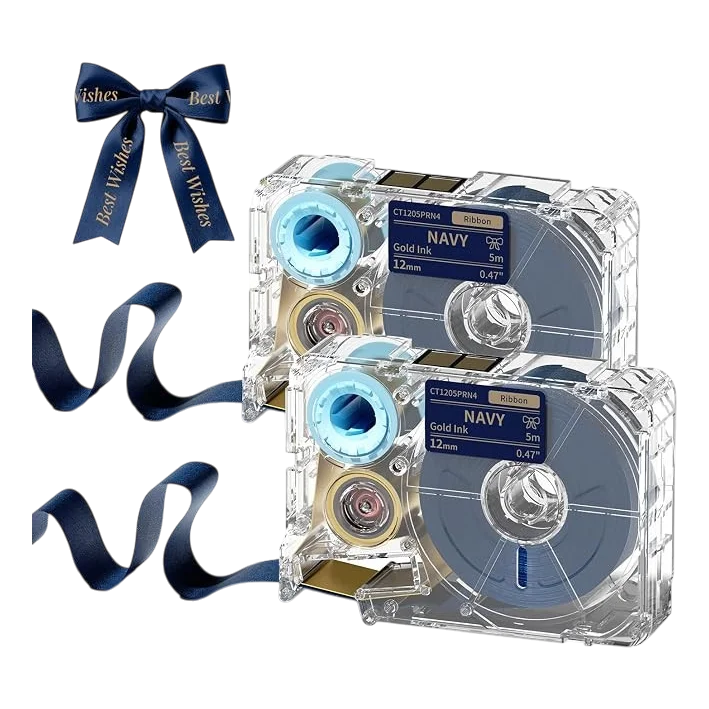
€19,95
View product
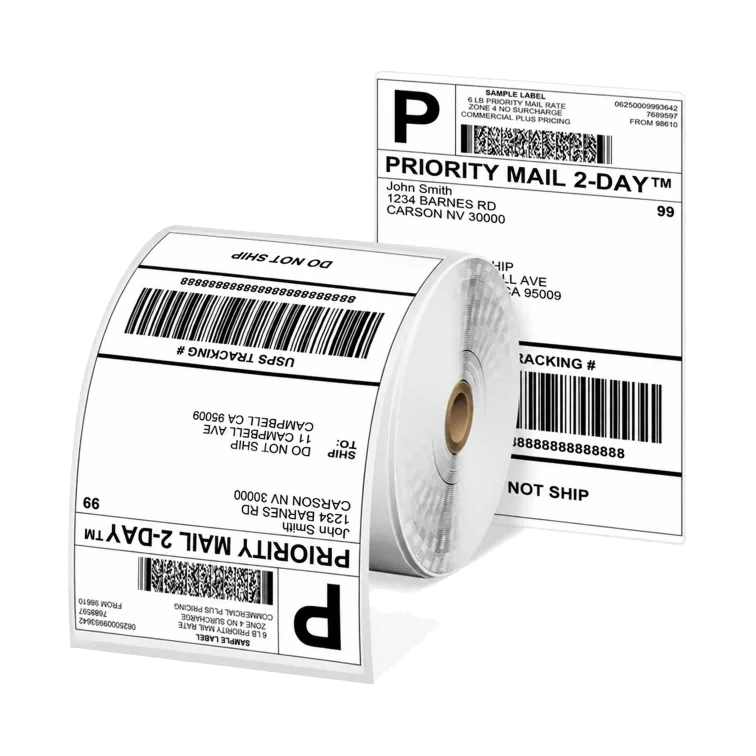
Refills
4 × 6 inch shipping labels · roll
- Size
- 101.6 × 152.4 mm
- Pack contents
- 1 roll · 500 labels
- Suitable for
- D520BT, PM241-BT
€29,95
View product
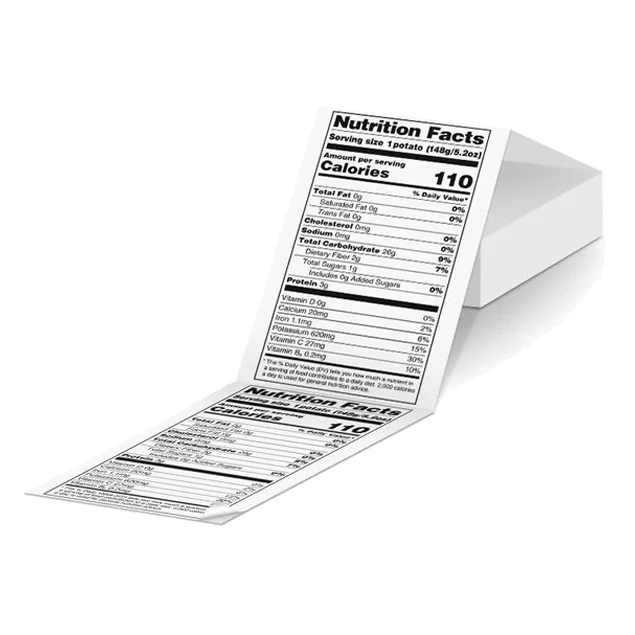
Refills
4 × 6 inch shipping labels · fanfold
- Size
- 101.6 × 152.4 mm
- Pack contents
- 500 labels
- Suitable for
- D520BT, PM241-BT
€29,95
View product
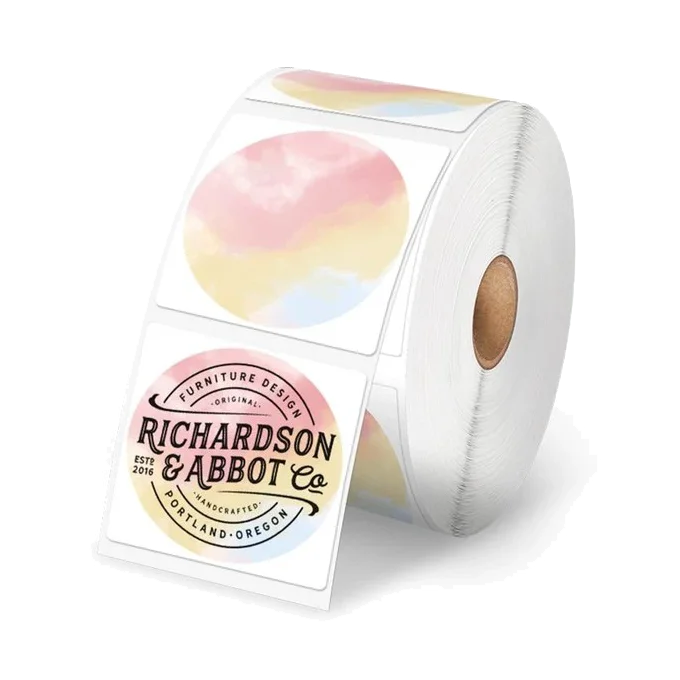
Refills
Ø 50.8 mm round labels · mixed colours
- Size
- 50.8 × 50.8 mm
- Pack contents
- 1 roll · 750 labels
- Suitable for
- D520BT, PM241-BT
€24,95
View product
Refills
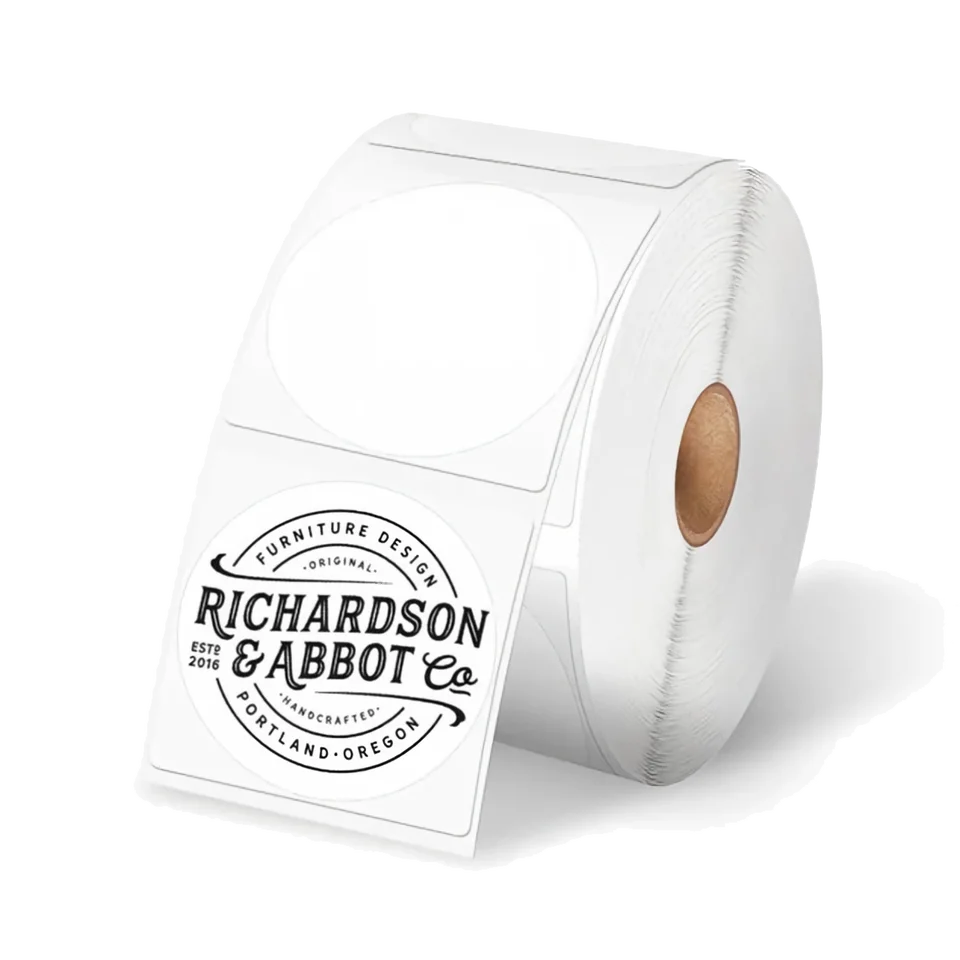
Ø 50.8 mm round labels · white
- Size
- 50.8 × 50.8 mm
- Pack contents
- 1 roll · 750 labels
- Suitable for
- D520BT, PM241-BT
€24,95
View product
€39,95
View product
Try a different model or pack code, or clear your filters to see the full range.
Need a hand choosing?
Answer a few questions to find your options.